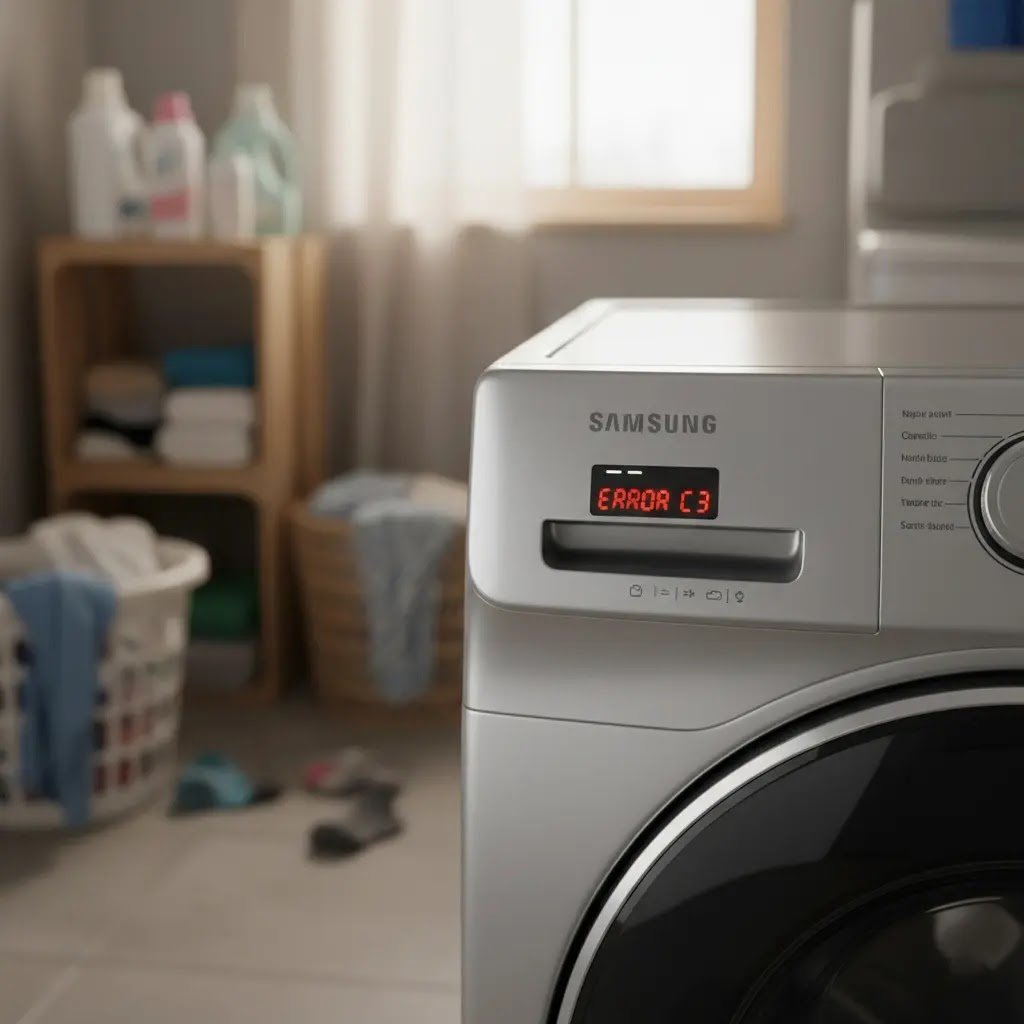
Most Samsung washer codes fall into a few families, and the owner fixes are simple. Power cycle the washer, check the taps and hoses, level the machine, rebalance the load, and clear the filters. Find your code in the table below, run the checks for that family, and if the code returns, request service rather than clearing it again.
Table of Contents
Find your Samsung washing machine error code.
| Code(s) | Meaning | Can you fix it? | Jump to |
| 4C, 4E, nF | Water isn’t entering the washer correctly. | Yes | Not filling |
| 4C2, 4E2, CE, nF1 | Hot and cold hoses swapped | Yes, no service needed. | Hoses swapped |
| 5E, 5C, SC, nd | Water isn’t draining at the right speed, or at all. | Yes, up to the drain pump. | No drain |
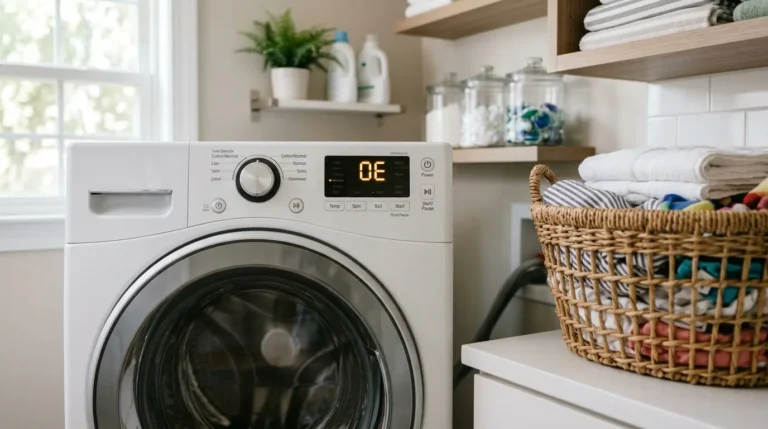
| OE, OC | Too much water in the tub | Partly | Overflow |
| LE, LC, 1E, 1C, LC1 | Moisture detected, or a sensor problem | Partly | Leak or water level |
| UE, Ub, U6, Ur | Unbalanced load (Ur is only a retry) | Yes | Unbalanced load |
| dC | Door error or unbalanced load, depending on the model | Yes | dC |
| SUd, 5UD, Sd | Too many suds | Yes, no service needed. | Excessive suds |
| E2, bE2, 6E2 | Jammed button | Yes, unless a button is damaged. | Jammed button |
| bE, 6E | Motor speed sensor | No, technician only | Motor speed sensor |
| 3E | Motor error or voltage error, depending on the model | Power cycle only | 3E |
| tE/tC, HC/HE, AE/AC, 8E | Temperature sensor, heater, communication, or sensor errors | Power cycle only | All other codes |
| Door, voltage, and other codes | Listed in the Related Errors table | Owner steps are in the table. | Related errors |
What the codes mean
Samsung washers show short alphanumeric codes when a sensor or component reports a problem. Codes and screens vary by model. On models without a display, blinking lights stand in for codes and count as an error only if the washer also isn’t working normally, so check your model’s manual for the light pattern. Related codes sit together below, and one fix often clears several variants of the same problem.
Many codes need only a hose, a filter, or a rebalanced load. Others point to parts that only a technician should open, and this guide says so plainly. Front loaders and top loaders differ in one important way: only front loaders have a removable pump filter, so that step is marked wherever it applies.
Safety first
- Unplug the washer or switch off its breaker before touching hoses, filters, or anything behind the machine.
- Close both water taps before disconnecting a supply hose.
- After a hot cycle such as Pure Cycle or Sanitize, the water inside can be very hot. Samsung advises waiting about an hour before draining.
- Lay down towels and set a shallow pan or bucket under the filter area. More water than expected can come out.
- Leave the screw on the back of the washer that holds the drain hose in place. If it is missing, put it back with any screw that fits. If the holder is gone, service is required.
- Keep the cabinet closed. Internal parts and electrical testing are technician work.
Tools and parts
Owner steps need no replacement parts and only basic tools:
- Towels
- A shallow pan or bucket
- A tape measure, for drain hose depth and height
- A level, for checking the washer
Any part named later in this guide is for a technician to supply.
Step-by-step fixes
Samsung describes a power cycle as the closest thing to a reset. Unplug the washer or switch off its breaker for one to five minutes, then restore power. Then work through the family that matches your code.
Not filling: 4C, 4E, nF
These codes mean water isn’t entering the washer correctly. Work in this order:
- Confirm the hot hose is on the hot inlet and the cold hose is on the cold inlet and that neither is bent. If the hot line isn’t connected, the washer can throw the code when it tries hot water, even on a cycle labeled cold. Don’t use FloodSafe hoses.
- Open both taps completely and leave them open while the washer runs.
- Make sure the drain hose is seated properly and isn’t kinked.
- Unplug the washer for one minute, then restore power and run a cycle.
- If you suspect debris in the supply, close the taps and disconnect the hoses. Look inside the inlets, gently remove the screens, clean them, put everything back, and reopen the taps fully.
Expect: Water should start entering soon after the cycle begins. If it doesn’t help: Request service.

Hoses swapped: 4C2, 4E2, CE, nF1
These codes appear when the cold supply feeds the hot inlet and the hot supply feeds the cold inlet, so water that should be cold arrives very hot. Reconnect each hose to its matching inlet. The fittings are usually color-coded, blue for cold and red for hot. This code does not mean the washer needs service.
Expect: The code clears once the hoses match the inlets. If it persists: Re-check the connections, then request service.
No drain: 5E, 5C, SC, nd
These codes mean water is leaving the tub too slowly or not at all. Incorrect drain hose setup is the most common cause. Let hot water cool first, then:
- Make sure the washer is level and doesn’t rock.
- Check the drain hose against Samsung’s figures below.
- Front loaders only: clean the pump filter using the steps below.
- Restart the washer and run a cycle.
Set up the drain hose this way:
- Insert it 6 to 8 inches into the standpipe or sink.
- Secure it so it can’t slip down.
- Leave no airtight seal.
- Straighten any kinks.
- Don’t use an extension kit.
| Standpipe | Wash basin |
| At least 18 inches high | At least 24 inches high |
| No higher than 96 inches | No higher than 35 inches |
Expect: The tub should drain at the start of the cycle. If it doesn’t help: Request service. The drain pump is a technician job.
Cleaning the pump filter (front loaders only)
Top loaders have no removable pump filter, so skip this on those models.
- Wait for hot water to cool. Open the small access panel at the lower front and put towels down.
- Pull out the emergency drain hose, remove its plug, and drain into a pan. Repeat until the flow stops.
- Turn the filter counterclockwise and pull it out. Clear coins, hair, lint, and fabric, then rinse it and wipe the recess.
- Check that the pump impeller turns freely, then reinstall the filter and turn it clockwise until it locks.
- Close the panel and run a cycle.
Overflow: OE, OC
These codes mean there is too much water in the tub. The checks match the no-drain family: level the washer, confirm the drain hose setup above, and, on front loaders, clean the pump filter. The sensing parts behind this code are not owner repairs.
Expect: Normal fill and drain on the next cycle. If it doesn’t help: Request service.
Leak or water level: LE, LC, 1E, 1C, LC1
These codes mean moisture was detected where it shouldn’t be, or the sensor itself has a problem.
- Look closely for a leak, since small ones are easy to miss. Fixing the leak clears the code.
- Check the supply and drain hoses behind the washer for kinks. Leave the hose-holder screw in place.
- Run an empty cycle with no detergent or softener. Suds means too much detergent or a non-HE detergent. Keep running empty cycles until the suds stop, then see whether the code returns.
Expect: No suds and no code on the next cycle. If it doesn’t help: If there are no suds but the code remains, request service.
Unbalanced load: UE, Ub, U6, Ur
These codes mean the laundry is bunched up and the washer can’t spin safely. Open the door, untangle and spread the load evenly, close the door, and press Start. Ur is only a retry message. The washer adds water and tries to balance the load again, which lengthens the cycle but is not a fault.
Expect: A normal spin on the next attempt. If it doesn’t help: If the error keeps returning with an evenly spread load, see the manufacturer’s guide for washers that won’t spin.

dC: a door error or an unbalanced load
Depending on the machine, dC means either a door that isn’t detected as closed and locked or an unbalanced load. Check that the door closes and latches with nothing caught in it, and rebalance the load. If it recurs, request service.
Excessive suds: SUd family
SUd, 5UD, Sd, and related codes mean the washer detected too many suds and paused so they could settle. The cycle continues on its own, and service isn’t needed. The cause is detergent use, so measure detergent as described under Prevention. [SUD article]

Jammed button and motor speed sensor: keep these separate.
E2, bE2, 6E2 (jammed button): A button is detected as stuck. Power the washer off, then press every button individually, working each back and forth to free the edges before releasing. If a button is damaged or the code returns after powering on, request service. On some models BE2 (8E2) is instead a sensor error.
bE, 6E (motor speed sensor): Technician only.

3E: motor or voltage, depending on the model
On some models 3E is a motor error. In others it is a voltage error. Power the washer off for two to three minutes, restart it, and run a cycle. If the code returns, request service, or for a voltage error, use the power supply check under Related errors.
All other codes: tE/tC, HC/HE, AE/AC, 8E
These codes cover temperature sensor, heater, communication, and sensor errors, and none has owner steps beyond a power cycle. Power off for two to three minutes, power on, and restart the cycle. If the code continues, request service.
When to call a technician
Request service when a code returns after its family checks. Hand these jobs to a technician, with no owner attempt:
- Main board (PCB)
- Motor and motor speed sensor
- Door or lid lock replacement
- Wiring harness reseating
- Pressure switch and pressure hose
- Heater, thermistor, and other sensors
- Any mains-voltage test
Also call if the drain hose holder is missing.
Prevention
- Run the Self Clean or Pure Cycle when the reminder light appears. It isn’t an error, so run one at your earliest opportunity.
- Clean the front-load pump filter periodically, and sooner whenever draining slows.
- Use HE detergent in the amount the detergent maker gives, since too much is a common cause of suds and level codes.
Related errors
| Code(s) | Meaning | Owner step |
| dS, d5, FL, LO, L0, dE, dE1, dE2, dC1, dL | Door error: the door isn’t detected as closed and locked | Check the latch and make sure nothing is caught in the door. Damage means service. |
| 9C1, 9C2, PF, 2E, 9E1, 9E2, UC | Voltage error. PF also appears after an outage, an unplugging, or a tripped breaker | Put the washer on its own circuit with no extension cord. |
| SDC, 5DC | The detergent drawer isn’t fully closed | Close the drawer fully. It clicks when it is. |
| CL | Child Lock drained the tub | Turn Child Lock off, or power the washer off and on. |
| dn | A software update is downloading | Leave the washer on for about 15 minutes. |
| Cb, C6 | Calibration mode | Run it with the drum empty. |
FAQs
How do I reset a Samsung washer to clear an error code?
A washer has no true reset. The closest option is a power cycle: unplug it or switch off its breaker, wait one to five minutes, and power it back on. That can clear a minor glitch, but it also erases the stored error history and doesn’t repair the cause. If the code returns, request service rather than clearing it repeatedly, since the history helps a technician diagnose the fault.
What does 5E, 5C, or SC mean, and how do I fix it?
These codes mean the washer isn’t draining at the right speed, or at all. Let hot water cool and make sure the washer is level. Then check the drain hose for kinks, a 6 to 8 inch insertion, and a height between 18 and 96 inches. On a front loader, clear the pump filter after draining through the emergency hose. Run a cycle and watch the first drain. If it still fails, request service.
What does 4C or 4E mean, and what should I check first?
These codes mean water isn’t entering properly. Check that both hoses are on the correct inlets, hot to hot and cold to cold, with no bends, and that both taps are fully open. Avoid Flood Safe hoses. A missing hot connection can trigger the code even on cold-labeled cycles. If those checks pass, clean the inlet screens, then power cycle for a minute.
Why does my washer show UE or dC?
UE, Ub, and U6 mean the load is unbalanced. Untangle the laundry, spread it evenly, and restart. Ur is only a retry message, and the cycle runs longer while the washer tries again. The dC code is a door error on some models and an unbalanced load on others, so confirm the door latches and rebalance the load. If it keeps returning, request service.
How often should I clean the drain pump filter?
Clean it periodically. Regular cleaning improves cleaning performance and helps prevent odors, so it’s worth doing before trouble starts. Only front loaders have a removable pump filter, and top loaders do not. Clean it whenever draining slows or a drain code appears. When you do, drain the water through the emergency hose first and let hot water cool, so the filter opens without a flood.
When should I call a technician?
Call for service when a code returns after the checks for its family, or when the fix involves the main board, motor, door lock, wiring, pressure switch, heater, or any sensor. Also call when you suspect a leak you can’t find, or when the drain hose holder is missing. Service requests go through the Support Center. Don’t attempt mains-voltage testing yourself.
Final Verdict
A Samsung error code is a starting point, not a verdict. Most codes lead to one of a few causes: hoses on the wrong inlets or kinked, taps not fully open, a blocked filter, an unlevel washer, a bunched-up load, or too much detergent. Work through the matching family in order, and expect a clear result after each step: water entering, the tub draining, a normal spin, or a clean empty cycle.
Know where owner fixes end. Boards, motors, locks, sensors, heaters, wiring, and electrical testing belong to a technician, not to an owner repair. If a code returns after the checks, keep the washer’s error history intact and request service. A short power cycle is fine for a one-off glitch, but repeatedly clearing a code only hides the clue a technician needs.