
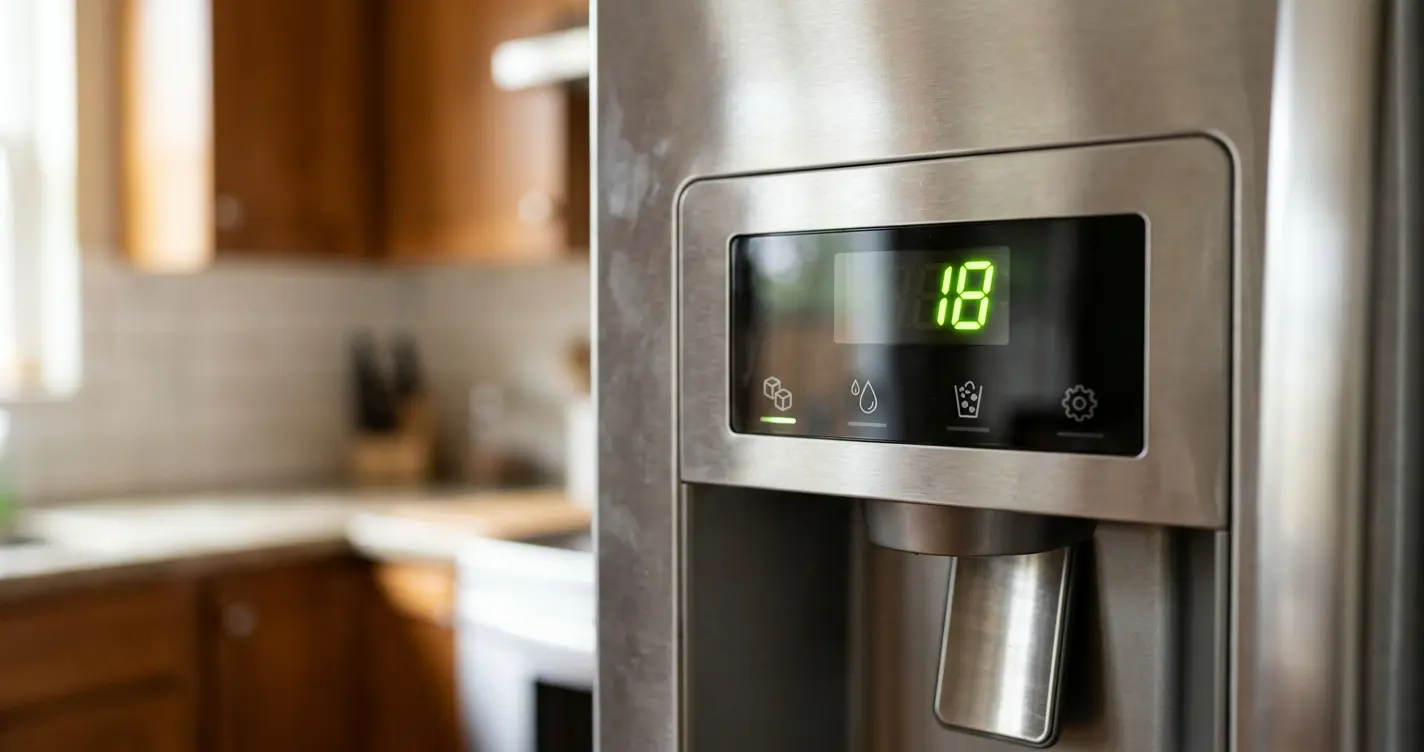
This page explains each GE refrigerator error code for refrigerators with electronic dispenser controls. It covers six fault codes (FF, PF, CI, DE, dE and CC) and two normal turbo setting indicators (tC and tF). These codes aren’t sorted by door style, so none here is tied to a specific refrigerator type.
Table of Contents
Quick answer
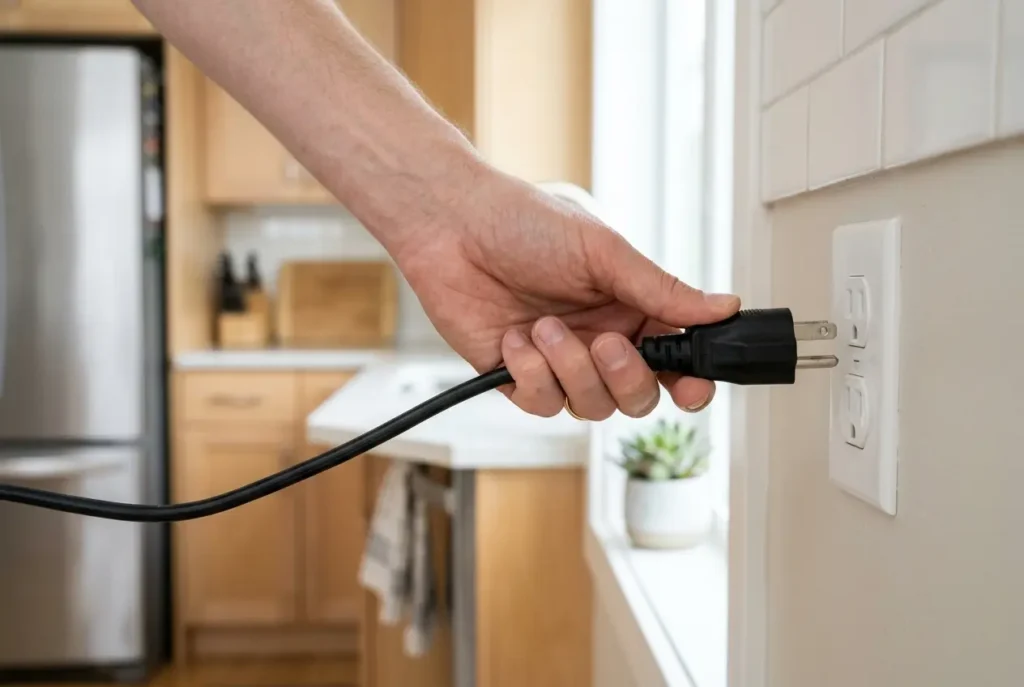
For most of these codes, disconnecting power to the refrigerator for one or two minutes can reset the control panel and clear the code. FF points you to your frozen food, which should be checked for thawing, and tC and tF are normal Turbo indicators, not faults. If a code stays, you can book service through the link below.
Last reviewed: November 11, 2026. Models vary, and your owner’s manual is the final word for your refrigerator.
Key takeaways
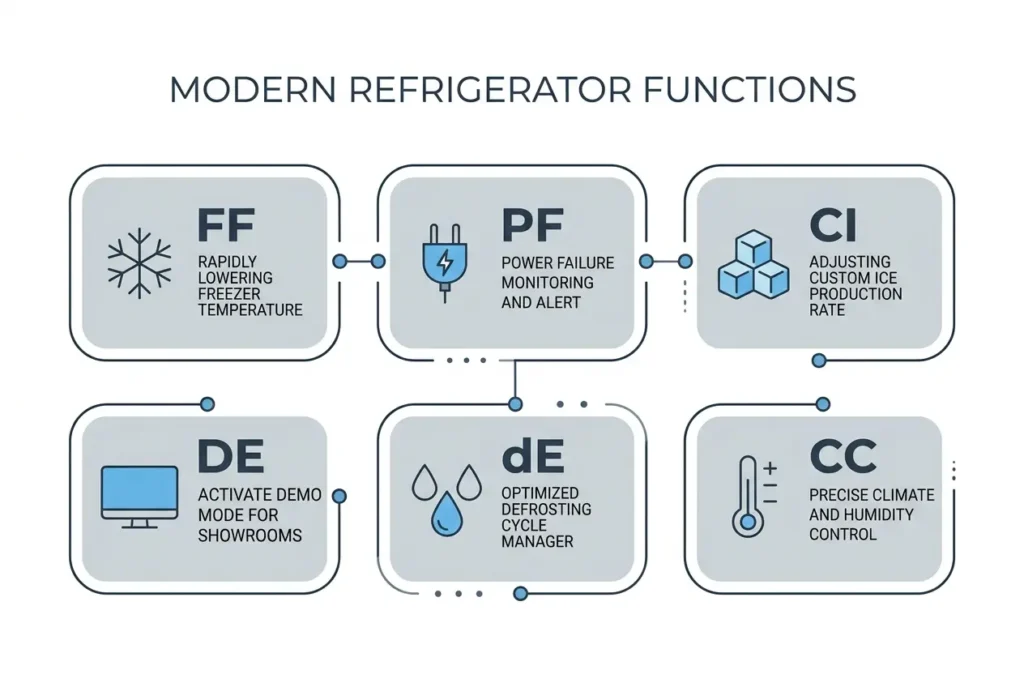
- Six fault codes (FF, PF, CI, DE, dE, CC) can show on GE refrigerators with electronic dispenser controls and are most clearly up by unplugging the fridge for one or two minutes.
- DE and dE look similar but mean different things: DE is demo mode (cooling off, controls still work), and dE means the defrost system hasn’t run properly in 24 hours.
- tC and tF aren’t errors; they’re normal indicators that TurboCool or TurboFreeze is running.
- TurboCool holds the fresh food section at its coldest for 8 hours; TurboFreeze does the same for the freezer for 2½ hours. Both switch off on their own or when you turn them off.
- If a code doesn’t clear after the reset, service is the next step. Bodewell for most codes, and Contact Us (with model number) for DE.
GE refrigerator error code list
| Code | What it means | What to check | When to contact the manufacturer’s service |
| FF | The temperature inside is climbing above where it should be. | Look over the frozen food for signs of thawing. Disconnecting power to the refrigerator for one or two minutes may reset the control panel and clear the code. | Some cases still need service. If FF stays after the reset, book a repair visit through Bodewell. |
| PF | Electricity to the refrigerator was interrupted at some point. | No specific check is listed for PF (and so on). Disconnecting power for one or two minutes may reset the control panel and clear the code. | Some cases still need service. If PF stays after the reset, book a repair visit through Bodewell. |
| CI | GE tells you to confirm that the ice maker is working correctly. | Check how the ice maker is operating. No further steps are listed. Disconnecting power for one or two minutes may reset the control panel and clear the code. | Some cases still need service. If FF stays after the reset, book a repair visit through Bodewell. |
| DE (capital D, capital E) | Demo mode: the lights and controls work normally, but the cooling system is switched off. | Unplug the refrigerator for one or two minutes, then plug it back in. | If DE is still displayed after that, contact GE through the “Contact Us” link on its page and give the refrigerator’s model number. |
| dE (lowercase d, capital E) | The defrost system has not worked properly over the past 24 hours. | No specific check is listed for dE. Disconnecting power for one or two minutes may reset the control panel and clear the code. | Some cases still need service. If FF stays after the reset, book a repair visit through Bodewell. |
| CC | The refrigerator temperature is wrong, and GE points you to the temperature controls. | Look over the temperature controls. No further steps are listed. Disconnecting power for one or two minutes may reset the control panel and clear the code. | Some cases still need service. If FF stays after the reset, book a repair visit through Bodewell. |
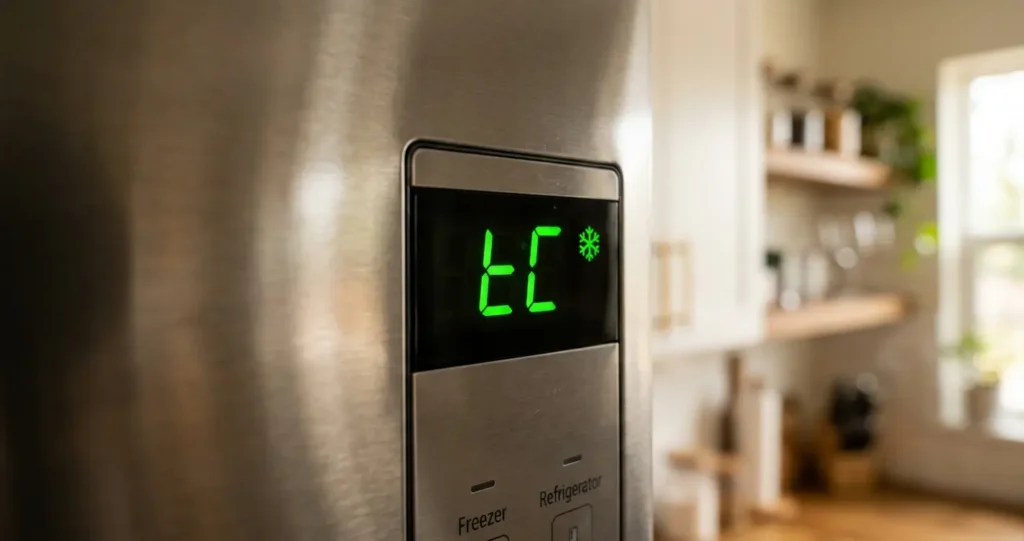
| tC (may look like EC or an upside-down F with a C) | Not an error. It is the TurboCool indicator on models that offer that setting. While TurboCool runs, the compressor is active and the fans run at high speed, even with the door open. The fresh food section stays at its coldest setting for 8 hours or until the setting is turned off, whichever comes first. | Nothing needs fixing. To turn TurboCool on or off, keep the fridge pad pressed for 3 seconds, or press Express Mode on models with a touch-screen (LCD) display. | No service is needed for this indicator, though you can always reach out for repair or replacement help |
| tF (may look like EF or an upside-down F with an F) | Not an error. It is the TurboFreeze indicator on models that offer that setting. While TurboFreeze runs, the compressor is active and the freezer fan runs at high speed, even with the door open. The freezer stays at its coldest setting for 2 1/2 hours or until the setting is turned off, whichever comes first. | Nothing needs fixing. To turn TurboFreeze on or off, keep the freezer pad pressed for 3 seconds, or press Express Mode on models with a touch-screen (LCD) display. | Same as above |
Quotable facts
- DE means demo mode, where the lights and controls work normally while the cooling system is switched off.
- tC and tF are turbo setting indicators, not error codes.
- TurboCool holds the fresh food section at its coldest setting for 8 hours or until turned off, and TurboFreeze does the same for the freezer for 2 1/2 hours.
- Disconnecting power to the refrigerator for one or two minutes can sometimes clear a code from the control panel.
- This list covers only the common codes; anything not listed here needs a service technician’s expertise
FAQ
What does the DE code mean on a GE refrigerator?
DE (capital D and E) means demo mode. In this mode the lights and controls work normally, but the cooling system is switched off. Unplug the refrigerator for one or two minutes and plug it back in. If DE is still displayed after that, contact GE through the page’s Contact Us link and have the refrigerator’s model number ready. Do not confuse it with lowercase “dE,” which refers to defrost.
Are tC and tF GE refrigerator error codes?
No, tC and tF can look like fault codes, but they’re normal. They appear on models that offer TurboCool or TurboFreeze, and they show up when the feature is switched on. The display may look like EC or an upside-down F with a C for tC, and like EF or an upside-down F with an F for tF. Nothing needs fixing when you see them.
How do I turn TurboCool or TurboFreeze on or off?
To switch TurboCool on or off, keep the fridge pad pressed for 3 seconds. For TurboFreeze, do the same with the freezer pad. On models with a touch-screen (LCD) display, press Express Mode instead. TurboCool keeps the fresh food section at its coldest setting for 8 hours or until you turn it off, whichever comes first. TurboFreeze does the same for the freezer over 2 1/2 hours.
When should I contact service about a GE refrigerator code?
Disconnecting power for one or two minutes sometimes clears a code, but some cases still need service. For a DE code that survives that reset, use the Contact Us link with your model number. For other codes that stay, book a repair appointment through Bodewell.
Conclusion
Start by reading the code exactly, since DE and dE mean different things. Then do the check of the page names, such as looking at the frozen food, the ice maker, or the temperature controls. The one reset here is disconnecting power to the refrigerator for one or two minutes, which can clear the code from the control panel. The tC and tF displays are normal Turbo setting indicators, so they need no repair. If a code stays after the reset, some cases require service book a repair visit through Bodewell, or, for DE, use the Contact Us link with your model number. Your next step: match your display to the table above and follow that row.