
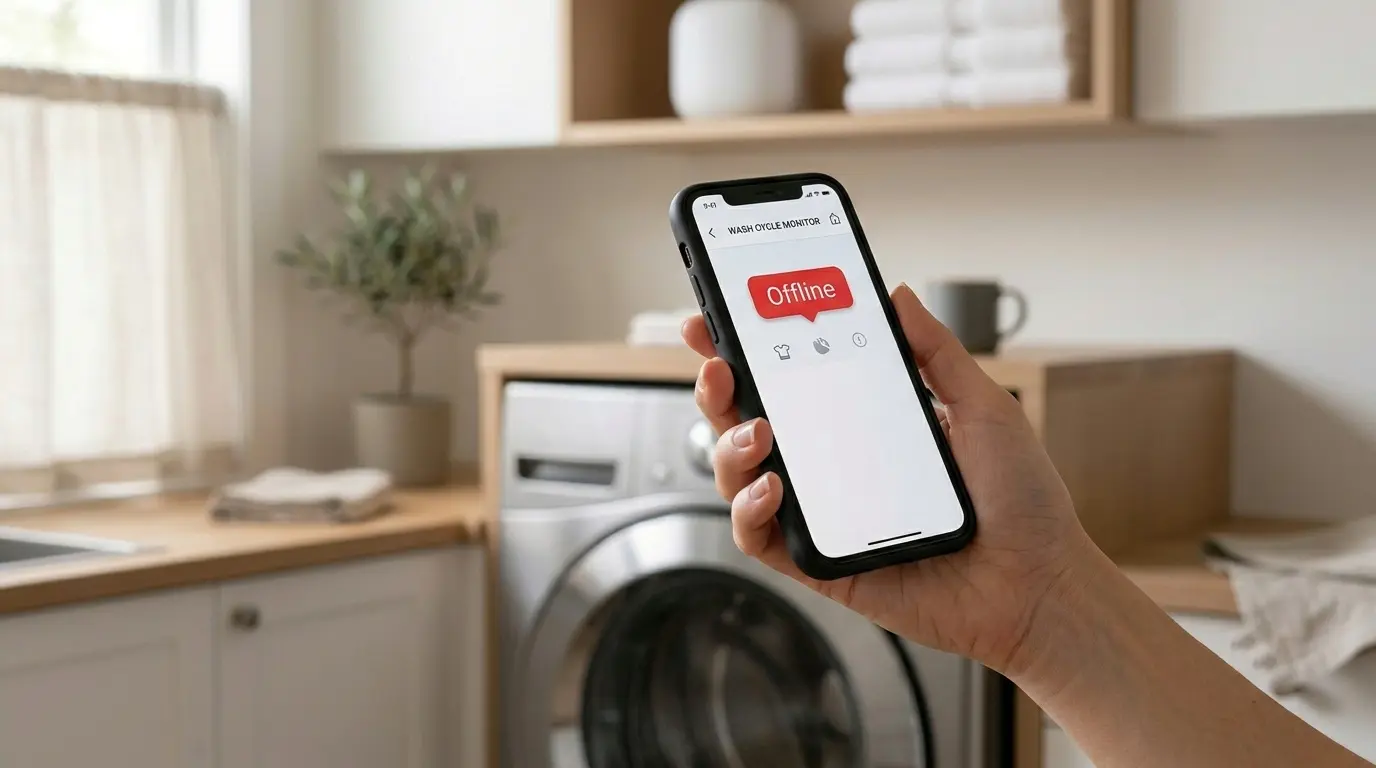
Your Kenmore smart washer is sitting there washing loads just fine, but the app insists it’s “offline.” In most cases the washer isn’t broken at all; something between the machine and the internet is.
After years of troubleshooting Kenmore Elite and standard Smart Washers on service calls, I can tell you that when a Kenmore smart washer won’t connect to WiFi, it’s usually one of a handful of predictable settings problems that owners rarely think to check. This guide walks them through them in the order I actually check them on a service call, so you can stop guessing and get the washer back online.
Table of Contents
Why “Offline” Doesn’t Mean Broken
A Kenmore smart washer isn’t a single connected device; it’s three links in a chain. The washer’s WiFi module talks to your home router, your router talks to the internet, and the Kenmore Smart washer app reads status from the manufacturer’s cloud servers, not from the washer directly. Break any one of those three links and the app shows the same generic “Offline” badge, regardless of which link actually failed. That’s the first thing I explain to clients, because most people assume “offline” means the module itself is dead, when in most cases it’s a settings mismatch somewhere upstream.
This matters across the whole Kenmore Elite and standard Smart lineup. Models like the Kenmore Elite 41983 front load, the 41072 and 41962 top loaders, and newer units like the 41562 tend to fail in the same ways, even though the hardware inside each generation has changed. I’ve had two identical model numbers in the same neighborhood behave completely differently simply because one router auto-updated its firmware and the other didn’t.
One recurring pattern I see: a washer connects perfectly during setup, works for weeks, then goes offline the morning after an overnight power blip or an ISP-triggered router restart. That’s not a coincidence. Older WiFi module firmware doesn’t always reconnect automatically once the router comes back up with a new IP lease, and the module just sits there waiting for a handshake that never comes.
⚠️ Safety Notes Before You Start
Almost all of this fix happens on your phone and router, not inside the washer. Keep it that way.
- Don’t open the washer. Never remove the control panel, rear panel, or module compartment for a WiFi problem. If you suspect a hardware fault, that’s a job for a technician.
- Unplug the washer from the outlet for resets, or switch off its breaker if the outlet is hard to reach. Don’t yank the cord, and never handle the plug or the outlet with wet hands.
- No extension cords or power strips. If you need to reach the outlet, don’t plug the washer into anything except a proper wall outlet.
- Don’t move the washer alone. These machines are heavy. You should never need to pull it out for this fix, so leave the hoses and connections alone.
- Keep the floor dry around the outlet and the washer while you work.
- Write down your router settings before you change them, so you can restore them if something goes wrong. Never switch your network to “open” or “no password” just to get a device to pair, because that leaves your whole home network exposed.
- Stop and call a technician if you notice a burning smell, a damaged power cord or plug, a tripping breaker, or a real error code on the washer’s display. Those are appliance faults, not WiFi problems.
The 2.4 GHz vs. 5 GHz Trap
This is the single most common cause I run into, and it’s rarely mentioned in the setup instructions. Smart washers typically only support the 2.4GHz band; they can’t join a 5GHz network at all, so check your manual to confirm this for your model. That wasn’t a problem with older single-band routers, but it’s a real issue now that mesh systems like Eero, Google Nest WiFi, and Netgear Orbi often broadcast one combined network name that quietly steers every device toward 5GHz for better throughput. Newer WiFi 6E and WiFi 7 routers add a 6 GHz band on top of that, which is one more band your washer can’t use.
From the washer’s side, that combined network simply doesn’t exist as something it can join, so pairing either fails outright or appears to succeed and then silently drops. The fix is straightforward once you know to look for it: go into your router or mesh app and create a separate, clearly labeled 2.4GHz-only network name (something like “HomeNetwork-2G”), then pair the washer specifically to that name. Keep the name and password simple, since some appliances struggle with spaces or special characters. You can merge the bands back together later if you want, but I usually tell clients to leave the 2.4GHz network in place; most other smart home gear, from thermostats to smart plugs, has the same limitation.
Some routers don’t let you split the bands at all. Google’s Nest WiFi Pro is a commonly reported example. If that’s you, the cheapest workaround is a small 2.4GHz-only travel router or extender that broadcasts its own network name for the washer to join.
✅ INSIDER TIP: Before you touch router settings, check your phone’s WiFi list for two separate network names. If you only see one, your router is broadcasting a combined network name, and that’s very likely your entire problem. During pairing, your phone should also be connected to that same 2.4GHz network, not the 5GHz one.
Kenmore smart washer Router Settings That Silently Block Pairing
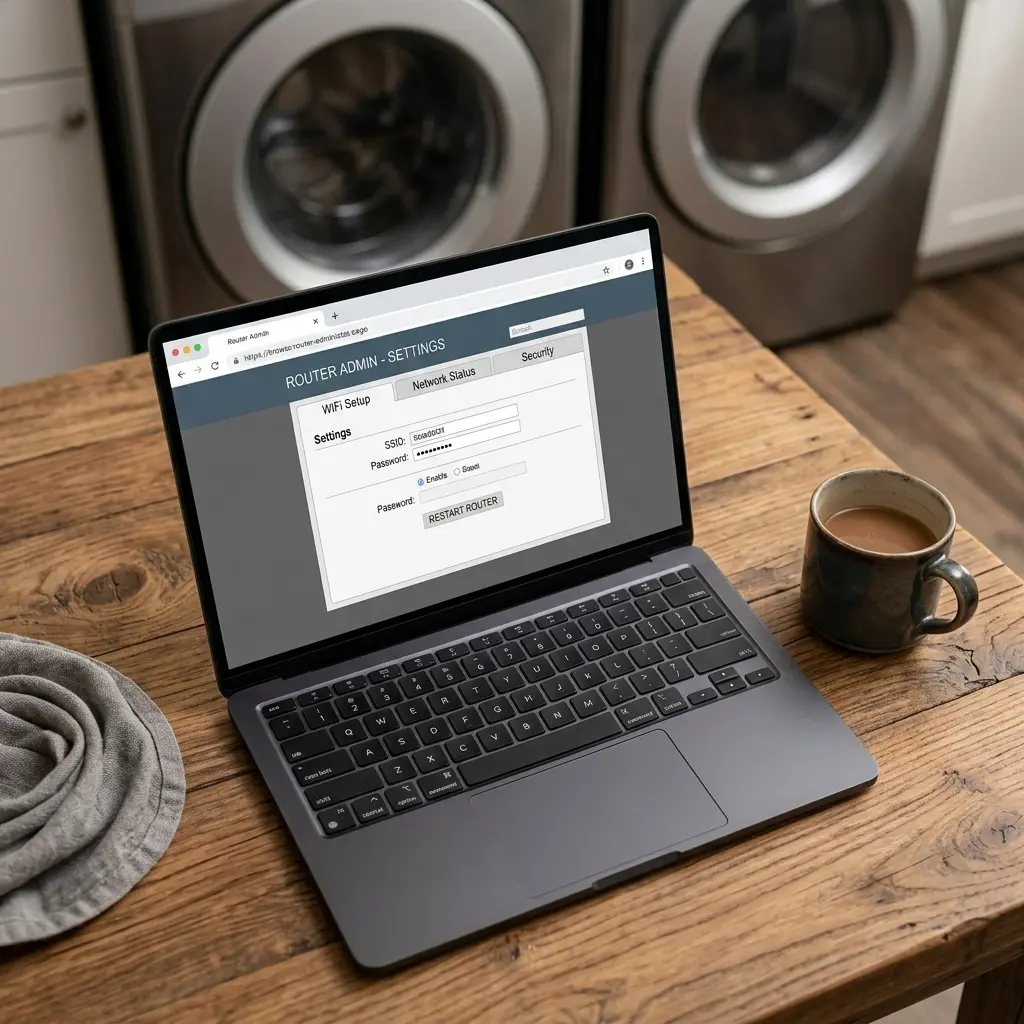
Past the band issue, a handful of router settings cause pairing to fail without any obvious error message. Client isolation, sometimes called AP isolation, is common on guest networks and on some mesh systems by default. It deliberately stops devices on the same WiFi from talking to each other or to the router’s control app, which can break the pairing handshake the washer needs to complete setup.
MAC address filtering is another one, especially in households that locked down their network years ago and forgot about it. If your router only allows pre-approved device addresses onto the network, a brand-new washer’s WiFi module gets silently rejected.
Security mode matters too. As more routers ship with WPA3 by default, some are set to WPA3-only, which is great for your laptop but can lock out appliances that only speak WPA2. The safe setting for smart appliances is WPA2, or WPA2/WPA3 mixed mode, on the 2.4GHz network you created. If you’re already shopping for a router that gives you separate band controls, this is the feature to look for.
Two smaller settings are worth a look. First, give the washer a DHCP reservation (a fixed IP address tied to its MAC address) so a router restart can’t hand it a new address, which helps with the “worked for weeks, then dropped” pattern. Second, check signal strength where the washer actually sits. Laundry rooms are often at the far end of the house, and a metal appliance body doesn’t help. Stand next to the washer with your phone on the 2.4GHz network and see how many bars you get.
In dense apartment buildings, plain old channel congestion adds another layer. I worked a case in a mid-rise building where a client’s washer connected fine but dropped every evening between 6 and 9 p.m., peak WiFi usage hours for the whole building. Switching the router to a less congested 2.4 GHz channel manually (channel 1, 6, or 11), instead of leaving it on auto, resolved it completely.
How to Properly Reset the WiFi Module
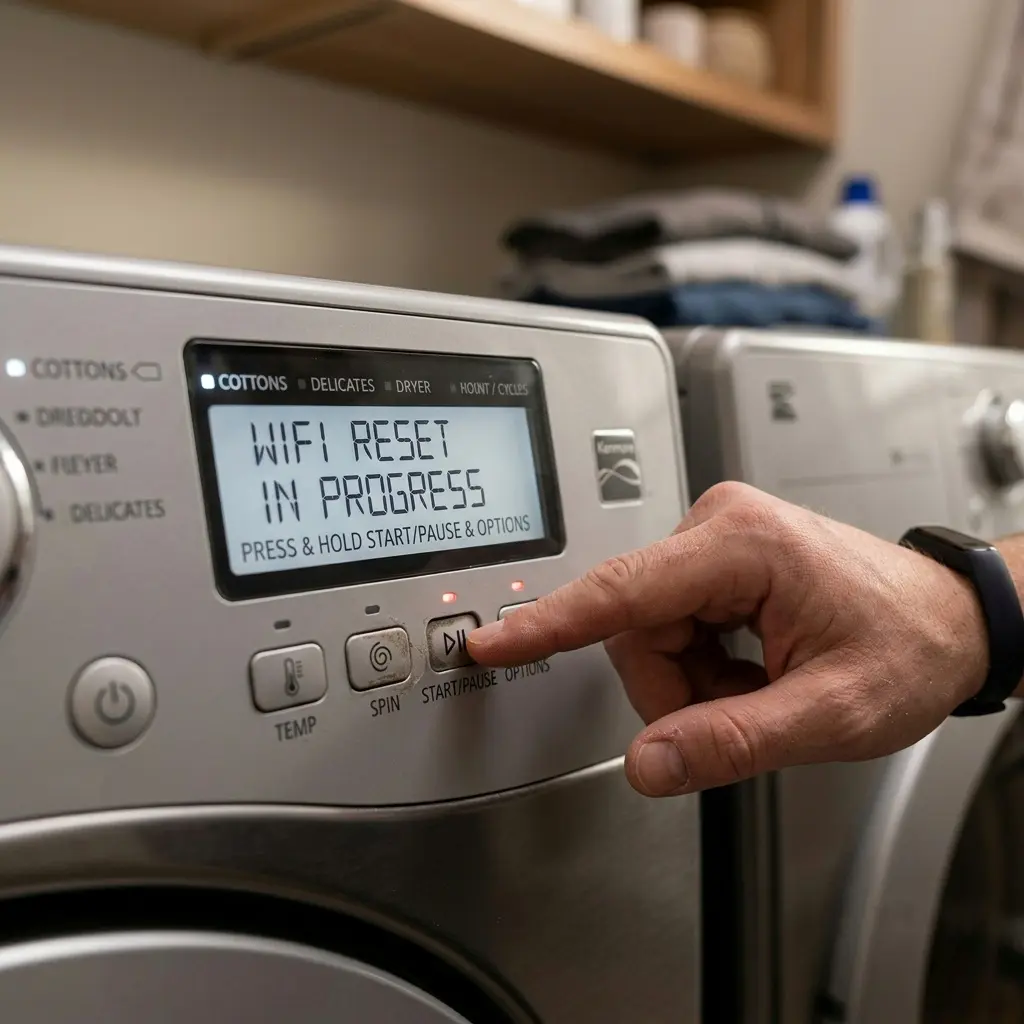
When band and router settings check out but the washer still won’t connect, a proper reset is the next step, and there’s a right way and a wrong way to do it. Cycling power at the washer’s control panel alone often isn’t enough, because the WiFi module can hold onto a stale authentication token even after the display resets. Instead, unplug the washer (or switch off its breaker) for a full 60 seconds, restore power, and then put the washer into pairing mode. The button sequence varies between model families, so use your manual and any label on the machine rather than a generic combo.
Just as important: remove the washer from both ends before re-pairing. Delete or “forget” the appliance inside the Kenmore Smart app, and also check your router’s connected-devices list and remove any stale entry for the washer there too. Re-pairing on top of a half-remembered old connection is one of the most common reasons a reset appears to fail: the app and the router are each still holding onto pieces of the old session. While you’re at it, restart the router itself so it comes up clean.
👉 [Kenmore Washer Reset Guide]
If the module still won’t hold a connection after two clean resets, don’t repeat the same reset indefinitely. At that point it’s likely a hardware fault, and it’s worth calling a technician.
When It’s Kenmore’s Servers, Not Your Home Network
Sometimes the washer, the router, and the WiFi band are all fine, and the outage is on the manufacturer’s side. Connected-appliance apps rely on cloud servers to relay status between the appliance and your phone, and cloud services occasionally go down.
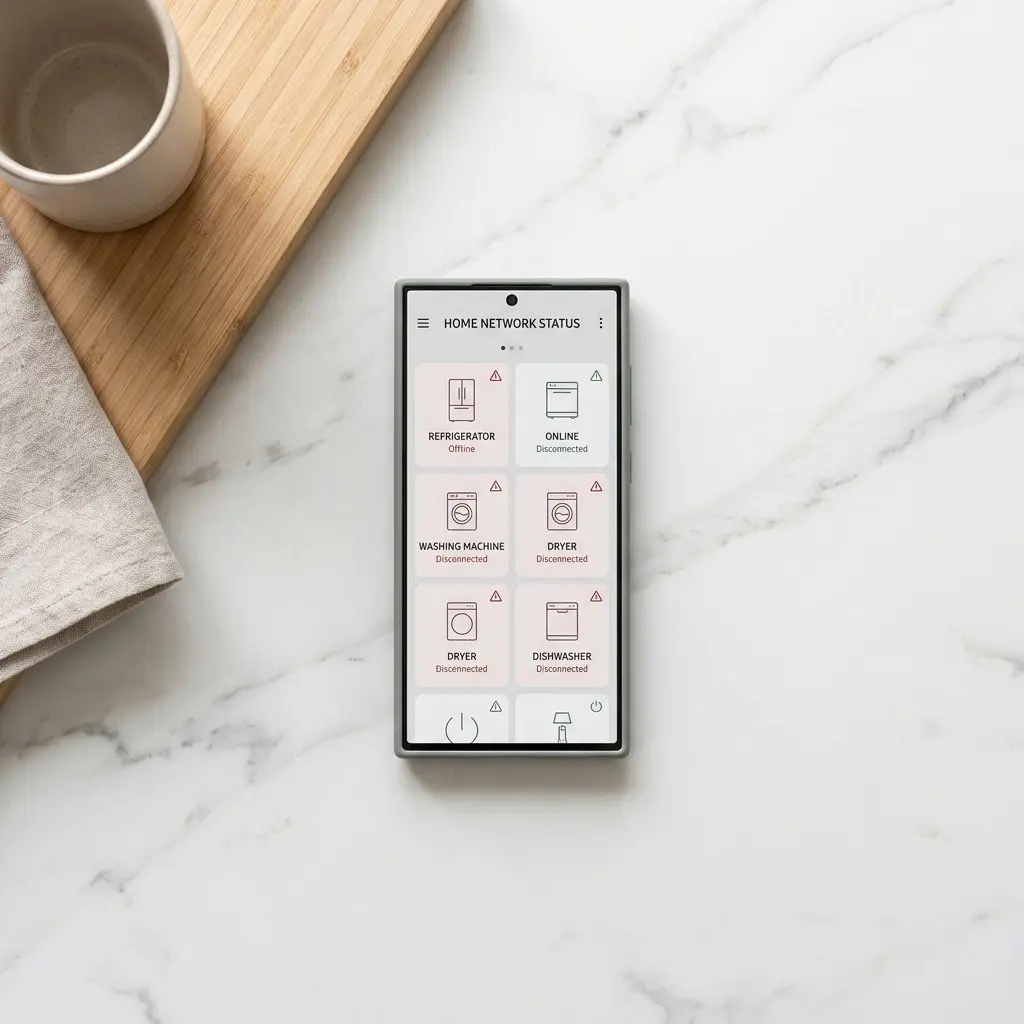
The easiest way to tell the difference: if you own more than one Kenmore Smart appliance, a dryer, dishwasher, refrigerator, or water heater module, and all of them go offline at the exact same moment, that’s likely a server-side event rather than a problem with your home network. In that case, there’s nothing to troubleshoot locally; the fix is waiting for service to come back. Checking the app’s recent reviews on the app store can also show whether other owners are reporting the same thing.
Kenmore Smart Washer App and Firmware Version Mismatches
The last major cause is version drift between the app, the washer’s own firmware, and the pairing method the backend expects. I’ve seen washers run flawlessly for two years and then break the week after an automatic app store update changed how the app negotiates the connection; the washer’s older module firmware simply doesn’t speak the new handshake correctly.
If you’ve ruled out the WiFi band, router settings, and a server-side outage, the next move is deleting and reinstalling the Kenmore Smart washer app entirely rather than just updating it, since a clean install clears out cached tokens that a normal update leaves behind. This is genuinely a last resort; it’s the least common root cause of the ones covered here, but it’s the one that fixes it when everything upstream checks out fine.
Symptom-to-Fix Comparison Table
| Symptom | Most Likely Cause and Fix | Difficulty / Time | You’ll Need |
| “Offline” right after setup | Combined or 5GHz-only network. Create a separate 2.4 GHz network name. | Easy, 10-15 min | Router or mesh app |
| Worked fine, then dropped weeks later | Router update changed channel or security. Confirm WPA2 or mixed mode, then re-pair. | Easy to moderate, 15-20 min | Router login, phone |
| Offline only after a power outage | The module didn’t reconnect. Unplug the washer for 60 seconds, then re-pair. | Easy, 10 min. | Access to the outlet |
| All smart appliances offline at once | Likely a cloud outage. Wait it out and check the app’s reviews. | None | Patience |
| Remote start or scheduler fails but shows “online.” | App-side bug. Update or reinstall the app. | Easy, 5-10 min | Phone |
| Can’t finish initial pairing at all | AP/client isolation or MAC filtering. Disable isolation or allow the washer. | Moderate, 15-30 min | Router login |
| Drops only in the evening | Channel congestion. Set a fixed 2.4 GHz channel. | Easy, 10 min. | Router login |
FAQ: Kenmore Smart Washer won’t connect
1. Why does my Kenmore Smart washer keep saying offline even though my WiFi is working fine?
Your WiFi working for phones and laptops doesn’t guarantee it works for the washer specifically. Smart washer modules usually join 2.4GHz networks only, so if your router auto-steers devices to 5GHz or broadcasts a combined band, everything else on your network can be online while the washer stays disconnected.
2. Does the Kenmore Smart Washer work on 5 GHz WiFi?
In almost all cases, no. Kenmore smart washer modules are built for 2.4 GHz. If your router doesn’t let you separate the bands, you’ll need to create a dedicated 2.4 GHz network for the washer to pair to, or use a 2.4 GHz-only extender.
3. Do I need to re-pair my washer every time I change my WiFi password?
In most cases, yes. The washer’s module stores the network credentials it paired with, so a new password breaks that saved connection. Put the washer back into pairing mode and reconnect it through the app after any password or network name change.
4. Can a weak signal make the washer go offline, and will it still run a cycle?
Yes to the first, and yes to the second. Laundry rooms are often far from the router, and a weak 2.4GHz signal at the washer causes drops even when your phone shows full bars elsewhere. If you add an extender, put it to the side of or above the washer rather than behind it, since the metal body blocks signal.
Either way, the washer runs its wash cycles independently of WiFi. Connectivity only affects remote monitoring, notifications, and features like scheduled starts. If the washer won’t start or spin from its own control panel, that’s a physical fault, not a WiFi one.
👉 [Kenmore Series 100/500 Washer Won’t Spin: 5 Easy DIY Fixes]
5. Is there a way to check if the problem is on Kenmore’s end and not mine?
The clearest sign is multiple Kenmore Smart washers going offline at the same moment, which points to a backend outage rather than your home network. Checking recent app store reviews for your app version is also useful, since widespread outages usually generate a cluster of same-day complaints.
6. Why did my washer disconnect after a router or ISP outage?
Older WiFi module firmware doesn’t always reconnect automatically once your router comes back online with a new IP address, so the module ends up waiting on a handshake that never completes. Unplugging the washer for a minute and re-pairing typically clears this. A DHCP reservation for the washer can help prevent a repeat.
7. Will resetting the WiFi module delete my saved wash cycles?
It shouldn’t. Resetting or re-pairing the WiFi connection affects the network link and app pairing, and cycle settings are generally stored on the washer’s own control board. Check your manual for your model if you want to be certain.
Conclusion
A Kenmore smart washer stuck on “Offline” almost always comes down to something outside the machine itself: the WiFi band, a router setting, a stale pairing token, or occasionally the cloud service. Work through these causes in order before assuming the module is defective, and you’ll fix the vast majority of connection issues without a service call.
Start with the two-minute check today: look at your phone’s WiFi list for a separate 2.4 GHz network, and create one if it isn’t there. If you’ve been through every step above and the washer is still offline, don’t keep resetting it blindly. Check whether it’s actually showing a real error code on the display instead.