
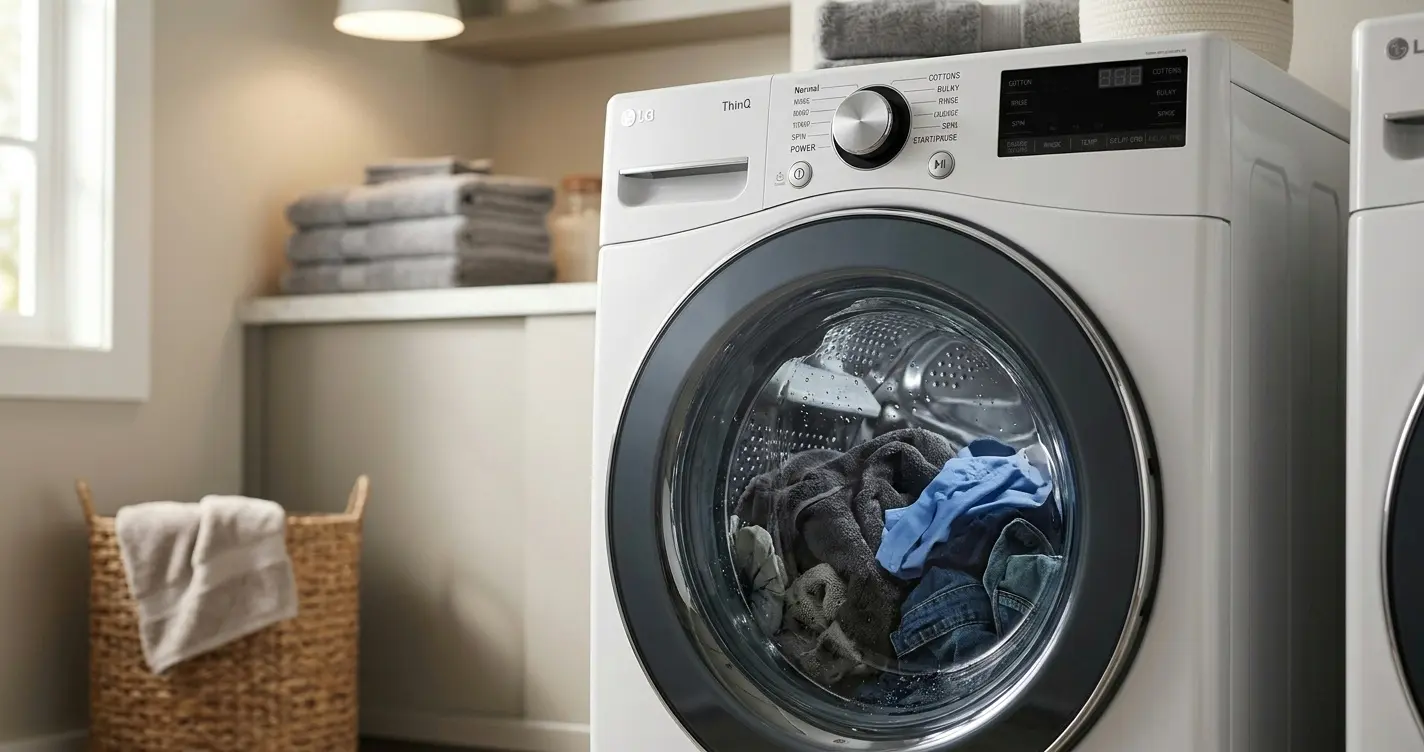
An LG Washer Stops Mid-Cycle? Without any error beep, no obvious fault, just silence with a load of wet laundry sitting there, is one of the more frustrating calls I get, because “it stopped” isn’t actually a diagnosis. It’s a symptom with at least five genuinely different causes behind it, and figuring out which one you’re facing starts with paying attention to details most people skip right past.
Table of Contents
Why “It Just Stopped” Isn’t One Problem
When someone tells me their LG washer “just stops,” my first question is always about the pattern, not the machine, because a washer that stops the same way every time is telling a different story than one that stops randomly or only under certain conditions.
A mid-cycle stop can mean the washer detected a real fault and halted itself as a safety measure, lost power entirely, hit a load imbalance it couldn’t correct, overheated a component and tripped a thermal cutoff, or, less dramatically than people assume, simply froze at the control board level without anything mechanically wrong at all. Each of these leaves different clues if you know where to look, and jumping straight to “the washer is broken” skips the diagnostic step that actually tells you what’s wrong.
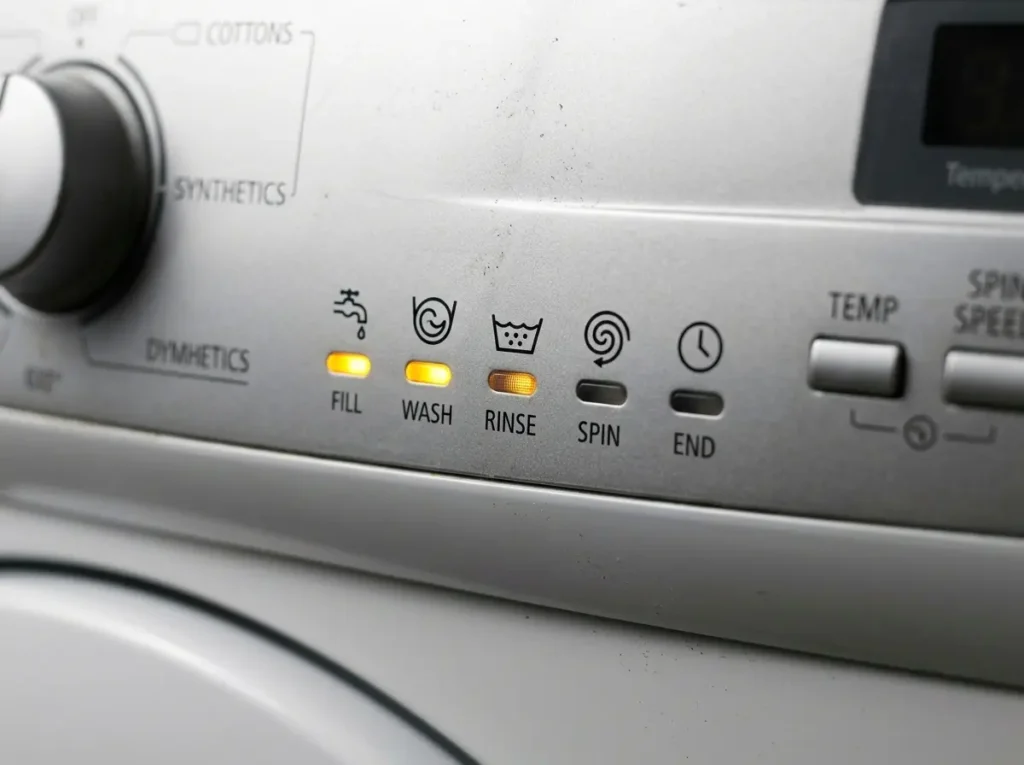
What technicians actually check first: before touching the machine at all, I ask what stage of the cycle it stopped in: fill, wash, rinse, or spin. A stop during spin points toward load balance or a spin-related fault far more often than a stop during fill or wash, which narrows the entire list of possibilities before I’ve even looked at the machine.
First Check: Is There a Code on the Display or Not?
This is the single fastest branching point in diagnosing a mid-cycle stop, and it’s worth checking before anything else.
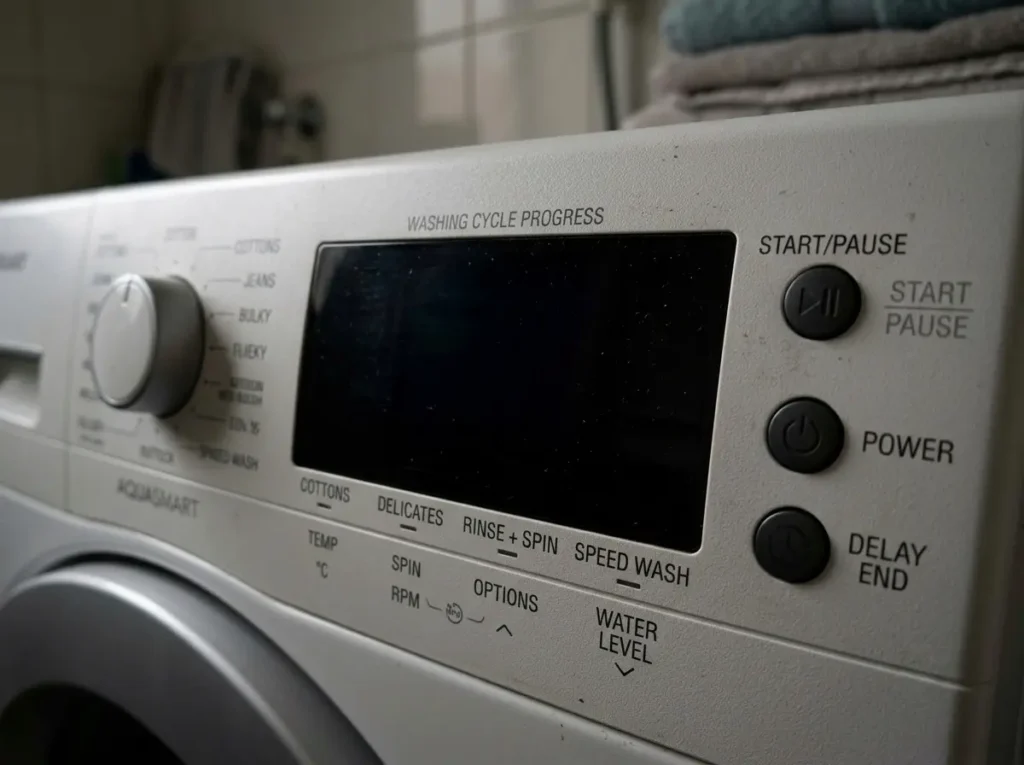
If there’s a code showing, something like UE, LE, IE, or similar, the washer has identified a specific fault category, and you’re no longer in general diagnostic territory. That’s a different, more specific lookup, and pushing further into general troubleshooting wastes time you don’t need to spend.
👉 LG Washer Error Code Guide, Full List, and What Each One Means
If the display is simply blank, frozen, or showing nothing unusual with no code present, that’s the scenario this article actually covers: a stop without a clear diagnostic signal from the machine itself, which means the cause is either power-related, a control board issue, or something the washer’s own sensors didn’t flag as an explicit fault.
Door/Lid Lock Interruptions
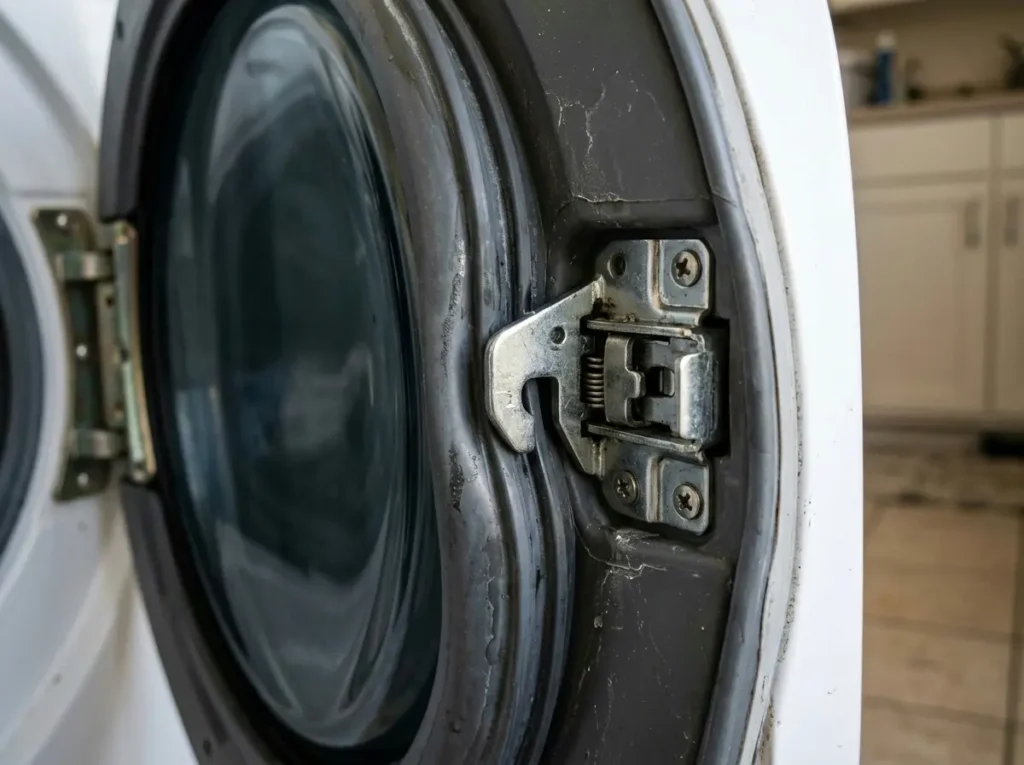
On front-load LG washers, the door lock mechanism is a surprisingly common cause of what looks like a random mid-cycle stop, especially on models a few years into use.
If the door lock’s electrical connection is intermittent, a common failure pattern as the lock mechanism ages, the washer’s control system can interpret a momentary loss of lock signal as reason enough to halt the cycle, since it’s designed to never spin or continue with an unlocked or uncertain door state. This often shows up as a stop that happens at inconsistent points in the cycle, sometimes during wash, sometimes during spin, with no obvious pattern tying it to load size or cycle type.
A commonly misdiagnosed symptom: people who experience this often assume it’s a control board problem because the stopping seems random and unrelated to anything they’re doing, when it’s actually a single failing lock component sending an inconsistent signal. Pressing gently on the door while the washer is mid-cycle (carefully, never forcing it) and seeing whether that seems to correlate with stops over a few loads is a reasonable first observation, though confirming it requires checking the lock mechanism directly.
👉 LG Washer dE Error Code Solved: The Ultimate Door Won’t Lock Fix Guide!
Power Supply and Electrical Interruptions
Before assuming anything internal to the washer has failed, it’s worth ruling out the electrical supply itself, because this cause gets overlooked constantly.
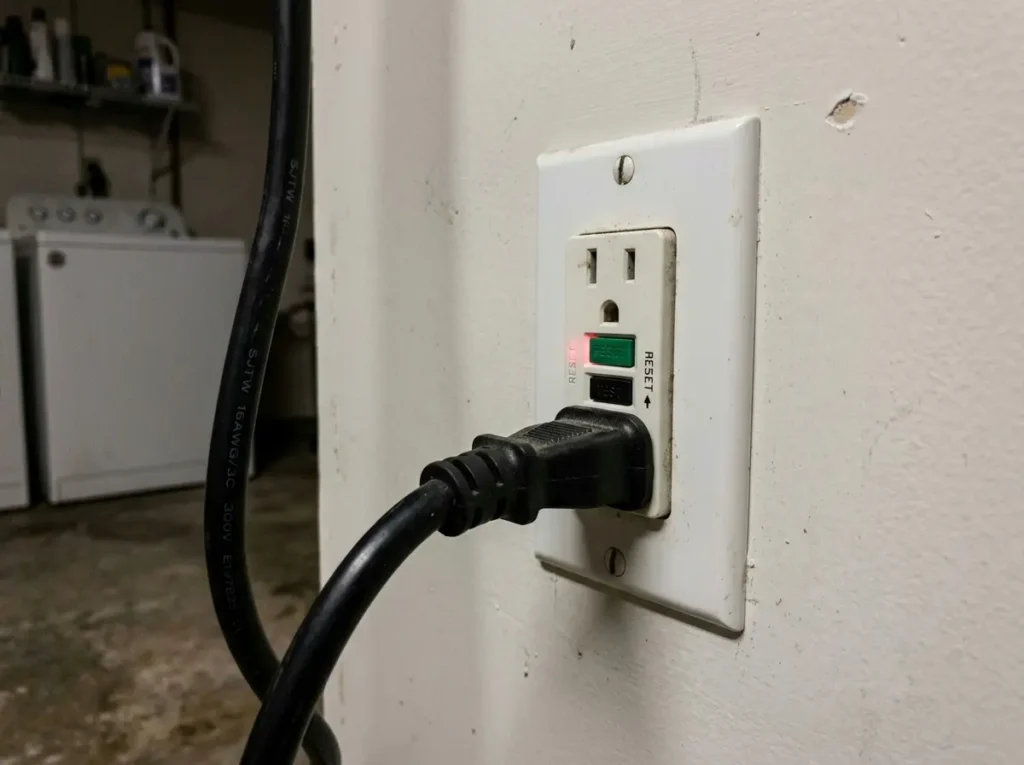
A washer sharing a circuit with a GFCI outlet can trip that outlet’s protection during the higher current draw of the spin cycle, cutting power to the washer entirely without any fault being logged by the machine; the display simply goes dark because it’s genuinely lost power, not because it detected a problem. This is especially common in laundry rooms or garages where GFCI outlets are required by code and where the washer might share a circuit with other equipment.

- CLEAR LCD READOUT: GFCI Receptacle Tester features a large backlit LCD readout for easy voltage reading and clear indica…
- TRIP TIME DISPLAY: LCD readout shows the time required to trip a GFCI device, allowing for quick and accurate troublesho…
- DETECT COMMON WIRING FAULTS: Detect and identify common wiring faults, ensuring electrical safety and proper functionali…
A loose power cord connection, either at the outlet or occasionally at the machine’s internal power entry point, can produce a similar symptom: a stop that seems to happen more under load (during spin, when the motor draws the most current) rather than during the gentler fill or wash stages.
A question worth checking yourself before assuming a machine fault: has the outlet’s GFCI reset button been checked after a stop? If pressing it restores power and the washer resumes or can be restarted normally, that’s your answer, and it points toward the electrical circuit rather than anything inside the washer.
Load Balance and Sensor-Triggered Stops
If your washer consistently stops during or right before the spin stage, load balance is one of the more likely explanations, and it’s also one of the easier ones to confirm yourself.
LG washers use sensors to detect an unbalanced load before committing to high-speed spin, since spinning an unevenly distributed load at full speed can cause serious vibration and, in worse cases, actual damage to the drum bearing or suspension. When the sensor detects an imbalance and it can’t self-correct through minor redistribution attempts, the washer will pause, sometimes attempt to redistribute the load a few times audibly, and either continue or stop depending on the model and how far off-balance the load is.

- No More Pushing Your Washer Back – Our Dual-HexaGrip innovation prevents washer movement, offering 60% more contact with…
- Enjoy Serene Laundry Time – Our premium rubber pads absorb washer shocks and vibrations, reducing noise and shaking floo…
- Easy DIY Tool-Free Setup – Simply slide under your washer’s feet, level the washer before install; Works on any hard sur…
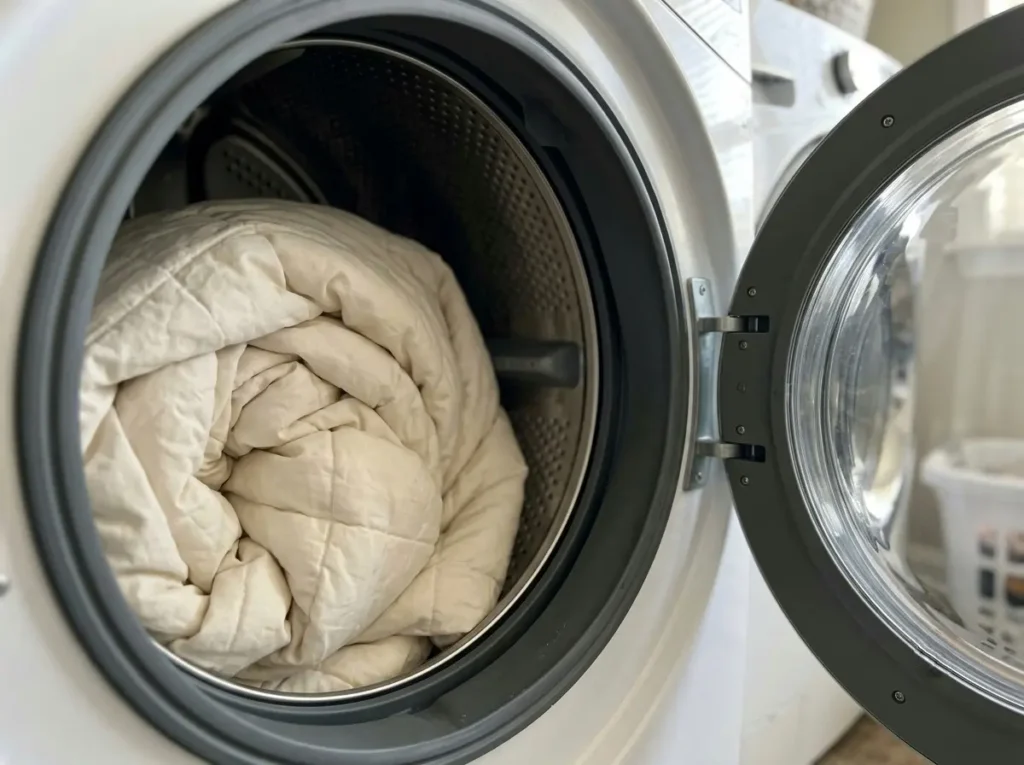
This stop pattern is fairly distinctive: it tends to happen with specific types of loads, a single heavy item like a comforter or a load with a few very absorbent, heavy pieces mixed with lighter items, rather than happening across every load type you run. If you notice the stopping correlates with bulky single-item loads more than mixed regular laundry, load balance is a strong candidate before you consider anything else.
👉 LG Washer Upgrade Hacks: Noise Dampening & Efficiency Mods
Overheating and Thermal Protection Stops
Motors and some electronic components in LG washers include thermal protection that will halt operation if a component runs hotter than its safe operating range, and this is a cause that’s easy to miss because it doesn’t always repeat immediately.
A washer that stops mid-cycle, then works normally again after sitting unused for 20-30 minutes, is showing a classic thermal-protection pattern: something got hot enough to trigger a protective shutdown, and once it cooled, normal operation resumed. This is more common in units running back-to-back heavy loads, in warmer climates or poorly ventilated laundry spaces, or on a washer that’s been running a demanding cycle (heavy soil level, hot water, extended cycle time) repeatedly.
👉 LG Washing Machine Motor Overheating? Signs, Causes & Safe Solutions (2026)
A detail that separates a nuisance from a developing problem: an occasional thermal stop under genuinely demanding conditions (back-to-back heavy loads, hot ambient temperatures) isn’t necessarily concerning on its own. But a thermal stop that happens on a normal, moderate load in a normally ventilated space suggests the component in question is drawing more effort than it should to do its job, which is worth having checked rather than just working around by spacing out loads.
Control Board Freezes and Soft Resets
Occasionally, a mid-cycle stop isn’t caused by anything mechanical or electrical failing at all; the control board itself simply locks up, similar to how a computer occasionally freezes without a hardware fault.
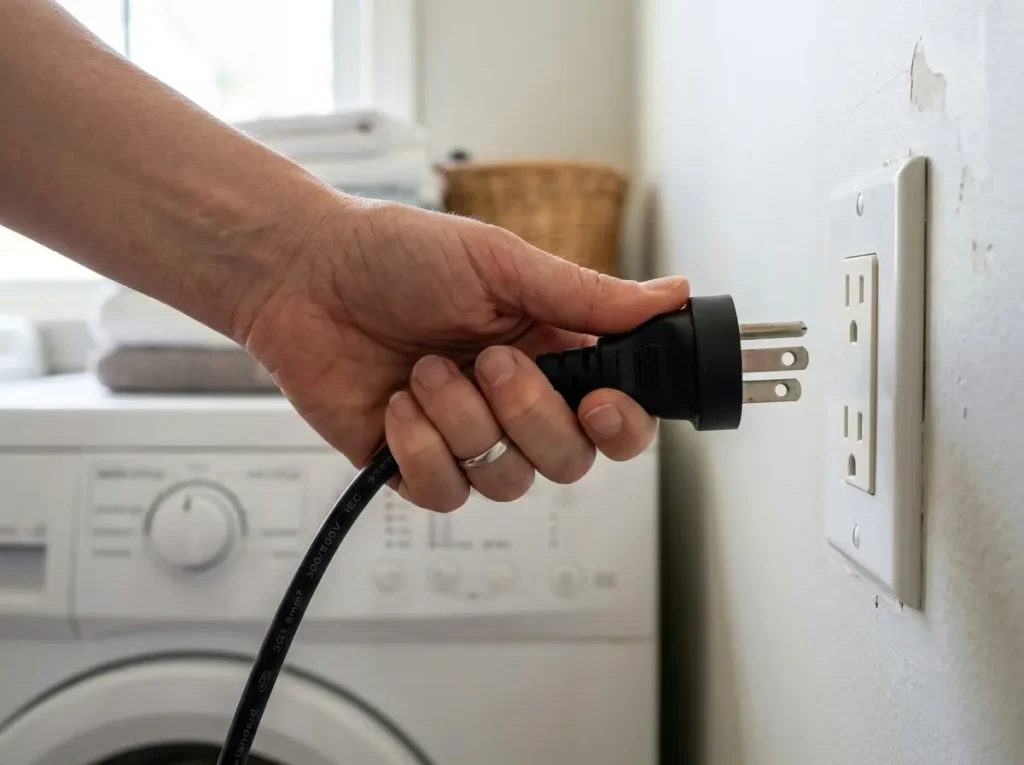
This tends to be a rare, non-repeating event on an otherwise healthy machine; it happens once, seemingly at random, and doesn’t recur for months or ever again. The fix in this specific scenario is genuinely just a power cycle: unplugging the washer for a minute or two (or flipping the breaker if it’s hardwired) lets the control board fully reset, and normal operation typically resumes.
The distinction that matters here is frequency. A one-off freeze with no clear pattern, resolved permanently by a single reset, is a different situation than stops that keep recurring after being reset; the latter points back toward one of the other causes above rather than a genuine one-time software glitch.
👉 How to Reset LG Washing Machine Control Board: Step-by-Step Guide
Comparison Table: Stop Pattern by Likely Cause
| Stop Pattern | Cycle Stage | Recurs After Reset? | Likely Cause |
| Random timing, no consistent stage | Any | Often, intermittently | Door lock connection issue |
| Display goes fully dark, no code | Often during spin | Depends on outlet/circuit | Power supply / GFCI trip |
| Stops before or during spin only | Spin | Only with similar load types | Load balance/sensor pause |
| Stops, resumes after cooling period | Any, often longer cycles | Only under similar heat conditions | Thermal protection |
| One-time random stop, resolved by reset | Any | Rarely recurs | Control board freeze |
FAQ: LG Washer Stops Mid-Cycle
1. Should I restart the cycle from the beginning after a mid-cycle stop, or resume where it left off?
Most LG washers will resume from roughly where they stopped if you simply restart the cycle, though very long power interruptions may reset progress. Either way, restarting is the correct first step regardless of the underlying cause.
2. Is a mid-cycle stop always something to worry about?
Not necessarily; a single, non-repeating stop, especially one resolved by a power reset, is often not a sign of a developing problem. Repeated stops with a consistent pattern are the ones worth diagnosing further.
3. Can an unbalanced load actually damage my washer if it keeps happening?
Repeated forced high-speed spins on a poorly balanced load can add wear to suspension components over time, so a load balance issue that recurs constantly is worth addressing through load-size adjustments rather than ignoring.
4. My washer stopped and now won’t start at all; is that the same issue?
Not always the same category; a washer that stops mid-cycle but can be restarted is different from one that won’t power on or respond at all afterward, which points more toward a power supply issue.
5. Does it matter if the stop happens on every cycle type or just specific ones?
Yes, a stop that only happens on heavy-duty or bulky-item cycles points toward load balance or thermal causes, while a stop across every cycle type regardless of load suggests something more consistent, like a door lock or electrical connection issue.
6. How long should I wait before assuming a thermal stop isn’t going to reset itself?
Most thermal protection resets within 20-30 minutes once the component cools; if the washer still won’t resume normal operation after 45 minutes to an hour, thermal protection likely isn’t the cause and it’s worth investigating other possibilities.
7. If resetting the power fixes it every time, do I still need to worry about the underlying cause?
If a reset consistently and permanently fixes it with no recurrence, it may genuinely have been a one-time control board freeze. But if you’re resetting it regularly to keep the washer running, that’s a sign of a recurring cause that a reset is only masking, not fixing.
Narrowing It Down From Here
The pattern of when and how your washer stops is more diagnostic information than most people realize: the stage of the cycle, whether it recurs, and whether it correlates with load type or ambient temperature all of it points toward a specific cause rather than a vague “something’s wrong.” Use the pattern you’re seeing to jump to the right companion guide above rather than guessing at a fix, and if nothing here matches cleanly, that’s usually the signal to bring in a technician for a direct diagnosis.
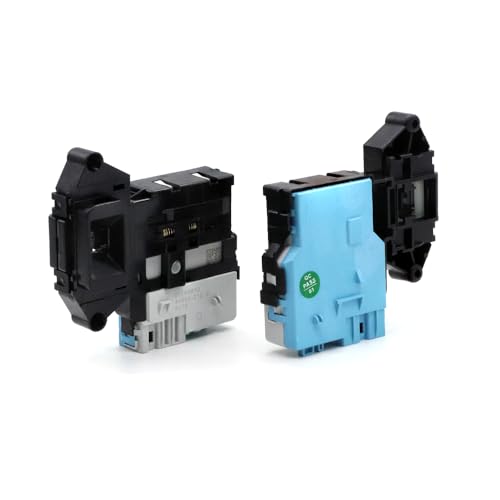
- OEM Replacement Part Compatibility: Replaces LG part numbers 6601ER1004C 6601ER1004E EBF49827801 EBF49827802 and Kenmore…
- Powerful Safety Function: OEM 6601ER1004C Door Lock Assembly prevents the washer door from opening during the wash cycle…
- Premium Quality Construction: Package includes 1 x 6601ER1004C Door Lock Assembly OEM. EBF49827801 Washer Door Lock Latc…