
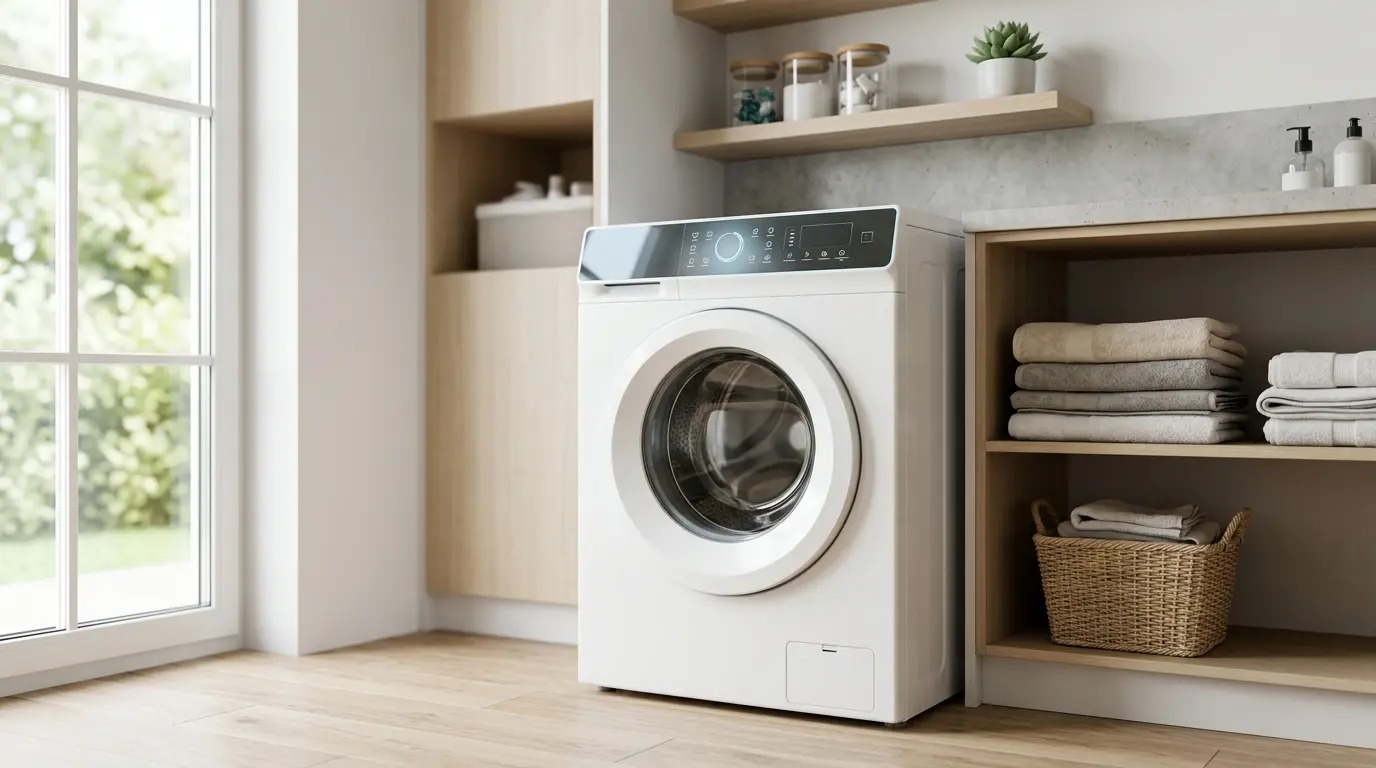
Many Frigidaire owners never realize their washer has a built-in diagnostic mode until a repair technician activates it and the display starts cycling through sensor readings like a dashboard. That hidden layer is service mode, and once you understand how to reach it and, just as important, how to exit it cleanly, you can rule out a lot of the “Is this actually broken?” guesswork before ever calling for service.
| As an Amazon Associate, I earn from qualifying purchases. TechElectronicLive.com may earn a small commission if you buy through links on this page, at no extra cost to you. |
Table of Contents
What Frigidaire Washer Service Mode Actually, it is
Service mode (sometimes labeled diagnostic mode or test mode in Frigidaire’s own technical documentation) is a manufacturer-installed menu that sits underneath the normal consumer interface. It isn’t a hidden “feature” in the fun sense; it exists so technicians don’t have to pull a machine apart just to check whether a water level sensor, door lock switch, or motor tachometer is reporting correctly.
When you activate it, the control board temporarily stops running the appliance the normal way and instead lets you manually trigger individual components, the drain pump, the fill valves, and the door lock solenoid, one at a time, while the display reports live sensor feedback. On some generations it also runs a self-test sequence automatically, cycling through components in a fixed order without you touching anything further.
This is fundamentally a settings-layer feature, not a repair procedure. Nothing about entering or reading service mode fixes anything on its own; it’s diagnostic information. What you do with a fault reading afterward is a different conversation entirely.
| Safety first: Service mode requires the washer to be plugged in, and some tests run the drain pump, fill valves, or drum motor. Never open the cabinet or touch internal parts while the machine is powered. Keep hands, clothing, and hair away from the drum, keep hoses connected, and have a shallow drain pan and absorbent towels nearby in case water moves through the machine. Empty the drum before running any motor test. |
👉 Frigidaire washer error code guide: what ER codes actually mean

- ULTRA SOFT MATERIAL & SCRATCH FREE – Ultra soft and highly absorbent microfiber cleaning cloths, great for cleaning wind…
- ABSORBENT & LINT FREE – Made of 85% Polyester, 15% Nylon. These non-abrasive cleaning rags can soak up water from the co…
- TACKLE VERSATILE CLEANING JOBS – These premium microfiber towels are also perfect dish rags which don’t smell, removes g…
Why Access Methods Differ by Control Panel Generation
This is the part that trips people up the most: there is no single “hold these two buttons” answer that works across every Frigidaire washer ever made. Frigidaire has used at least three distinct control panel designs over the years, and the service mode entry method is tied directly to the panel hardware, not the model number.
Mechanical dial panels
Older, lower-cost front-load and top-load models use a rotary dial combined with a start button. Diagnostic access is triggered through a specific dial rotation pattern.
Electronic touchpad + dial hybrid panels
The most common mid-generation design uses physical buttons for cycle selection alongside a digital display. These typically use a simultaneous button-hold combination.
Full touch/capacitive LCD panels
Newer premium models replace physical buttons with a touchscreen or capacitive surface, and service mode is usually reached through a hidden tap sequence or a long press on a specific icon combination.
Access methods are generally tied to the panel and control board generation rather than the model number, because the same control board and access method are often shared across many different models.
Entering Service Mode: Mechanical Dial Models
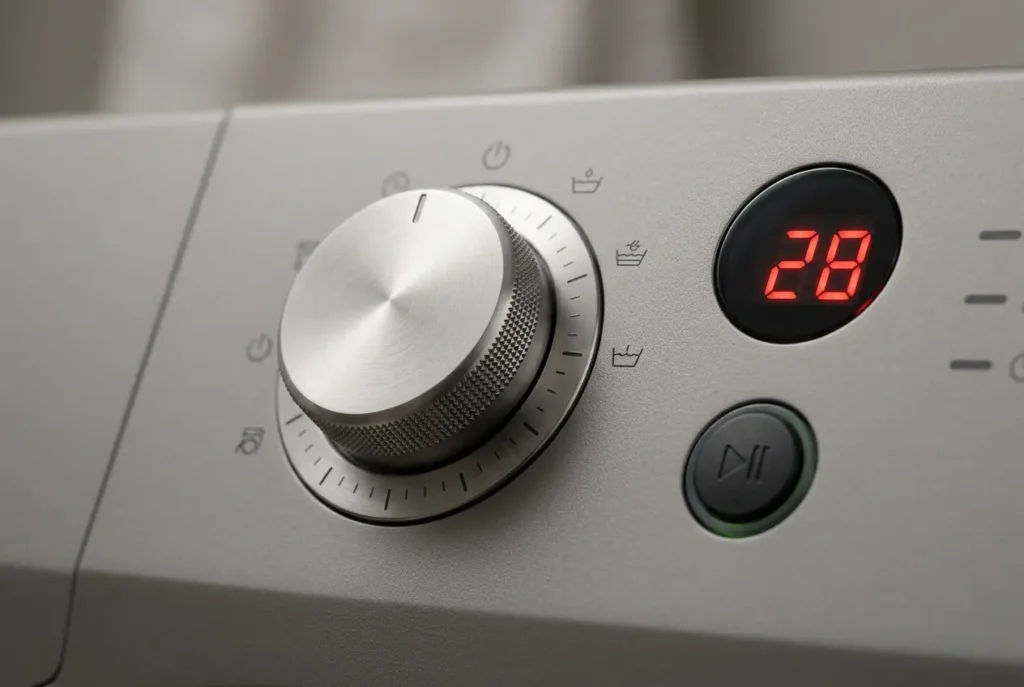
On mechanical dial washers, the display is usually a simple two- or three-character LED readout rather than a full screen. Entry generally involves rotating the selector dial through a specific pattern, commonly a set number of clicks in one direction, then a reversal, performed within a few seconds, with the door closed and the machine plugged in but not mid-cycle.
Once triggered correctly, the display typically shows a short code (often something like “SF,” “dl,” or a two-digit number depending on firmware) confirming you’re now in test mode rather than normal operation. From there, each further dial click usually advances to the next test station in sequence rather than starting a wash cycle.
| INSIDER TIP On several mechanical-dial models, if the dial isn’t rotated within the timing window the control board expects, it silently resets back to normal mode with zero feedback, no error, no flash, nothing. People assume the sequence “didn’t exist” on their unit when really they just missed the timing by a second or two. Use a phone timer or count out loud on your first few attempts. |
Entering Service Mode: Electronic Touchpad + Dial Models
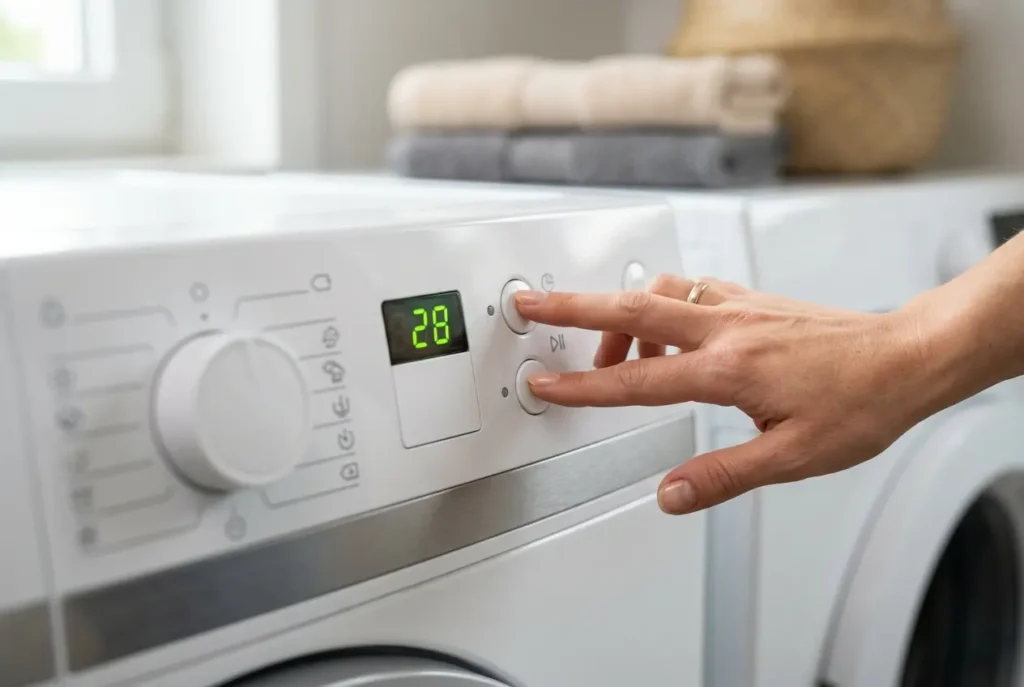
This is the generation most homeowners searching for this topic actually own. These panels combine physical push buttons for cycle options with a small digital display, and the door lock indicator light is usually your confirmation that the sequence registered.
The general pattern across this panel family: press and hold two specific, non-adjacent cycle buttons simultaneously (commonly two buttons that aren’t used together in normal operation, since that combination would never accidentally trigger during regular use) for roughly 3–5 seconds until the display responds, either by blanking briefly, flashing all segments, or showing a diagnostic-specific readout. Exact button pairing varies by the specific control board revision inside that model, which is why generic instructions found online sometimes fail on a superficially “identical” model; the outer console can look the same across two years of production while the board underneath was quietly revised.
Once inside, these panels typically let you step through components using the same buttons you used to enter, pressing them individually (not simultaneously) to cycle forward through the test stations, and the door lock and drain pump tests are often among the first stations, though the order varies by model.
Entering Service Mode: Full Touch/LCD Models
If the sequence doesn’t work on your model, check your manual or contact Frigidaire support with your full model number for the exact steps.
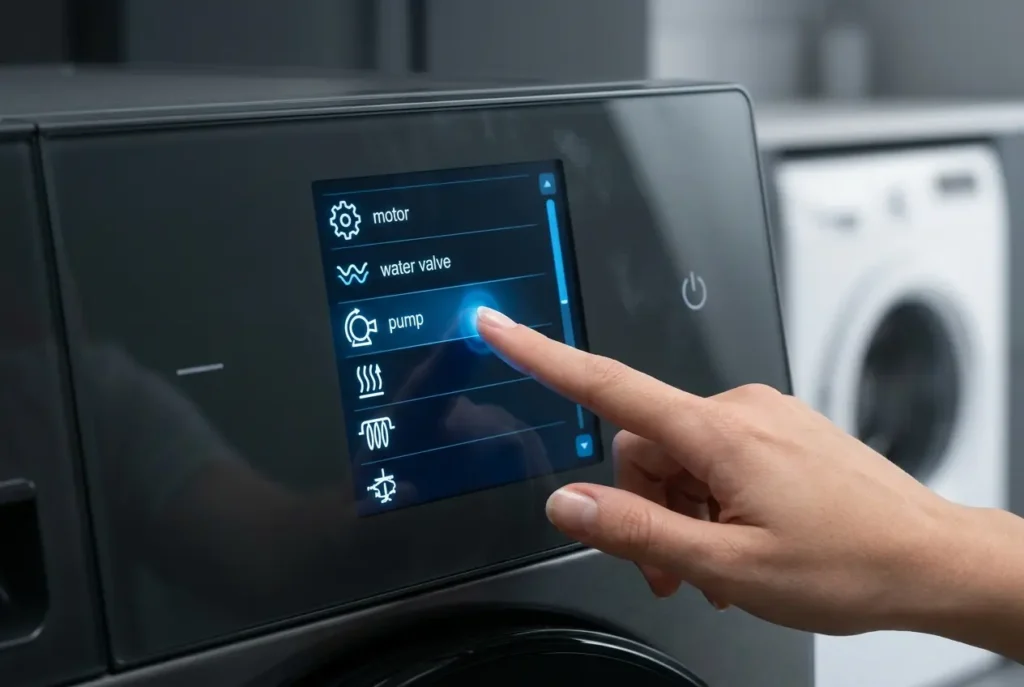
Newer full-touch and capacitive-panel Frigidaire washers hide service mode behind a tap-and-hold sequence rather than a physical button combination, since there are no discrete buttons to press simultaneously. Common patterns on this generation involve holding a specific icon (often a settings or options icon) for an extended press, sometimes 5 to 8 seconds, until the display transitions to a different visual layout, frequently showing component names spelled out in text rather than abbreviated codes, which is a genuine usability improvement over older LED-segment displays.
These interfaces often present the test menu as a scrollable list you can tap through directly, rather than requiring sequential button presses to advance, a meaningful navigation difference worth knowing before you attempt it expecting the older pattern.
| INSIDER TIP On some LCD models, service mode is reachable only when the washer is freshly powered on (within the first 10–15 seconds after plugging in or after a breaker reset), because the boot sequence briefly checks for the diagnostic trigger before loading the standard consumer interface. Try the sequence after the unit has been running normally for a while and it simply won’t respond again, easily mistaken for “this doesn’t work on my model.” |
Reading and Navigating the Test Menu Safely
Once inside service mode on any generation, the menu generally groups into a few consistent categories: door lock/unlock, drain pump activation, fill valve activation (hot/cold separately), motor/drum rotation test, and sensor readouts (water level, temperature, and sometimes load-weight sensing on models with that feature). Some units also run an automated full-sequence self-test that fires every component briefly in order without further input.

- Square Plant saucer 8 inch for indoors, This package inchudes 2 pack 8 inch black plastic plant saucers, Each plant sauc…
- Flower pot drip trays, square plant trays for pots,reduce overwatering,Potted plant trays, Plant plates to catch water i…
- Square Plant saucer they are heavy duty&durable.Strong plant dishes, Plant drip trays designed in the middle part of the…
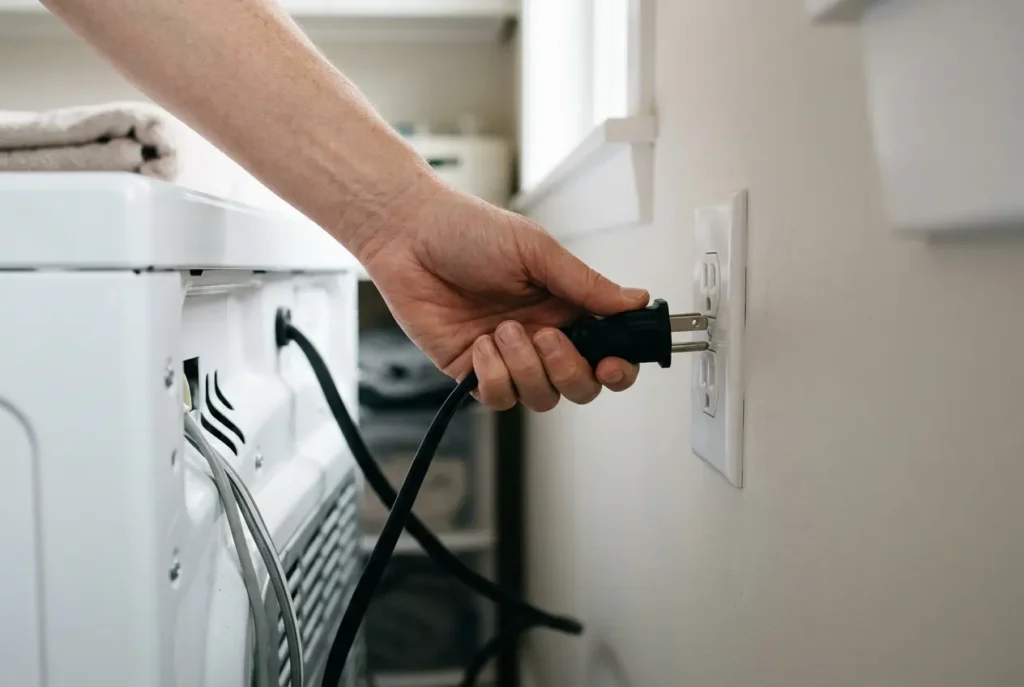
The most important safety habit, and the one inexperienced DIYers skip: know your exit method before you enter. On most models, unplugging the washer for 30–60 seconds resets the control board out of service mode, and that’s the fallback worth knowing before you start. Check your manual in case your model works differently. Some panels also exit via a dedicated button press or by simply waiting through a timeout period with no input (commonly a minute or two of inactivity).
A useful diagnostic habit: if a component fires normally when manually triggered in service mode but fails during an actual wash cycle, that points away from the component itself and toward the control board’s cycle logic or a sensor feeding it bad data, a distinction that saves people from replacing a perfectly good pump or valve. If a component does nothing at all in service mode, even with direct manual triggering, that’s a much stronger signal of an actual component or wiring failure. This is the single most useful thing service mode tells you before deciding whether a repair is even necessary.
If you’re seeing a specific alphanumeric fault code appear either in normal use or during the self-test sequence, that code’s meaning belongs to a separate lookup; this menu just gets you to the point of seeing it.
Comparison Table: Panel Type vs. Access Method vs. Menu Depth
| Panel Generation | Typical Entry Method | Confirmation Signal | Menu Navigation Style | Typical Exit Method |
| Mechanical dial | Timed dial rotation pattern | Short LED code appears | Dial clicks advance stations | Unplug 30–60 sec |
| Electronic touchpad + dial | Hold two non-adjacent buttons 3–5 sec | Display blanks/flashes, then shows code | Same buttons pressed individually to step forward | Dedicated button or timeout |
| Full touch/LCD | Long-press icon, often within boot window | Layout changes to text-based list | Tap-to-scroll list | Timeout or on-screen exit option |
| Important: The button combinations and timings described here are general patterns, not exact instructions for every model. For the precise sequence, check your manual or the tech sheet for your full model number, or contact Frigidaire support. |
FAQ
1. Will entering service mode damage my washer or void the warranty?
Entering and viewing the diagnostic menu is unlikely to damage your washer, since it is a manufacturer-built feature. Warranty terms vary, so check yours or ask Frigidaire if you are unsure. What could cause problems is manually triggering a component (like the motor) in a way that’s unsafe for the machine’s current physical state (for example, running the drum spin test with the drum obstructed), so use common sense about what you’re forcing to activate.
2. My washer doesn’t respond to the button combination I found online, why?
The most common reason is a control board revision mismatch under an otherwise identical-looking panel or attempting an LCD-model boot-window sequence after the unit has already been powered on for a while. Confirm your exact control panel type visually before assuming the instructions are wrong.
3. How do I know which control panel generation my washer has?
Look at the physical interface: a rotary dial with no digital display is mechanical; physical buttons alongside a small digital readout is the touchpad-hybrid generation; a flat glass or plastic surface with no raised buttons is full touch/LCD.
4. Can I use service mode to fix a problem myself?
Service mode identifies problems by letting you manually trigger and observe components, it doesn’t repair anything by itself. Once you’ve identified which component fails to respond, the actual fix depends on what’s found.
If a component does not respond, a digital multimeter can help you test it for continuity before you buy a replacement. Always unplug the washer and disconnect the part before testing.
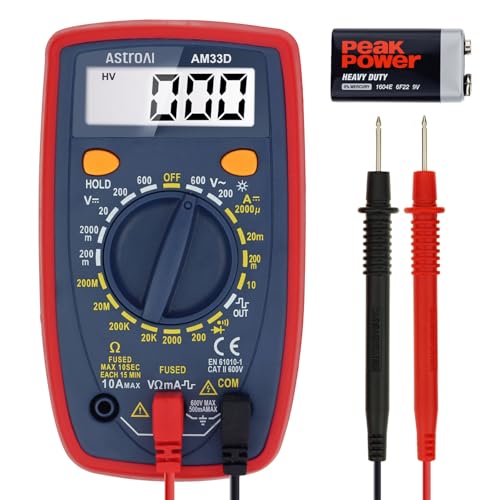
- Additional Tips – The following incorrect operations may cause the multimeter not to show results: Firstly, the plugs of…
- Versatile Digital Multimeter – Accurately measures AC/DC Voltage, DC Current, Resistance, and Diode. This Multimeter is …
- Troubleshooting with Accuracy – This Multimeter has a sampling speed of 2 times per second; Built-in a backlight LCD dis…
5. Is there a risk of getting stuck in service mode permanently?
Unlikely. On most models, unplugging the washer for 30–60 seconds resets the control board back to normal operation. Some models also exit on a timeout or a dedicated button, so check your manual.
6. Does service mode drain water or affect a cycle already in progress?
Do not enter service mode while a cycle is running. Entry methods assume the machine is idle with the door closed. Because some tests run the drain pump or fill valves, water may move through the machine, so keep the hoses connected and the area around the washer clear.
7. Why does my display show a code I don’t recognize once I’m inside service mode?
Codes seen only inside the diagnostic menu, versus during normal operation, aren’t always the same as consumer-facing error codes; some are internal test-station labels rather than fault codes. Cross-reference against your specific model’s fault-code list rather than assuming every code you see in service mode signals a malfunction.
Bringing It Together
Service mode isn’t a secret repair shortcut, it’s a diagnostic conversation between you and the control board, and knowing which panel generation you’re working with is the key to reaching it correctly. Before you assume a component is dead, let the machine tell you itself: if it fires cleanly on manual command but still fails during a real cycle, you’re looking at a logic or sensor issue, not a broken part. Bookmark your model’s panel type, know your exit method before you start, and you’ll walk into every future troubleshooting session with real data instead of guesswork.