
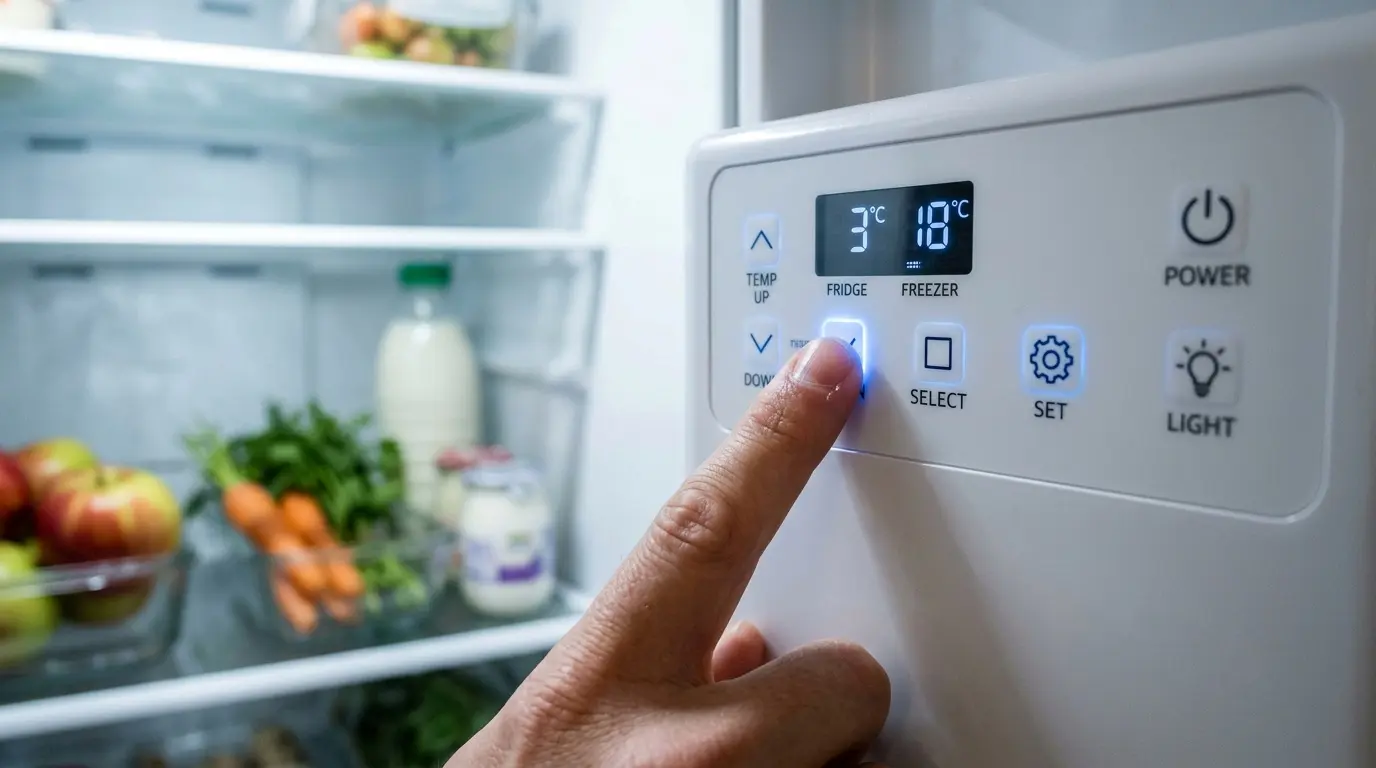
A Maytag refrigerator power cold button that just sits there doing nothing when you press it is one of those small failures that feels bigger than it is; you load in a week’s worth of groceries, reach for the one-touch fix Maytag built specifically for that moment, and get nothing back. The good news is that this particular failure is almost always something you can actually get your hands on and fix yourself without needing to touch the sealed refrigerant system at all.
This guide walks through the physical repair process step by step, starting with the simplest fix and working toward the more involved ones, so you’re not jumping straight to a control board replacement when a five-minute check might solve it.
Table of Contents
Safety First
⚠️ SAFETY WARNING: READ BEFORE STARTING
- Unplug the refrigerator or switch off the dedicated circuit breaker before removing any control panel cover, touch pad, or wiring harness connector. Never work on these components with the unit powered on, even briefly.
- This repair does not require disconnecting the water line, but if your model’s control panel sits near the water/ice dispenser plumbing, keep towels handy in case a line is bumped while the panel is loose.
- The main control board can retain a small residual charge briefly after power is disconnected. Wait a few minutes after unplugging before handling board components directly, and avoid touching exposed circuitry with wet hands.
- Watch for sharp edges along the metal panel frame behind the touchpad assembly on most Maytag French door models; this is a common, easily avoidable source of minor cuts during this repair.
- If you notice a burning smell, scorch marks, or melted wiring anywhere near the control panel or its wiring harness, stop immediately and do not reconnect power. That points to an electrical fault beyond a simple button or connector issue, and it’s time to call a licensed appliance technician rather than continuing.
- This repair does not involve the sealed refrigerant system, compressor wiring, or the main electrical panel in your home. If your troubleshooting leads you to suspect the compressor circuit itself rather than the control panel, that’s outside the scope of this guide and outside safe DIY territory; refrigerant system work should go to a licensed technician.
Tools and Parts You’ll Need
| Item | Purpose | Required or Optional |
| Phillips and flathead screwdrivers | Removing the control panel cover and touch pad screws | Required |
| Multimeter with continuity testing | Testing the touchpad membrane and wiring harness for continuity | Required |
| Replacement touch pad / user interface control | If testing confirms the touch pad itself has failed | Situational Maytag Refrigerator Touch Pad Control Panel Replacement |
| Replacement main control board | If the touch pad tests fine but the board isn’t responding to input | Situational Maytag Refrigerator Main Control Board |
| Small flashlight or headlamp | Seeing wiring connectors clearly in a dim panel cavity | Recommended |
| Notepad or phone camera | Documenting connector positions before disconnecting anything | Highly recommended |
Step 1: Power Cycle the Refrigerator
Before opening anything up, unplug the refrigerator (or switch off its breaker) for a full two to three minutes, then restore power. This clears a temporary control board glitch that can leave a single button, PowerCold included, unresponsive while the rest of the panel works normally, and it costs you nothing to rule out first.
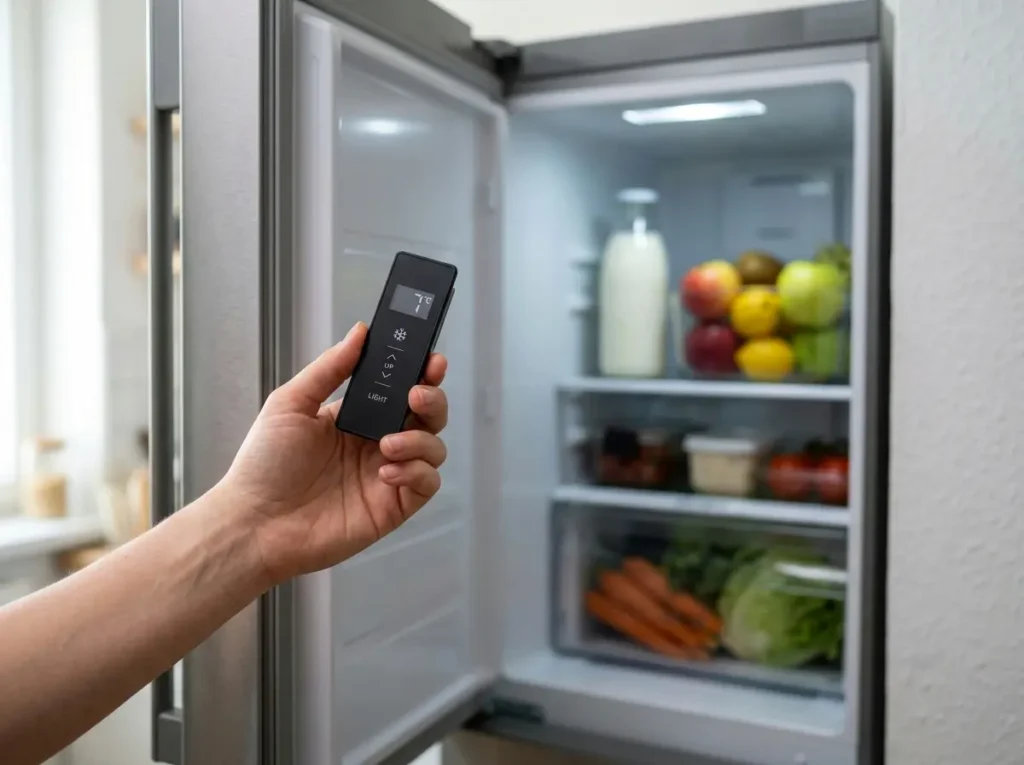
Once power is restored, press the PowerCold button again and watch for the confirmation light or display change. Most Maytag French door models show when the feature engages. If it responds now, you’re done; if it’s still dead, move on to the physical inspection steps below. Maytag French door models across the MFI series build on the same shared Whirlpool refrigeration platform, so many of the control panel components and testing procedures described here apply consistently across that broader model family even if your specific model number isn’t named directly.
Step 2: Access and Inspect the Control Panel Wiring
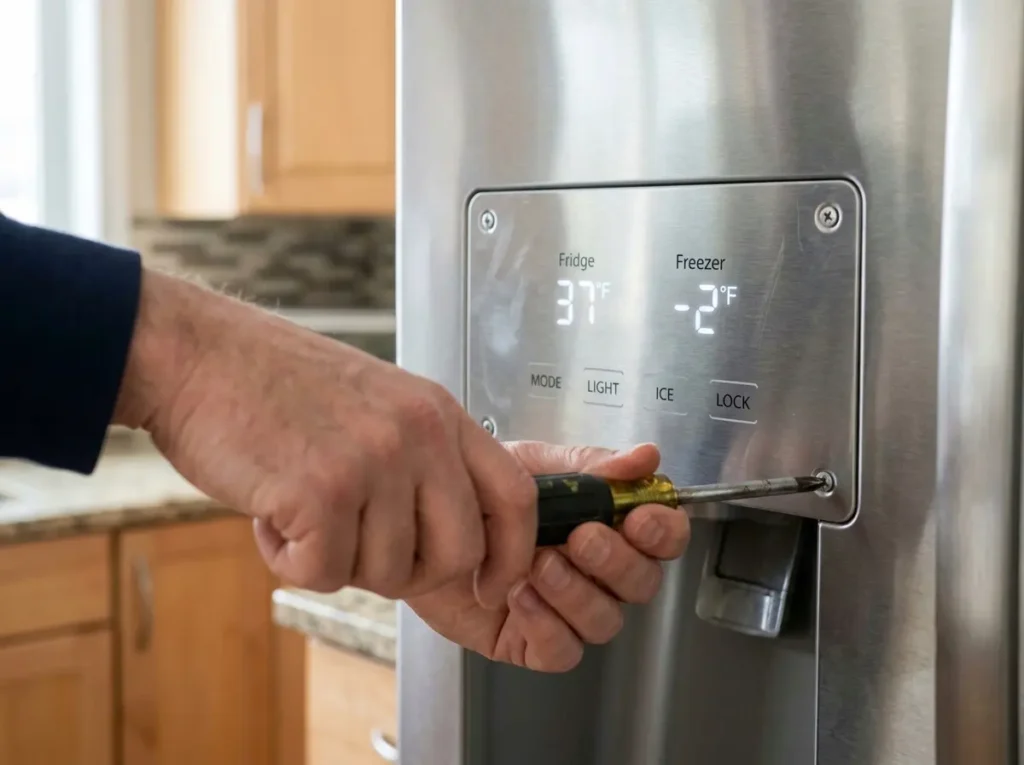
With the unit unplugged, remove the screws holding the interior control panel cover in place. On most Maytag French door refrigerators, this is accessed from inside the fresh food compartment, near the top of the cabinet, rather than from the exterior door panel. Take a photo of the wiring harness connections before disturbing anything, since some connectors look nearly identical and are easy to mix up on reassembly.
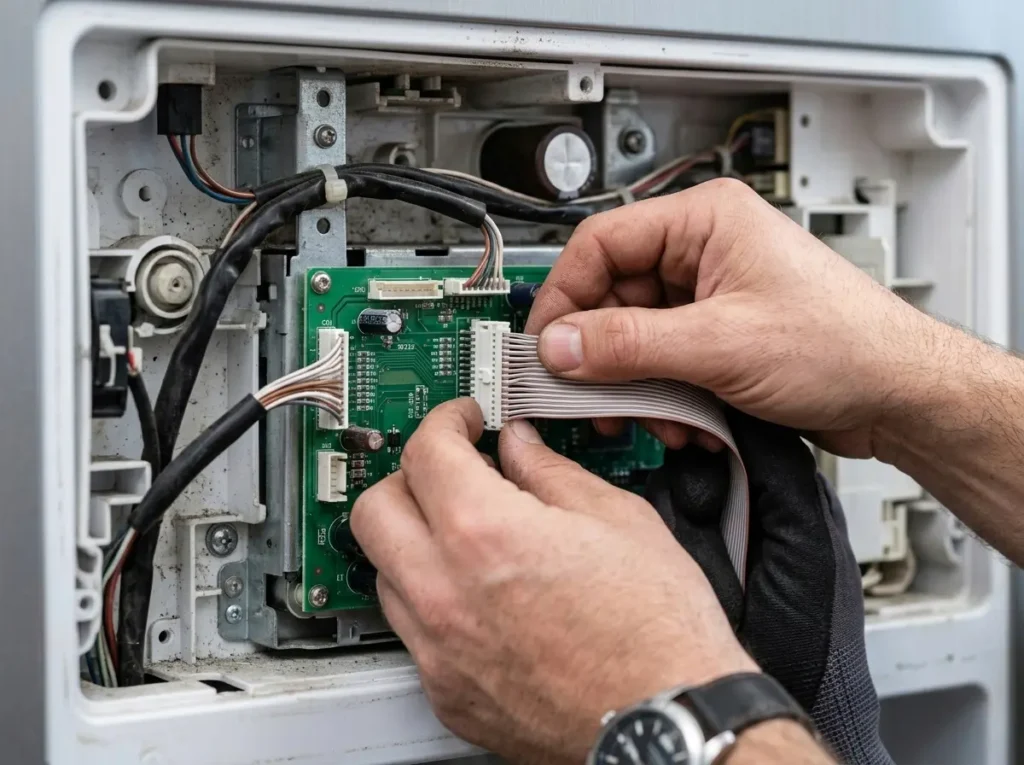
Inspect the ribbon cable or wiring harness that runs from the touch pad to the main control board for any visible damage, corrosion at the connector pins, or a connector that isn’t fully seated. A partially disconnected ribbon cable is a surprisingly common cause of one specific button failing to respond while the rest of the panel functions normally, since each button often corresponds to a specific trace or pin on that connector.
Insider point most guides skip entirely: gently reseating the ribbon cable connector, fully disconnecting it, and firmly reinserting it, rather than just checking that it looks connected, resolves this exact single-button failure more often than most owners expect, because a connector can look fully seated visually while still having a slightly loose pin connection that only shows up as one dead button rather than a completely blank panel.
Step 3: Test the Touch Pad for a Dead Button Zone
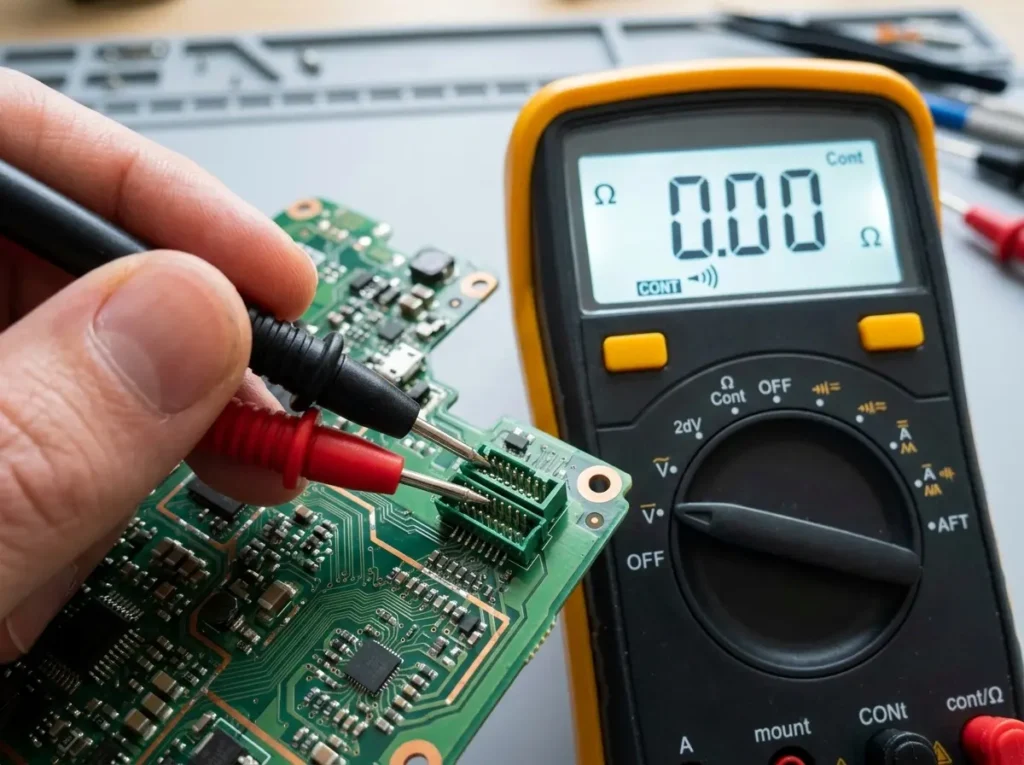
If reseating the connector doesn’t resolve it, the next step is testing the touchpad itself using your multimeter’s continuity setting. With the touch pad disconnected from the wiring harness, locate the pins corresponding to the PowerCold button on the connector (the touch pad’s own documentation or a wiring diagram specific to your model helps here, since pin layouts vary between model years).
Press the PowerCold button physically while checking for continuity across its corresponding pins. No continuity when pressed, compared to a working button elsewhere on the same pad showing continuity when pressed, confirms a dead zone in the touch pad membrane itself rather than a wiring or control board issue. Membrane touch pads can develop a single unresponsive button spot from repeated use or minor moisture intrusion over the years, even while every other button on the same pad continues working fine.
Step 4: Reseat or Replace the Main Control Board Connection
If the touch pad tests fine (continuity confirmed when the button is pressed) but the refrigerator still doesn’t respond to PowerCold, the issue sits further upstream at the main control board’s connector or the board itself. Reseat the connector at the control board end the same way you did at the touchpad end, fully disconnect, and firmly reinsert it, checking for any bent or corroded pins along the way.
If reseating doesn’t help and you have access to a multimeter capable of testing the board’s output voltage to the touch pad circuit (following your specific model’s wiring diagram), a board that isn’t sending the expected signal to that specific button’s circuit points toward a genuine control board fault rather than anything at the touch pad or wiring level.
Step 5: Replace the Touchpad or Control Board If Testing Confirms Failure
Once you’ve isolated the fault to either the touch pad or the main control board through the testing above, replacement is generally a straightforward swap: disconnect power, remove the failed component using the same screws and connector you accessed during inspection, and install the replacement in the same orientation, using your earlier photos to confirm connector placement.
A detail that determines whether this repair is actually worth doing versus replacing the unit: touchpad and control board replacement parts for mainstream Maytag French door models are generally inexpensive relative to the cost of the appliance itself, and the labor involved is well within DIY reach for anyone comfortable with a screwdriver and a multimeter. This repair is almost always worth doing on a refrigerator that’s otherwise in good working condition, rather than a sign to start shopping for a replacement unit.
When This Isn’t a DIY Fix Anymore
If you’ve reseated every connector, confirmed the touchpad shows continuity on the PowerCold button, and the control board still doesn’t respond even after a board-level connector check, that points toward a control board fault that goes beyond simple continuity testing. At that point, replacing the board is still a reasonable DIY step, but if a new board doesn’t resolve the issue either, something further upstream (a wiring fault inside the cabinet wall itself, for example) is genuinely worth handing to a licensed technician rather than continuing to chase it yourself.
Similarly, if your inspection reveals any sign of water intrusion inside the control panel housing, corrosion well beyond the connector pins, or visible moisture damage to the board itself, that’s often a sign the underlying cause (a slow leak from the water/ice dispenser line routed near the panel) needs to be addressed by a technician before a replacement part is installed, or you risk the same failure recurring.
FAQ: Maytag refrigerator power cold button not working
1. Is a dead PowerCold button a sign my whole control panel is failing?
Not necessarily, a single unresponsive button while every other button works normally usually points to a localized touch pad dead zone or a specific connector pin issue rather than a full panel failure.
2. Can I use PowerCold manually some other way if the button itself is broken?
No, PowerCold is activated specifically through that dedicated button or its corresponding on-screen control on models with a digital display, and there’s no separate manual override for the feature.
3. Will a failed PowerCold button affect my refrigerator’s normal cooling?
No, normal temperature regulation continues independently of the PowerCold feature, so a dead PowerCold button alone shouldn’t cause your fridge or freezer to run warm.
4. How long should I wait after power cycling before assuming it didn’t fix the issue?
Test the button within a minute or two of power being fully restored; if it hasn’t responded by then, a power cycle alone isn’t going to resolve it and you should move on to the physical inspection steps.
5. Is it safe to test the touch pad’s continuity while it’s still connected to the refrigerator?
It’s safer and more accurate to disconnect it first, testing while connected risks an inaccurate reading from the rest of the circuit and increases the chance of accidentally shorting something while the unit is powered.
6. Do all Maytag French door models use the same touch pad and control board parts?
No, while many Maytag French door models share a broader Whirlpool-platform architecture, exact touch pad and control board part numbers vary by model and production year, so always confirm compatibility using your specific model number before ordering a replacement part.
7. Should I replace the touch pad and control board together, or one at a time?
Replace and test one component at a time based on what your continuity testing actually points to, replacing both at once when only one has actually failed wastes money on a part you didn’t need.
Final Thoughts
A dead PowerCold button is one of the more approachable refrigerator repairs out there precisely because it almost never involves the sealed refrigerant system, it’s a connector, a touch pad membrane, or a control board, and all three are testable and replaceable with basic tools and a little patience. Work through the steps in order, test before you replace, and you’ll very likely have that one-touch rapid cool feature back before your next big grocery haul.