
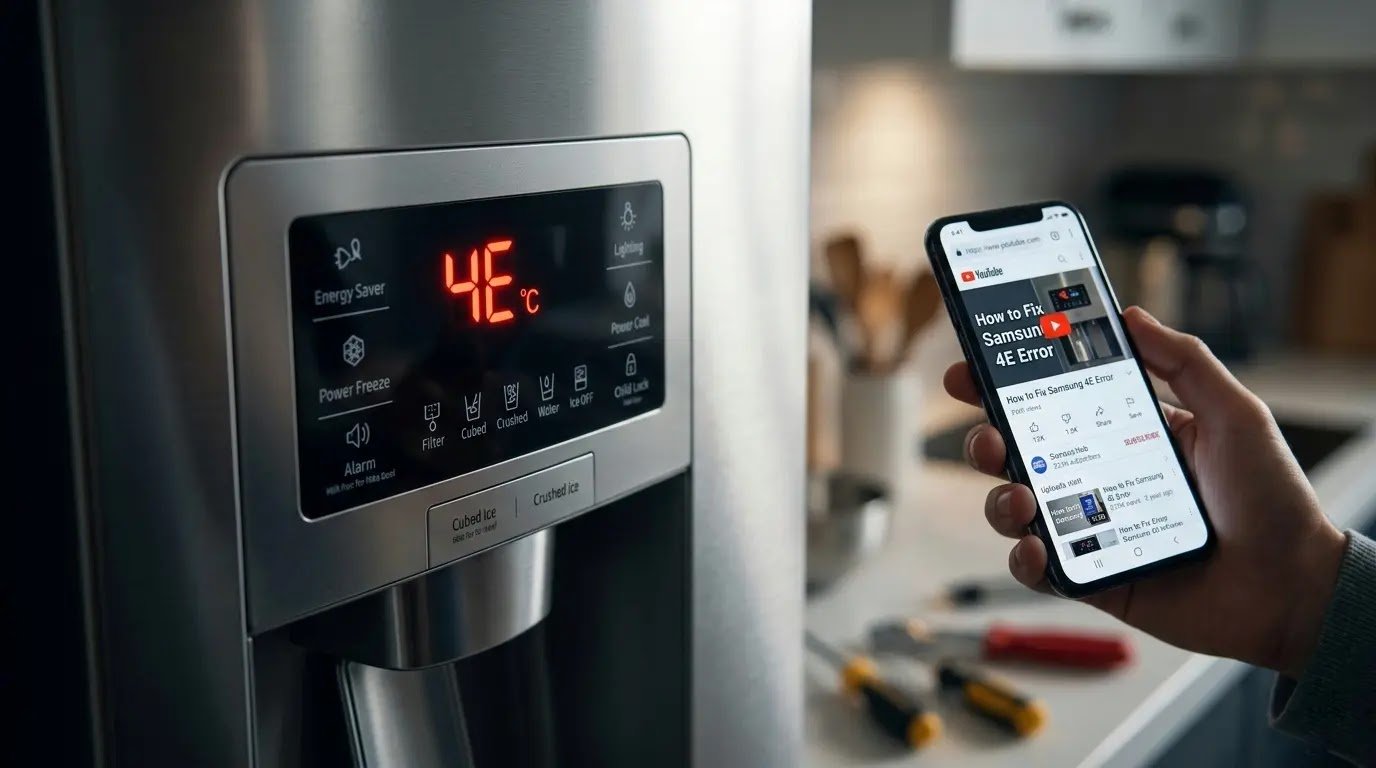
Your Samsung fridge just flashed a code, and your first instinct is panic, but 90% of these Samsung refrigerator error codes are cheap, 10-minute fixes, not a call to a technician. Here’s exactly what each code means and which ones you can safely ignore for now.
Table of Contents
Quick Fix: How to Clear Most Samsung Codes Instantly
Before you panic, try a power cycle (hard reset). Unplug your refrigerator for exactly 10 minutes. This clears the temporary memory of the control board. If the code returns immediately after plugging it back in, you have a real hardware issue. Below is the 2026 Emergency Dashboard to help you find the exact problem.
| Pro Tip: If your error code specifically involves the ice tray, check out our Samsung Refrigerator Ice Maker Reset: The Ultimate 2026 Guide. |
1. The 2026 Samsung Refrigerator Error Code Dashboard
In 2026, Samsung refrigerators (including Bespoke and Family Hub models) use specific codes to tell you exactly what is wrong. Instead of searching through a huge manual, use this simple table to identify your problem.
| Error Code | The Symptom (What You See) | The Fix Level |
| 4E / 4C | No water from the dispenser or no ice. | Easy DIY |
| 5E / 5C | Water is pooling at the bottom, not draining. | Moderate DIY |
| 22E / 22C | The fridge is warm; the fan is making noise. | Technical |
| PC / Communication | The display is blinking or non-responsive. | Technical |
2. Group A: Water Supply & Drainage Errors
These are the most common issues. They usually happen because of a physical blockage, not because a computer chip is broken.
Error 4E / 4C: The Thirsty Fridge
Simple English Definition: This means the fridge is trying to pull in water but cannot feel any pressure. It’s like trying to drink through a pinched straw.
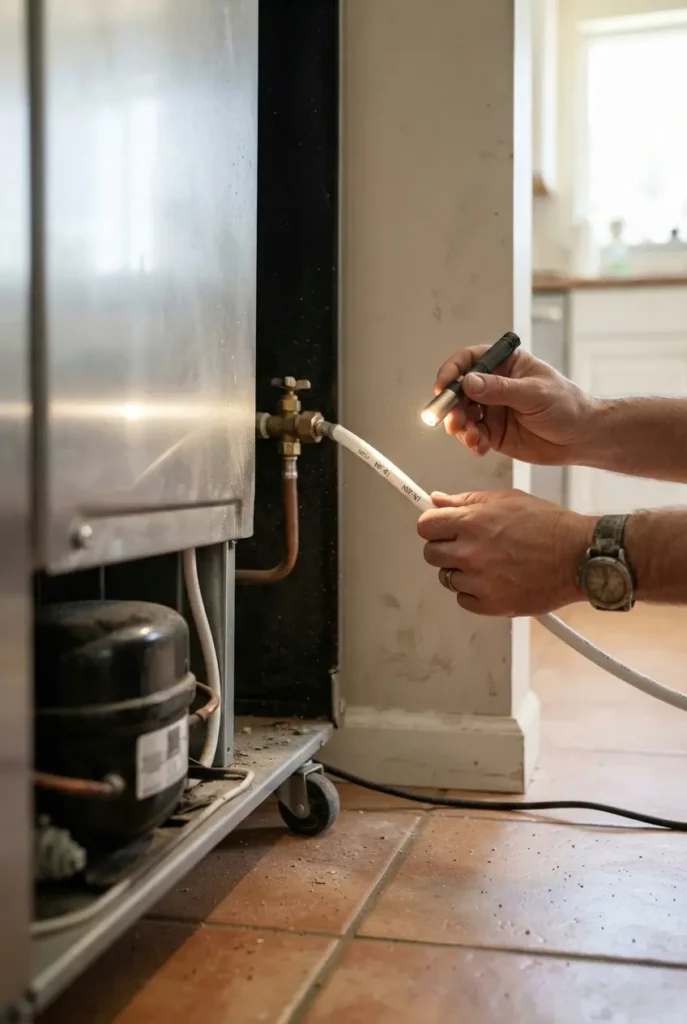
Most 4E errors trace back to a clogged filter or a twisted supply line, a quick check behind the fridge often tells you which. In cold climates, a frozen dispenser line inside the door is also a common culprit.
| Pro Advice: A clogged filter is the #1 cause of 4E errors. See our Samsung Refrigerator Water Filter Guide: Everything You Need to Know. |
👉 [Read more: Samsung Refrigerator Water Filter Guide]
Error 5E / 5C: The Drain Struggle
Simple English Definition: This code means water is stuck. Your fridge sweats during its cleaning cycle, and that water needs to go down a drain hole. If that hole is blocked by ice or food, it overflows.
Symptoms: You will see ice buildup on the floor of the freezer or water leaking out from under the vegetable drawers. Many drain issues are caused by bad leveling; a fridge tilted even slightly forward can prevent the drain pan from clearing properly.
| Got a leak? If you see water on your kitchen floor, follow my Samsung Fridge: Water Under Drawers? My Pro DIY Guide. |
👉 [Read More: Samsung Fridge Water Under Drawers, Full DIY Guide]
3. Group B: Cooling & Fan Failures
These errors are more serious. They affect the temperature stability of your food. If you see these codes, your milk might spoil within hours.
Error 22E / 22C: The Evaporator Fan Fail
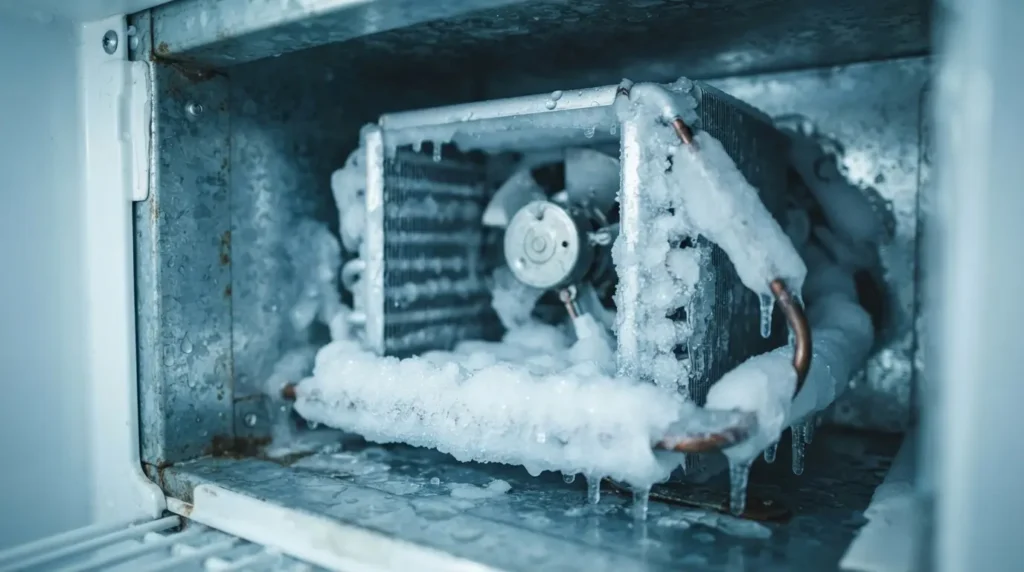
Simple English Definition: The evaporator fan is the heart of the cooling system. It takes the cold from the metal coils and blows it into the fridge. If this fan stops (usually because ice is blocking it), the fridge gets warm while the freezer stays cold.
If you hear chirping or grinding before the 22E code appears, ice is hitting the evaporator fan blade; that’s the quickest way to confirm this is the cause before assuming a motor failure.
| Cooling Failure? If your freezer is freezing but the fridge is warm, use these 3 Easy DIY Fixes for a Warm Samsung Fridge. |
👉 [Read More: 3 Easy DIY Fixes for a Warm Samsung Fridge]
4. Using Samsung SmartThings Diagnosis
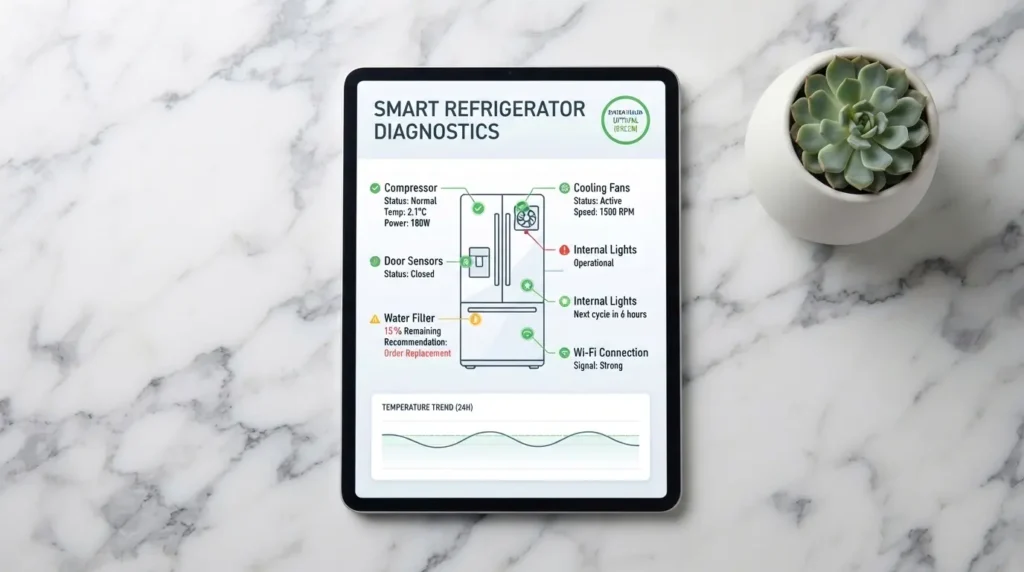
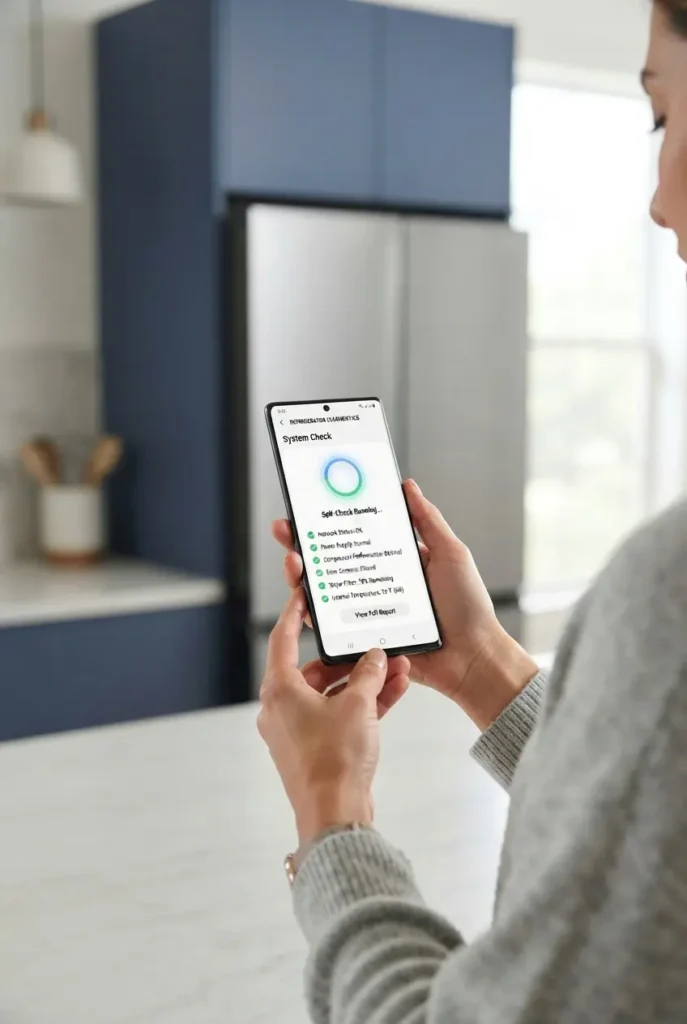
If you own a 2026 Samsung Bespoke or AI-enabled model, you don’t need to guess. The SmartThings app features a Home Care section.
- Digital Scan: Open the app, tap your refrigerator, then select Self-Diagnosis.
- AI Energy Mode: Sometimes the fridge displays a false error because it is trying to save too much energy. Turning off AI energy mode for 24 hours can often reset the sensors.
5. Group C: Communication & Logic Errors
Electronics are the brain of your Samsung refrigerator. Sometimes, this brain gets confused due to a power flicker or a loose wire. These errors look scary because the whole display starts blinking, but they are often easy to fix.
Error PC / CH: The Handshake Problem
Simple English Definition: PC stands for Communication Error. Imagine the door of your fridge trying to talk to the main computer at the back, but the phone line (wire) is broken. If they can’t talk, the display shows PC.
In most cases, PC/CH means the door-to-mainboard wire connection has come loose behind a panel near the hinge; a quick look is often enough to confirm it before opening anything up.
Error 8888 / Flickering Display
Simple English Definition: This is not exactly an error code; it’s a logic hang. It usually happens after a power cut. The computer is stuck in a loop and cannot start up properly.
8888 is a logic hang, usually triggered by a power cut, not a hardware failure. Clearing it needs a specific button-hold sequence rather than a simple unplug, which is why a quick reset often doesn’t work the first time.
👉 [Read More: Samsung Refrigerator Control Panel reset guide]
6. Group D: Sensor Errors
Sensors are like the eyes of your fridge. They tell the computer if the milk is cold or if the ice tray is full. If a sensor goes blind, the fridge will either freeze everything or stop cooling entirely.
Error 25E: The Defrost Sensor Issue
Symptom: Your freezer is working fine, but there is heavy ice buildup on the back wall. This sensor is responsible for turning on the heater to melt extra ice. If the heater doesn’t turn on, the ice blocks the air paths.
Expert Logic: Most 25E errors happen because of a thermal fuse. Think of this as a safety switch that pops to prevent the fridge from catching fire. If it pops, the defrost heater stops working.
7. The Red Line: When DIY Fixing Must Stop
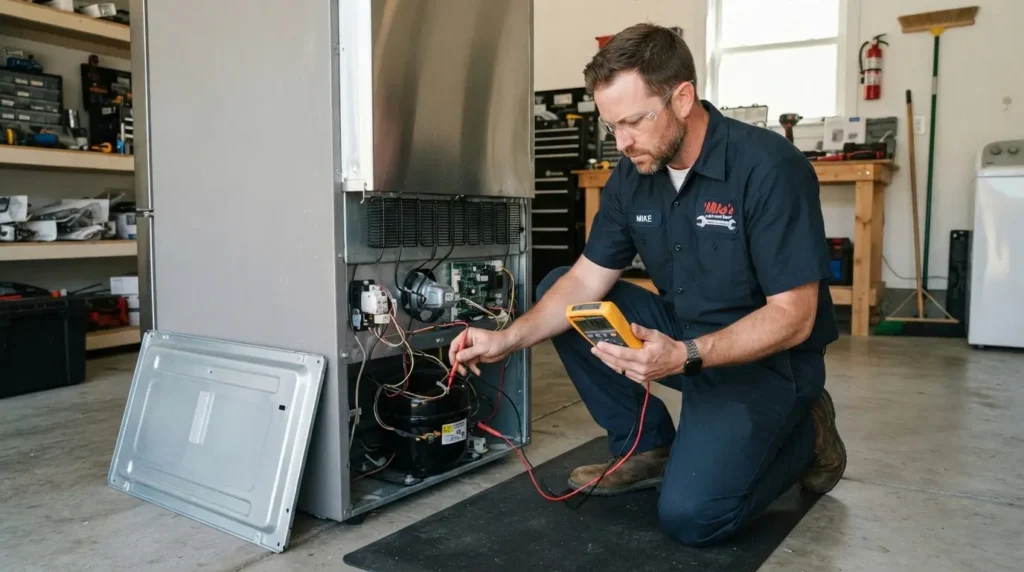
We love DIY fixes, but some things are dangerous. You should call a certified Samsung technician if:
- The Burning Smell: If you smell burning plastic, the main PCB (motherboard) might be short-circuiting.
- The Sealed System: If the error involves refrigerant gas (leaking gas), you cannot fix this at home. It requires specialized tools and safety gear.
- Loud Metallic Clanging: This is a sign of a compressor valve failure. A compressor is the most expensive part of the fridge and is usually under a 10-year warranty.
| Warning: Never attempt to open a sealed refrigerant system yourself. Handling refrigerant without EPA certification is both dangerous and, in most regions, illegal. |
Samsung Error Code FAQs
Q1: Will resetting the error code fix the actual problem?
Ans: No. Resetting the display only clears the message. If the underlying issue (like a frozen pipe or a dead fan) is still there, the code will return within 2 to 24 hours. A reset is only for glitches, not for broken parts.
Q2: What buttons do I press to reset a Samsung Bespoke fridge?
Answer: For most 2026 Bespoke models, you must use the Internal Touch Panel. Press and hold the ‘Door Alarm’ and ‘Fridge’ buttons for 5 seconds. If your model has no buttons on the outside, use the SmartThings app to trigger a remote restart.
Q3: Can a low voltage or power surge cause 8888 errors?
Ans: Yes, absolutely. Samsung refrigerators are sensitive to dirty power. If the voltage in your house drops, the computer board may crash. Using a surge protector specifically designed for major appliances is highly recommended.
Q4: My fridge is showing AP. Is this an error?
Ans: No, AP stands for Access Point. This means the fridge is ready to connect to your Wi-Fi. You can clear this by pressing the Wi-Fi or Smart Control button for 3 seconds, or just leave it, and it will disappear after 15 minutes.
Q5: Why does my Samsung fridge show a code but seem to work fine otherwise?
Ans: Some codes (like AP or a brief 22E flash) are informational, not failures. The board logs a fluctuation even if it self-corrects. If the fridge is cooling normally and the code clears on its own within a few hours, no action is needed.
Q6: Can I mute the beeping without clearing the actual error?
Ans: Yes. On most 2026 panels, holding the alarm or door alarm button for 3 seconds silences the sound without resetting the underlying fault, which is useful overnight, but don’t forget the root cause is still there.
Q7: Is a technician visit free if my fridge is still under warranty?
Ans: Diagnosis and parts are typically covered, but many Samsung warranties still charge a standard service call or labor fee unless you bought an extended no-fee plan. Check your specific warranty terms before assuming a $0 visit.
Final Diagnostic Verdict
In 2026, Samsung refrigerator error codes are your friend, not your enemy. They help you pinpoint a $50 DIY fix before it turns into a $500 repair bill. Always start with a power cycle, check your water lines, and use the SmartThings app for a digital second opinion. Your fridge is a smart machine; listen to what its codes are telling you.
Still seeing the same code after a power cycle? Don’t keep guessing.