
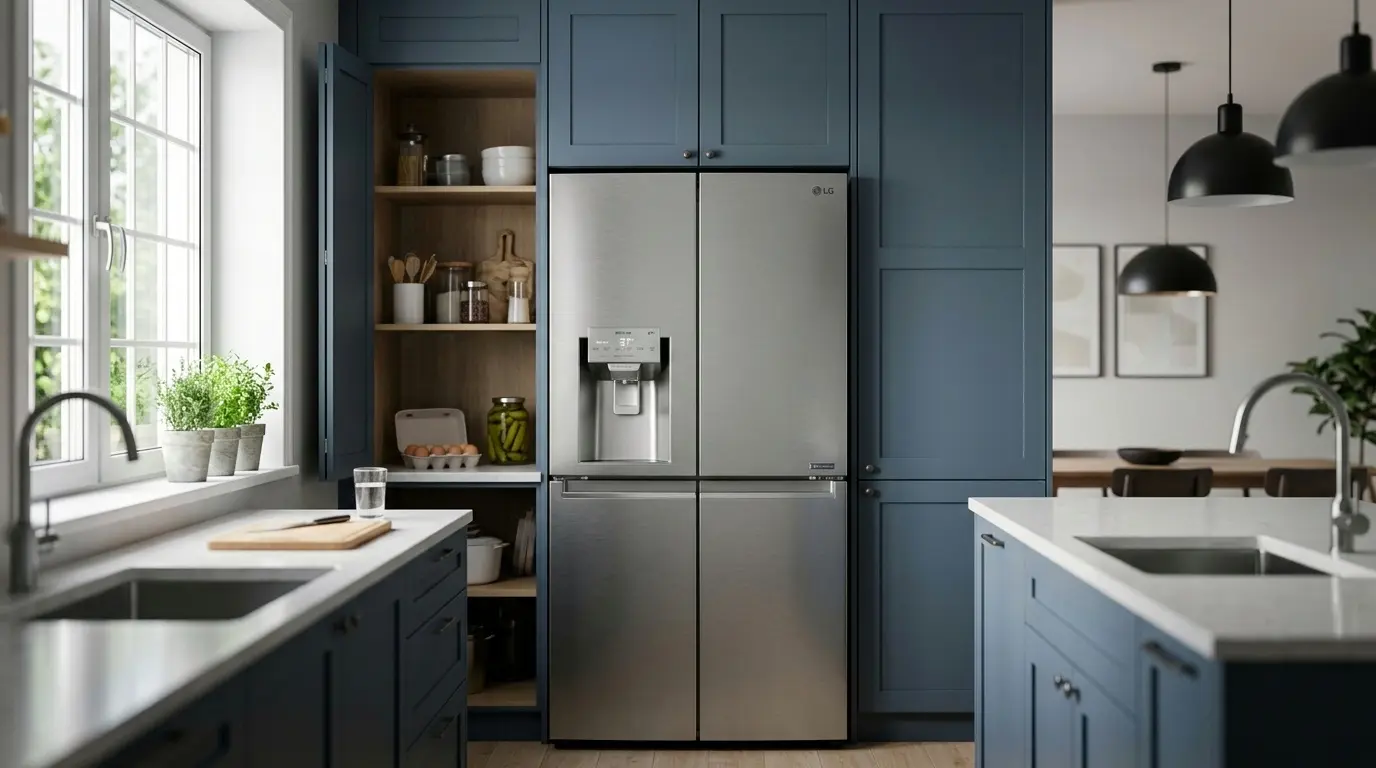
The service call that ends with me pressing two buttons for ten seconds is more common than the one that ends with me replacing a part. Most of what people think is a broken LG refrigerator is actually a settings or display-mode issue wearing a hardware costume, and once you know how to read it, you can usually fix it yourself in under a minute. Getting your LG refrigerator temperature settings right, and knowing how to navigate the panel when something looks “off,” is the difference between a fridge that lasts five years and one that lasts fifteen.
Table of Contents
1. How LG’s Settings Logic Actually Works
LG refrigerators run on a Micom (microcomputer) control system rather than a simple mechanical thermostat. Instead of just cycling a compressor on and off at a fixed point, the Micom continuously reads three inputs, ambient room temperature, internal food load, and humidity, and adjusts accordingly. That’s why two LG units set to the identical temperature can behave slightly differently in a humid kitchen versus a dry one; the algorithm is compensating for conditions your settings don’t directly control.
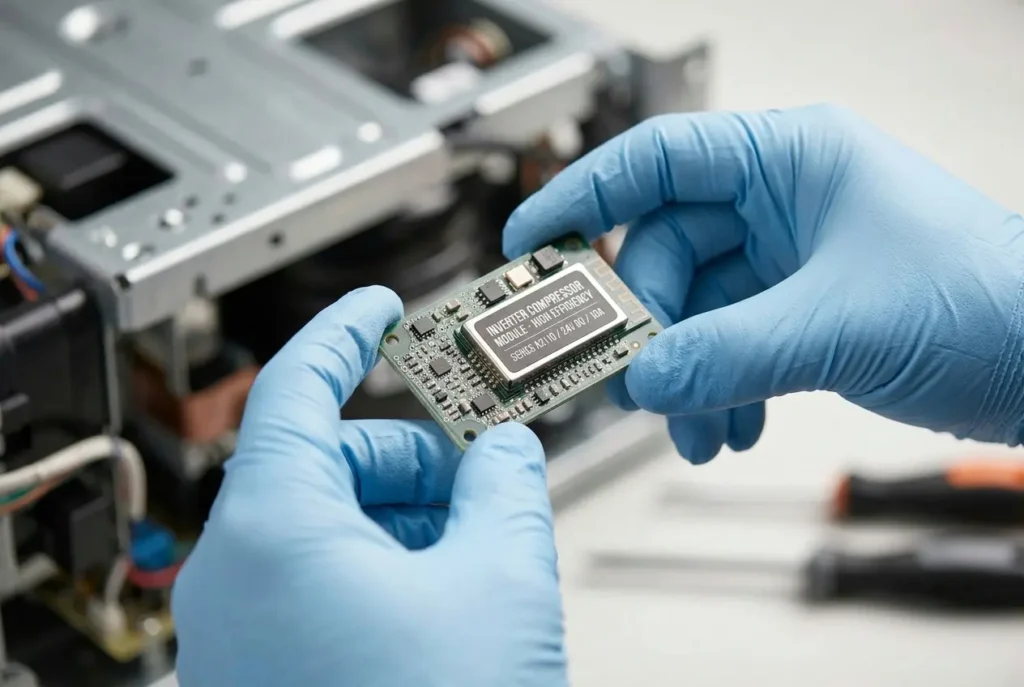
The temperature buttons themselves talk to an inverter linear compressor, which uses a magnetically driven piston instead of a standard reciprocating motor. This gives you step-less cooling rather than a blunt on/off cycle, but it also means the compressor has a protection mode: push the setting below roughly 33°F, and it may throttle back rather than risk icing the evaporator coils solid. That protection response is frequently mistaken for a sudden failure when it’s actually the system doing exactly what it’s designed to do.
👉 [LG ThinQ App Setup Guide for Refrigerators]
2. The Settings Numbers That Actually Matter
Forget guessing. Based on FDA and EU food-safety guidance, here’s what to actually dial in, matched to how you use the fridge:
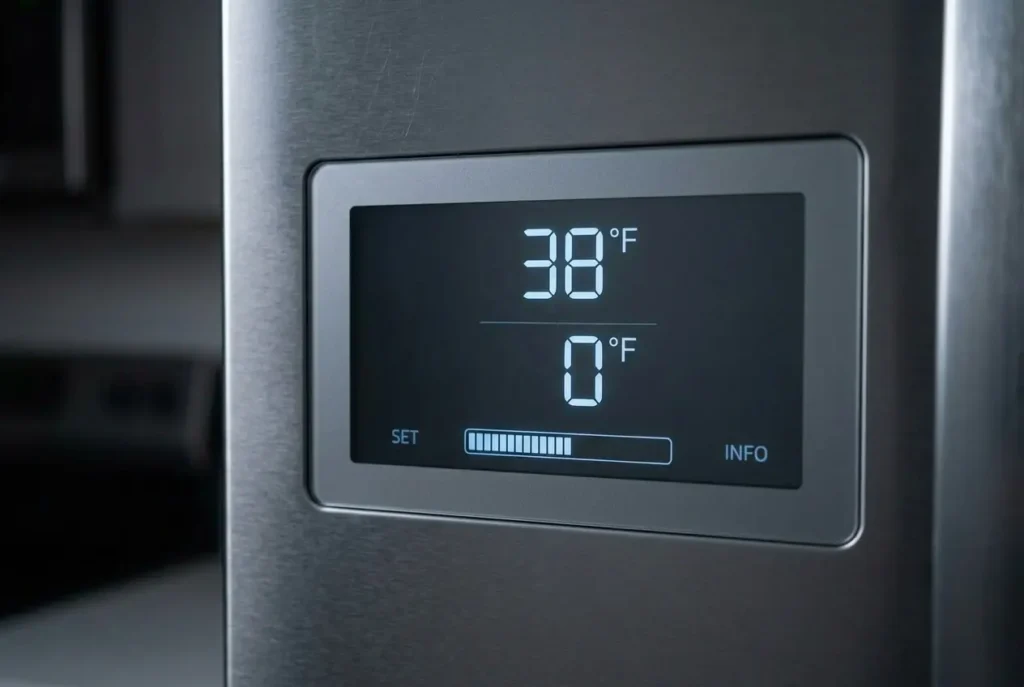
- Standard/default use: 37°F (3°C) in the fridge and 0°F (-18°C) in the freezer, which is correct for the vast majority of households.
- High humidity or summer conditions: 34°F (1°C) in the fridge, -2°F (-19°C) in the freezer; the extra buffer accounts for the unit working harder during frequent door openings in humid air.
- Empty or lightly loaded unit: 40°F (4°C) fridge, 2°F (-17°C) freezer, and an energy-saving setting that’s only appropriate when the fridge isn’t doing much work anyway.
Insider note: 37°F isn’t an arbitrary factory default; it sits close enough to the FDA’s 40°F food-safety ceiling to absorb door-opening temperature spikes while staying warm enough that the compressor isn’t fighting ice buildup constantly. Dropping it colder “just to be safe” is one of the most common settings mistakes I see, and it’s usually the thing quietly shortening compressor life rather than protecting your food any better.
3. Navigating LG’s Different Control Panel Types
LG hasn’t standardized its control layout across its lineup, and that inconsistency is the single biggest source of “my settings won’t change” calls I get. Here’s how the main types differ:
| Panel Type | Where the Controls Are | How You Adjust Temperature | Common Display/Mode Quirk |
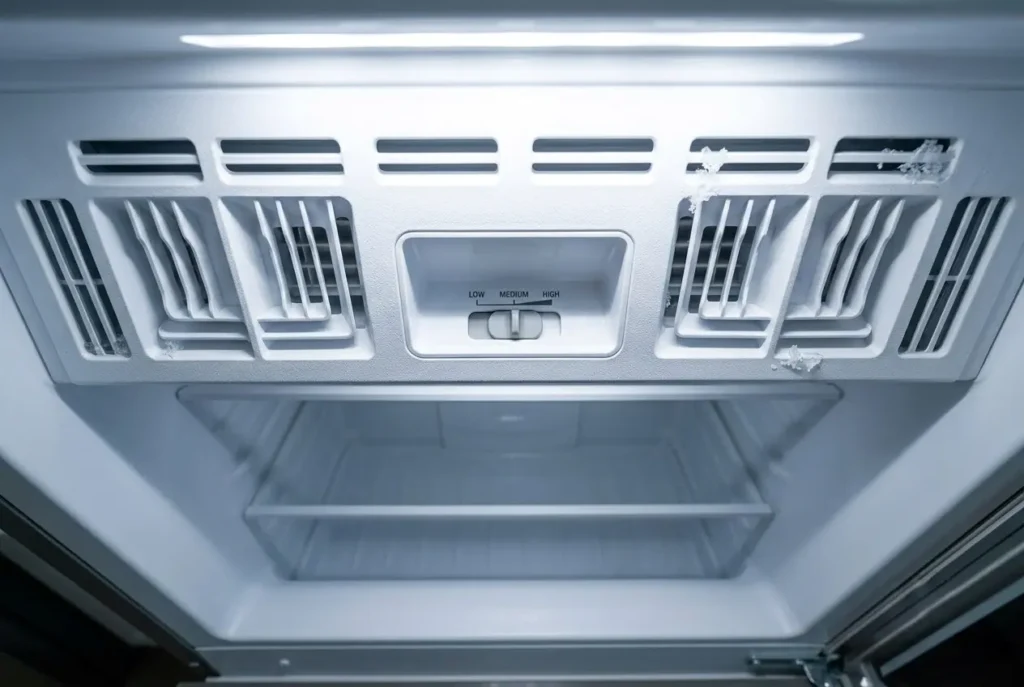
| Mechanical dial (older/budget top-mount) | A dial inside the fridge compartment | Turn dial to a numbered setting (not a direct °F reading) | A separate hidden slider in the freezer ceiling controls the freezer, missing it is the #1 setup mistake on this style |
| Basic external digital display | Small button panel on the door exterior | Tap up/down arrows in 1-degree steps | Buttons can lock automatically after inactivity, making them look unresponsive |
| Capacitive touch display (French Door/Side-by-Side) | Full touchscreen or touch-button panel | Tap the Fridge or Freezer icon to cycle degrees | Increment wraps around, tapping past the coldest setting jumps straight to the warmest one |
On the mechanical dial style, the trap is assuming the single dial controls both compartments. It doesn’t. For most households, setting the fridge dial to roughly the midpoint and the freezer slider to its mid-position gets you close to the 37°F/0°C target without needing an internal thermometer to fine-tune it.
On capacitive touch panels, the lock icon is the other common point of confusion; if the buttons genuinely aren’t responding, hold the lock/unlock icon for about 3 seconds before assuming anything electronic has failed.
👉 [Best LG Refrigerators for Large Families]
4. When the Display Says OFF But Nothing Else Is Wrong
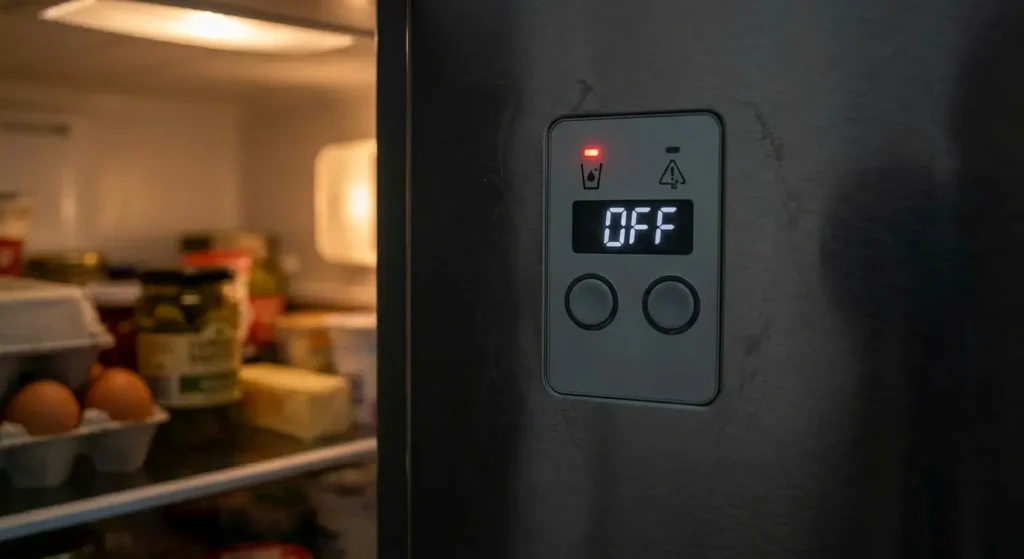
One of the most frequent panic calls I get is for a fridge with working lights and a fully lit display that still shows zero cooling. If your LG display reads “OFF” or “0 FF,” the unit is very likely stuck in demo (showroom) mode, a display state built to disable the compressor so units can sit running but cold-free on a retail floor.
Exiting it depends on your model generation:
- Older units: open the right-hand door, then press and hold the Refrigerator and Ice Plus buttons together for 5 seconds. You’ll hear a confirmation tone, and the display resets.
- Newer units: open the door, press the refrigerator button, then tap Ice Plus three times in quick succession.
If the OFF display persists after trying the correct sequence for your model, unplug the unit for a full 10 minutes rather than 5; that’s genuinely how long it takes for the Micom’s capacitors to fully discharge and clear temporary memory. A shorter unplug is the most common reason people think this fix “didn’t work” when it actually just wasn’t given enough time.
5. Why Correct Settings Can Still Look Like a Problem
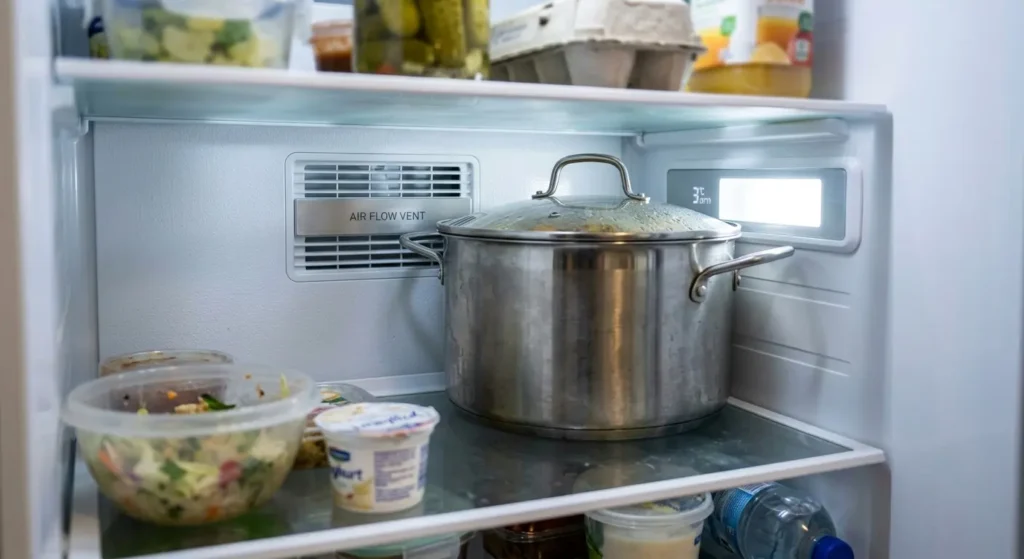
You can have your LG refrigerator temperature settings dialed in exactly right and still see symptoms that look like a settings failure. LG’s Multi-Air Flow system relies on thermistors positioned near the vents, and those sensors can be fooled by what’s physically blocking them; a large stockpot or bulky carton pressed against the back wall creates a localized heat pocket that the sensor reads as “still too warm,” even though your actual setting is correct. That’s a placement issue wearing a settings costume, not a reason to change your temperature number.
Side-by-side units add another wrinkle: a motorized damper controls airflow between the fridge and freezer compartments. If you hear repetitive ticking or humming, that’s usually the damper struggling to open, and it’s commonly triggered by running the freezer colder than necessary (below roughly -2°F), which lets moisture freeze around the damper mechanism. The settings-level fix is straightforward: bring the freezer back up to around 0°F so the defrost heater can keep the damper path clear, though a coil that’s genuinely caked in dust or frost is a maintenance issue outside what settings alone will resolve.
👉 [LG Refrigerator Not Cooling, Full Diagnostic Guide]
6. Telling a Settings Issue Apart From a Hardware Fault
This is the shortcut most owners never get told, and it’s the single most useful diagnostic habit I can hand you: give any settings or mode change a full 24 hours before judging it. LG’s Micom needs a complete cycle to stabilize a new setting and report an accurate reading, and adjusting again after an hour because “the display hasn’t moved” is how a simple settings tweak turns into the yo-yo pattern that genuinely does stress the compressor over time.
If you’ve made a single clean setting change (or successfully exited demo mode) and given it the full 24 hours, and the unit still isn’t cooling to spec, that’s your signal to stop adjusting and start suspecting hardware, a failed sensor, a wiring issue, or a compressor fault. Those live outside what any button combination or temperature dial can fix, and pushing settings further at that point usually just muddies the diagnosis. If a specific error code appears on the display at that stage, that’s a strong sign you’ve crossed into hardware-fault territory; our error code guide breaks down exactly what each one means and how to confirm it.
7. FAQs
Q: Why does my LG fridge display flicker between two temperatures instead of holding steady?
This is usually normal Micom behavior, not a fault. The inverter compressor makes small adjustments as it responds to ambient and load changes, and the display can show a degree or two of drift around your target setting. A swing of more than 3–4°F sustained over a full day is the point where it’s worth investigating further rather than assuming it’s cosmetic.
Q: I set the temperature correctly, but it reset back to factory default overnight. Why?
This is almost always tied to a brief power interruption, even a flicker too short to notice can cause the Micom to reset to its factory default (typically 37°F/0°F). If this keeps happening without any power outage you’re aware of, it’s worth having the main control board checked, since a healthy Micom shouldn’t reset on its own.
Q: My buttons don’t respond at all when I press them. Is the panel broken?
Check for a lock icon first, nearly every capacitive touch panel locks itself after a period of inactivity, and that’s mistaken for panel failure constantly. Hold the lock/unlock icon for about 3 seconds. If nothing changes after that, and the display itself is also unresponsive or blank, that’s a stronger signal of an actual panel or control-board issue.
Q: Is it safe to use Express Freeze regularly to keep the freezer extra cold?
Occasionally, yes. Express Freeze bypasses the normal variable-speed logic and runs the compressor at full load, then shuts off automatically after 24 hours. Using it more than a couple of times a week puts sustained extra load on the linear piston that the inverter system isn’t designed to handle continuously.
Q: Why does the increment logic jump straight from the coldest to the warmest setting?
On capacitive touch panels, the temperature buttons wrap around rather than stopping at the limits, tap past the coldest available setting and the display cycles straight to the warmest one instead of stopping. It’s an easy way to accidentally set your fridge to its warmest mode without realizing it, especially if you’re tapping quickly.
Q: Can I check whether my display is actually accurate?
Yes, a simple stand-alone fridge thermometer on a middle shelf is the fastest way to confirm this. Give it 24 hours after any setting change before comparing readings, since the Micom needs that time to stabilize.
Q: Does Vacation or Energy Saver mode override my custom temperature settings?
It temporarily does, by design, these modes raise the fridge temperature to reduce energy use while it’s lightly loaded or unattended, then revert to your previous custom setting once deactivated. It’s a separate mode layered on top of your manual settings, not a permanent change to them.
The Bottom Line
The pattern behind almost every LG Refrigerator temperature setting and display mode call I take is the same: someone reacted to a small, normal fluctuation with a big, unnecessary change. Pick the setting that matches your actual usage from Section 2, give it a full day to stabilize, and learn to recognize demo mode and panel locks for what they are before assuming the worst. That patience is what separates an LG refrigerator that needs a service call every year from one you genuinely forget about for a decade.
Still seeing an issue after trying the steps above? Tell me your model number and exactly what the display is showing, and I’ll help you narrow it down in the comments.