
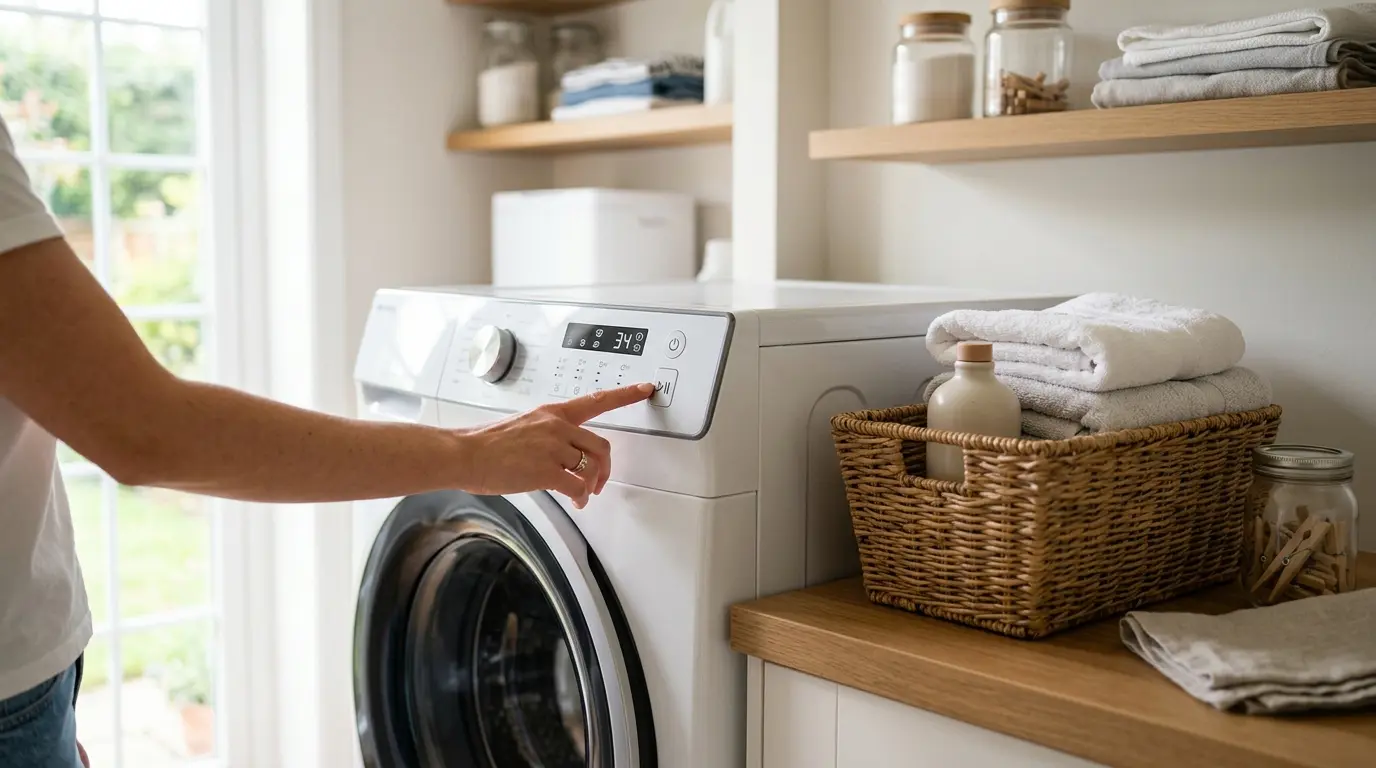
Many of my washer’s weird problems turn out to be a setting nobody knew was on. A locked panel, a cycle clock that seems to lie, or a cold wash that isn’t cleaning can each feel like a broken machine when it’s really the machine doing exactly what it was told. This Frigidaire washer settings guide shows you how to set the machine up properly and how to recognize when a strange display is normal. If your panel is flashing a code instead, jump to 👉 [Frigidaire washer error codes explained].
| As an Amazon Associate, I earn from qualifying purchases. TechElectronicLive.com may earn a small commission if you buy through links on this page, at no extra cost to you. |
Table of Contents
1. Know Your Control Panel Before You Touch a Setting
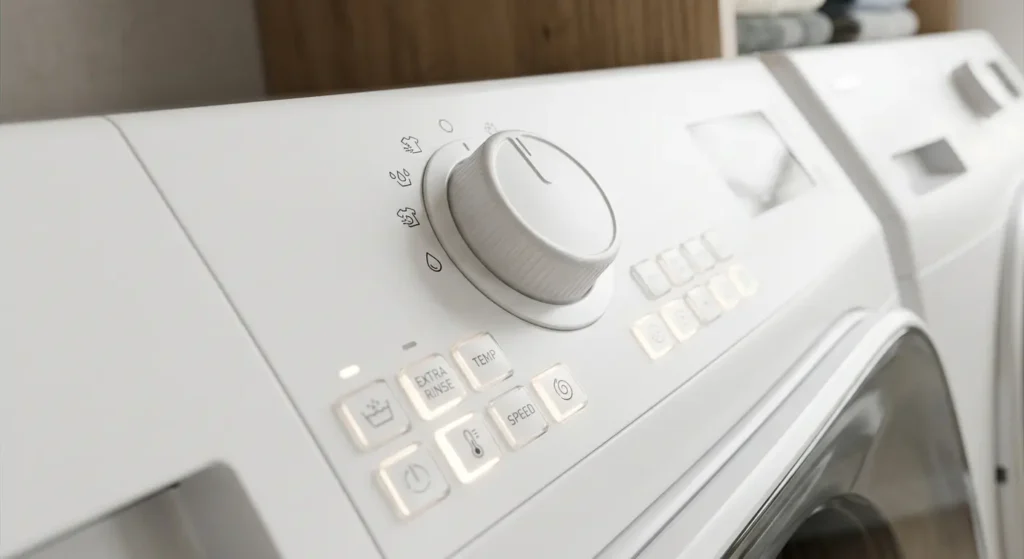
Frigidaire has sold washers with quite different interfaces, and the same feature can live in a different place on each. Generally you’ll run into three layouts:
- Knob-and-button panels: A large cycle dial with a few option buttons for temperature, spin, and soil. The dial position is the cycle, so the machine ignores a cycle change if you rotate it after pressing Start on some designs.
- Button-only panels with indicator lights: Each press steps through choices, and small LEDs show what’s active. Beginners often press a button once, see nothing obvious happen, and assume it’s dead. Watch the LED row, not the wash drum.
- Digital or touch-style panels: A screen shows the cycle name, estimated time, and selected options. These offer the most presets but also the most ways to end up on a setting you didn’t intend.
The single most valuable habit is to read the manual for your exact model rather than a general guide, including this one. Model numbers differ in cycle names and in which options are combinable.
| Insider tip: pick the cycle first. When you pick a cycle, the machine often loads sensible default temperature and spin values for it. Changing the cycle after you’ve customized options can quietly reset those options. Always choose the cycle first, then adjust temperature, spin, and extras, then press Start. |
2. Choosing the Right Cycle for the Load
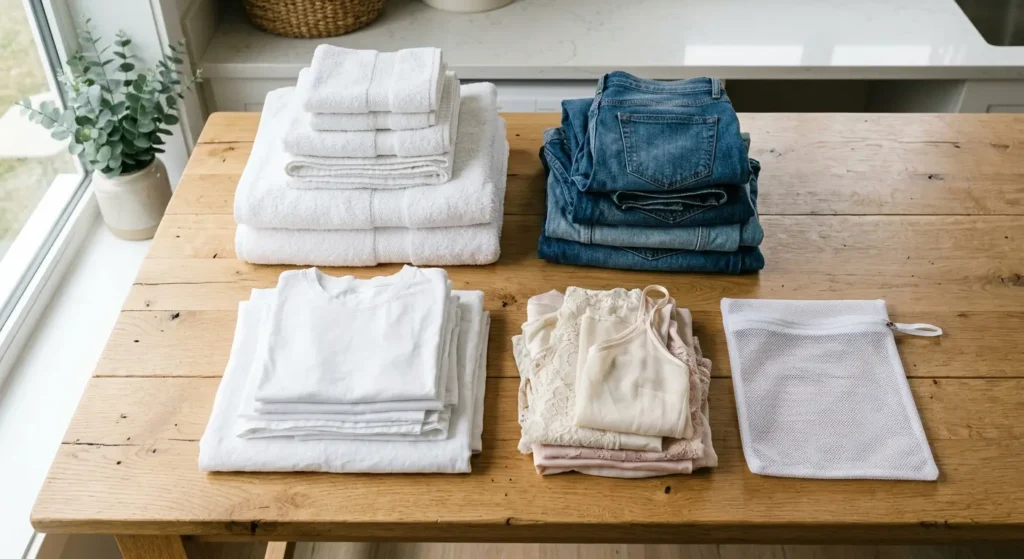
Cycle names vary by model, but they group into a few families. Normal or Heavy Duty is for durable cottons, Delicates or Hand Wash is gentle with slower tumbling, and Bulky/Bedding handles big items with extra water. Many models add Quick Wash, Towels, Whites, or a Sanitize-type setting.
The reason cycle choice matters comes down to mechanical action and water level, not just time. A normal cycle tumbles vigorously and spins fast, which is great for jeans and towels and rough on lace. A Delicates cycle uses gentler motion and a lower spin so fibers don’t stretch or pill. Putting a full load of sheets into a quick wash usually leaves detergent residue, because the short rinse can’t clear that much fabric.

- Smart Zipper Protection: The side elastic cover prevents accidental bag opening during washing and drying cycles, avoidi…
- Professional Set:These set includes multiple sizes, allowing you to sort clothes precisely by size, color and material. …
- Durable Material:These laundry bags are made of quality wear-resistant fabric with a sturdy structure. They effectively …
Here’s a practical reference:
| Load Type | Suggested Cycle | Typical Temperature | Spin Speed | Helpful Extras |
| Everyday cotton shirts, jeans | Normal | Warm | Medium to High | None needed |
| Bath towels | Towels or Heavy Duty | Warm or Hot | High | Extra rinse if the fabric feels stiff. |
| White cotton, socks | Whites or Normal | Hot (if care labels allow) | High | Pre-treat stains first. |
| Delicate lingerie | Delicates or Hand Wash | Cold | Low | Mesh bag |
| Activewear, synthetics | Normal or Quick Wash | Cold or Warm | Medium | Skip fabric softener. |
| Bedding, comforters | Bulky or Bedding | Warm | Medium to High | Extra Rinse |
| Very dirty work clothes | Heavy Duty | Warm | High | Higher Soil Level |
Treat that table as a starting point. Your care labels and manual always win over general guidance.
For lingerie, sports bras, and small delicates, a mesh bag protects them from snagging and stretching against the drum and other items. mesh laundry wash bags for delicacies. Sort bags by fabric type, and don’t stuff one so full that water can’t move through it.
Also keep detergent choice in mind, because a high-efficiency (HE) washer uses far less water than an older machine and doesn’t tolerate regular suds-heavy detergent.
3. Wash Temperature: What Cold, Warm, and Hot Actually Mean
Here’s the part almost nobody realizes: the washer doesn’t heat much water on its own on most basic models. It mixes water from your household’s hot and cold supply. That means your water heater setting and your incoming water temperature determine what hot and cold really are.
As general guidance, cold water from a tap sits roughly in the 10 to 20°C (50 to 68°F) range depending on season and region, warm cycles land somewhere around 30 to 40°C (86 to 104°F), and hot cycles target roughly 50–60°C (120–140°F) if your supply can deliver it. Some models with an internal heater or a sanitize setting can raise the temperature beyond what your household supply provides. Check your manual to see whether yours does.


Why this matters in practice:
- Winter cold washes get colder. When the mains water is close to freezing, a cold cycle can be cold enough that detergent doesn’t dissolve well. If you see white streaks or clumps of powder on clothes, switch to a liquid detergent labeled for cold water, or use Warm for the cycle.
- A hot cycle at a cool water heater isn’t hot. Many households set their water heater near 49°C (120°F), a common recommendation that also reduces scalding risk. That’s warm enough for most laundry, but it won’t reach true sanitizing temperatures. Don’t raise your water heater above what’s safe just to boost laundry results.
- Hot isn’t better for everything. Hot water can shrink cottons, set certain stains like blood or egg into the fabric, and fade dark colors. Cold or warm is often the smarter choice for colors and protein-based stains.
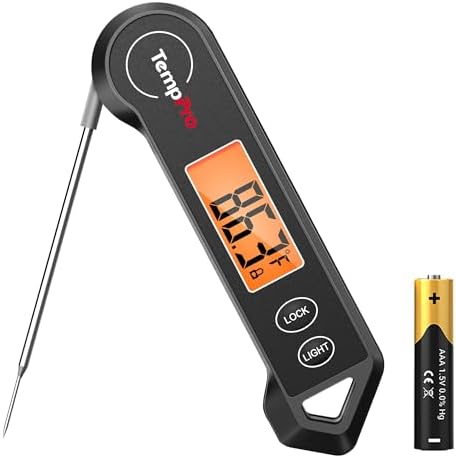
To find out what your machine is actually delivering, run the hot tap at the wall for a minute and measure it with a thermometer. That tells you what your hot setting can realistically reach.
| Insider tip: check the hose order. If your warm cycle seems unusually cool, the culprit is often the two hoses. When they’re reversed at the back (hot and cold swapped), the machine mixes water opposite from what the display says. Compare the temperature of each hose after running the taps. This is a simple check that needs no tools and no panel removal. |

- 4 FT SET of BRAIDED STAINLESS STEEL – Washing Machine Hoses. Each package includes both a hot and cold, easy to see, col…
- BURST PROOF up to 1500psi FOR ADDED HOME PROTECTION – Extremely affordable and priced the same as lower quality hoses! U…
- HOT AND COLD WATER SUPPLY LINE – Each red and blue color coded hose includes octagon shaped fittings for easy installati…
4. Spin Speed, Soil Level, and Option Buttons
Spin speed controls how much water is extracted at the end. Higher spins leave clothes drier and cut dryer time, but they also wrinkle more and stress delicate fibers. Available speeds vary by model, and top spin figures typically depend on the machine’s drum and motor, so use your manual rather than assuming a number. As a rule, set high for towels and jeans, medium for everyday clothes, and low or no spin for delicates.
Spin also connects to a common my-washer-broken moment: if the load is lopsided, the machine slows the spin or stops to redistribute clothes. On many models it may extend the cycle for several extra minutes. That’s a protective feature, not a defect. Loading a single heavy item like a comforter with nothing to balance it is the classic trigger, so add a few towels.
Soil level adjusts wash time and, on some models, water use. Bumping it to Heavy for muddy work clothes helps, but setting everything to Heavy just lengthens cycles and wears fabric faster. Reserve it for genuinely dirty loads.
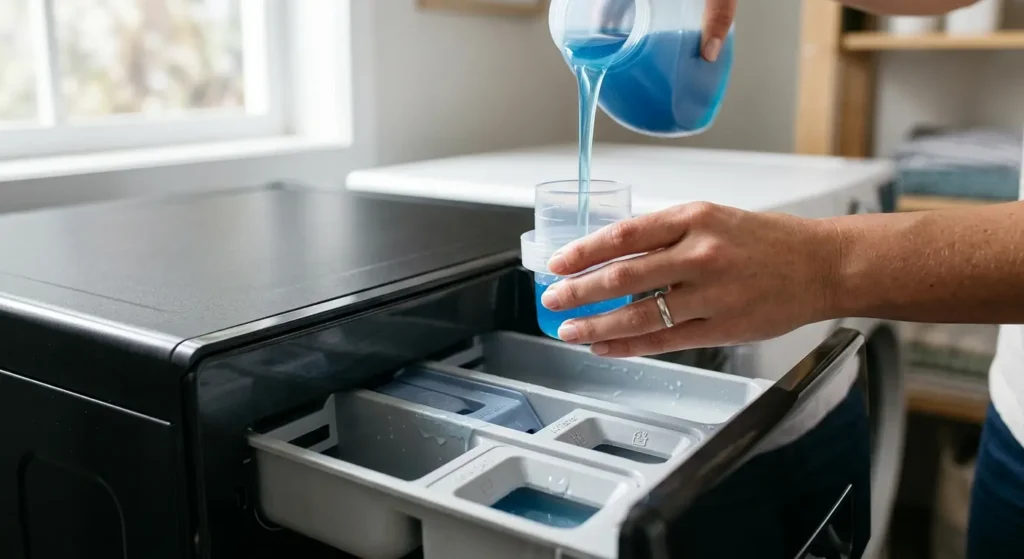
Extra Rinse is worth using when you have sensitive skin, use a lot of detergent, or wash bulky items that hold soap. If clothes come out with a soapy smell or stiff feel, an extra rinse plus reducing your detergent dose usually fixes it. Over-dosing detergent is one of the most common setting mistakes. HE machines rely on less water, so extra suds don’t rinse out as easily and can leave residue, which contributes to odors. 👉 [Frigidaire washer maintenance and odor prevention]

- NO. 1 WASHING MACHINE CLEANER TABLET*
- TIME-RELEASE DEEP CLEAN. Affresh tablets are scientifically designed to deliver extended cleaning action throughout the …
- STINKY PET ODOR? Affresh washing machine cleaner helps remove residues that can trap odors from pets, sweat and mildew t…
Choose a detergent designed for high-efficiency machines and measure it, since guessing usually means overdosing.
Delay Start lets you schedule the wash to finish later. Don’t leave wet laundry sitting in the drum for many hours, and be careful with the delay start for dark and light mixes since dye can migrate during a long wait.
Fabric softener and bleach dispensers work best when filled to the marked line. Overfilling causes the contents to release early or leave residue.

- LOOONG-LASTING: Gain Liquid Laundry Detergent Lavender Scent capsules break for scent that continues to release during r…
- LIGHT FLORAL SCENT: Send your nose on a soothing vacation to the purple pastures of Provence with light, floral Gain Lav…
- DESIGNED FOR COLDWATER: Gain Liquid Laundry Detergent delivers a powerful clean, even in cold water
5. Display and Mode Quirks That Aren’t Faults
This is where the most confusion lives. These behaviors are usually settings or modes, not breakdowns.
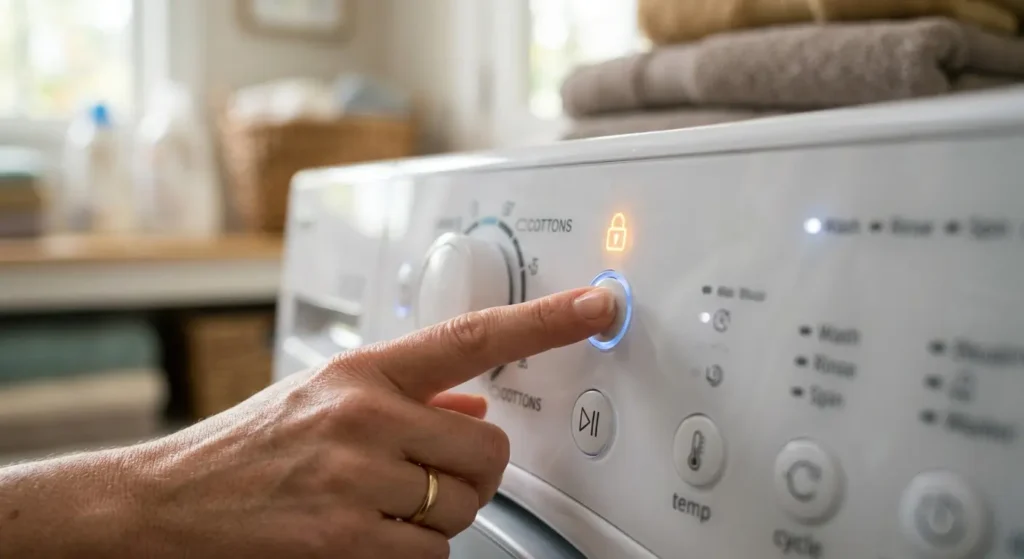
Control Lock. Many models include a lock that disables the buttons so kids or pets can’t change a cycle. If your panel is lit but nothing responds, look for a lock icon or light. Releasing it usually means holding a specific button for a few seconds, and the exact button differs by model, so confirm it in your manual. It’s a leading cause of dead panel complaints.
Demo or showroom mode. Some machines have a display mode meant for retail floors, where the panel runs but the machine doesn’t actually fill or wash. If your display works normally but no water enters and no cycle starts, demo mode is worth ruling out. The method for exiting it is model-specific, so look it up in your manual under your exact model number. Don’t assume it applies to every Frigidaire model.
Estimated time that changes mid-cycle. Many washers estimate time from load size and adjust as they sense conditions like suds, unbalanced loads, or water fill speed. A display that jumps or pauses is often the machine correcting its estimate. Slow water fill from low household pressure also stretches timing.
A cycle that seems stuck on one minute. Sensing steps like load weighing, rebalancing, or extended rinsing can hold the countdown briefly. Give it several minutes before deciding something’s wrong.
Settings that reset themselves. Many washers return to defaults when power is interrupted or after a cycle ends. Some remember your last choices and others don’t. If yours forgets after a power flicker, that’s typically normal behavior, not a malfunction.
Beeps and end-of-cycle signals. Most models allow you to change or silence the chime through an option button or menu. Check your manual before assuming the beep is a warning.
Frozen display. A screen that has stopped updating can sometimes be cleared by unplugging the washer for a couple of minutes to let the electronics reset. Keep your hands dry, and never pull on the cord if the outlet is wet or hard to reach. If it freezes repeatedly, that pattern points toward hardware, which is a different article. 👉 [Frigidaire washer DIY repair guide, replacing common failed parts]
6. Frigidaire Washer Settings Problem or Hardware Fault? A Quick Sorting Test
Here’s a quick shortcut to sort the problem without opening anything. Ask three questions in order:
- Does anything light up or beep when you press buttons? If the panel responds in any way, the control board is alive, and you’re more likely dealing with a lock, mode, or setting.
- Does the panel respond, but the machine ignores Start? Check the door is fully latched, then confirm no lock or demo mode is active. A door that isn’t seated will block a start on nearly every model.
- Does the panel do nothing at all, with no lights and no sound? Confirm the outlet has power by testing it with another device, and check your home breaker. If the outlet is fine and the panel stays dark, you’re likely looking at a hardware problem.
| Insider rule of thumb: A machine that responds but misbehaves is usually a settings issue, and a machine that doesn’t respond at all is usually power or hardware. That single distinction saves many unnecessary service calls. Never open the machine while it’s plugged in, and stop and call a licensed technician for anything electrical you’re unsure about. |
7. Building Your Everyday Default Settings
Instead of re-picking everything each time, settle on a routine that covers about 80% of your loads:
- Normal cycle, Warm, Medium spin for mixed everyday clothes.
- Cold, Delicates, Low spin for anything you’d hand-wash.
- Towels or Heavy Duty, Warm, High spin for towels and bedding, with Extra Rinse if the fabric feels stiff
Set your detergent dose to the machine’s HE recommendation, and only increase it for genuinely soiled loads. Use fewer, fuller loads rather than many tiny ones, though don’t pack the drum tight, since clothes need room to move. A good test is that you should be able to slide your hand into the drum easily with the load inside.
Finally, write your model’s lock and mode instructions on a sticky note inside a cabinet. When the panel suddenly stops responding at 10 p.m., you’ll be glad you did.
8. FAQ
1. Why is my Frigidaire washer’s control panel not responding?
The most common reason is that Control Lock is on. Look for a lock light or icon and hold the correct button per your manual. If the panel has no lights at all, check power at the outlet and breaker.
2. What temperature should I wash clothes at?
Warm suits most everyday clothes, cold suits colors and delicates, and hot suits whites and heavily soiled cottons if care labels allow. Remember your household water supply sets the real temperature.
3. Why does my washer cycle take longer than the display said?
Estimates adjust for load size, suds, and unbalanced loads. Extra time to redistribute a lopsided load is normal and protective.
4. Do my settings reset after a power outage?
On many models, yes. Some machines return to a default cycle after power is interrupted, so reselect your options before pressing Start.
5. Can I turn off the end-of-cycle beep?
Many models allow you to reduce or silence it through an option button or menu. The steps vary by model, so check your manual.
6. Is a cold wash enough to clean clothes?
For light to moderate soil, yes, especially with a cold-water detergent. For greasy or heavily soiled items, warm often performs better.
7. How do I know if it’s a setting problem or a real fault?
If the panel responds to button presses, suspect a lock, mode, or setting first. If it shows no signs of life after confirming outlet power, suspect hardware and consider professional help.
9. Conclusion
A washer is only as smart as the settings you feed it. Pick the cycle first, match the temperature to the fabric and your real water supply, keep detergent honest, and learn where your model hides its lock and mode controls. That combination fixes more problems than any part ever will.
Take five minutes this week to check your manual, write down your three go-to setups, and run one load with your new defaults. Then explore the rest of TechElectronicLive.com for more washer and refrigerator guides, and share this Frigidaire washer settings guide with anyone who’s ever muttered at a locked panel.