
As an Amazon Associate, this site earns from qualifying purchases.
Short answer: The Samsung Family Hub refrigerator (officially the Bespoke AI Family Hub) suits households that want a 32-inch screen, camera-based food tracking, and voice-controlled doors. Anyone who mainly wants strong cooling can skip it, because Triple Cooling is a general Bespoke feature, not a Hub exclusive. Three current U.S. models are covered below.
Samsung Bespoke AI Refrigerator 2026: Better Than French Door?
Table of Contents
What Does the Samsung Family Hub Refrigerator Do?
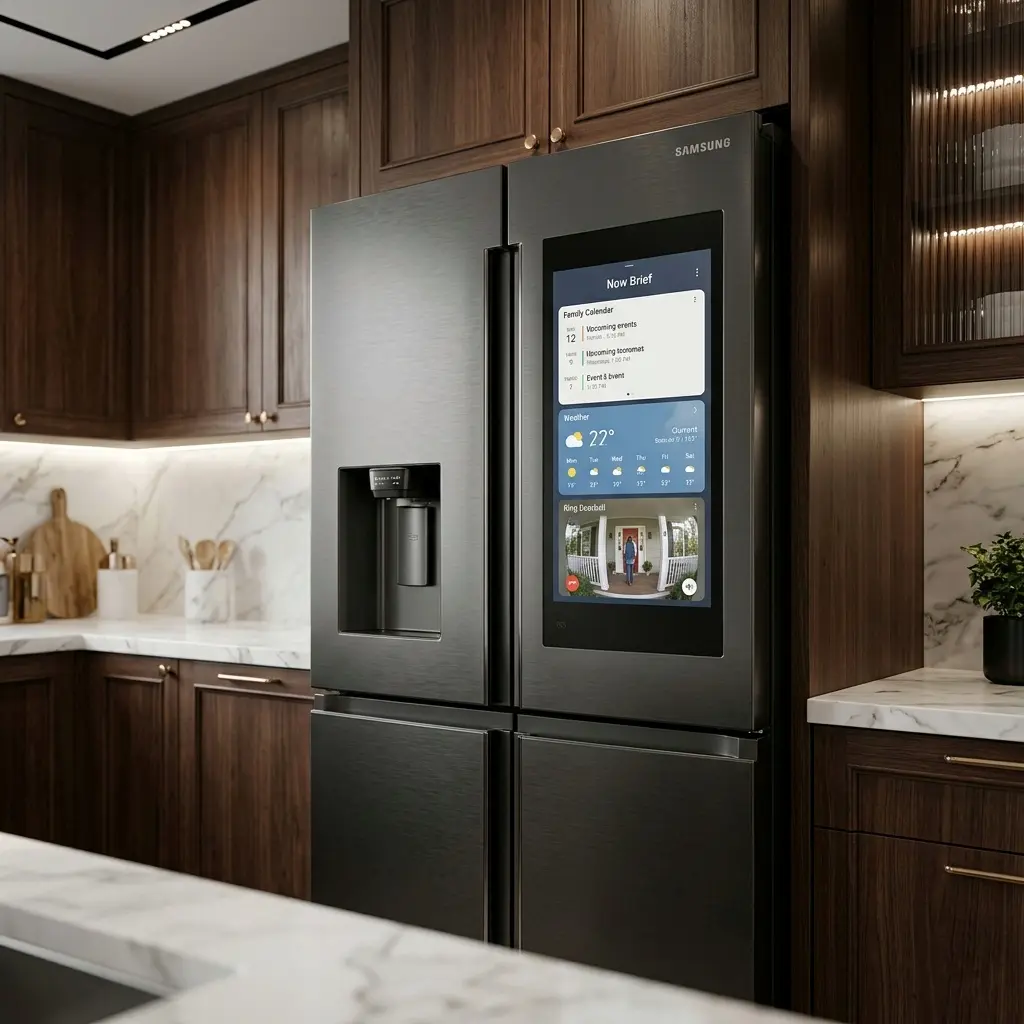
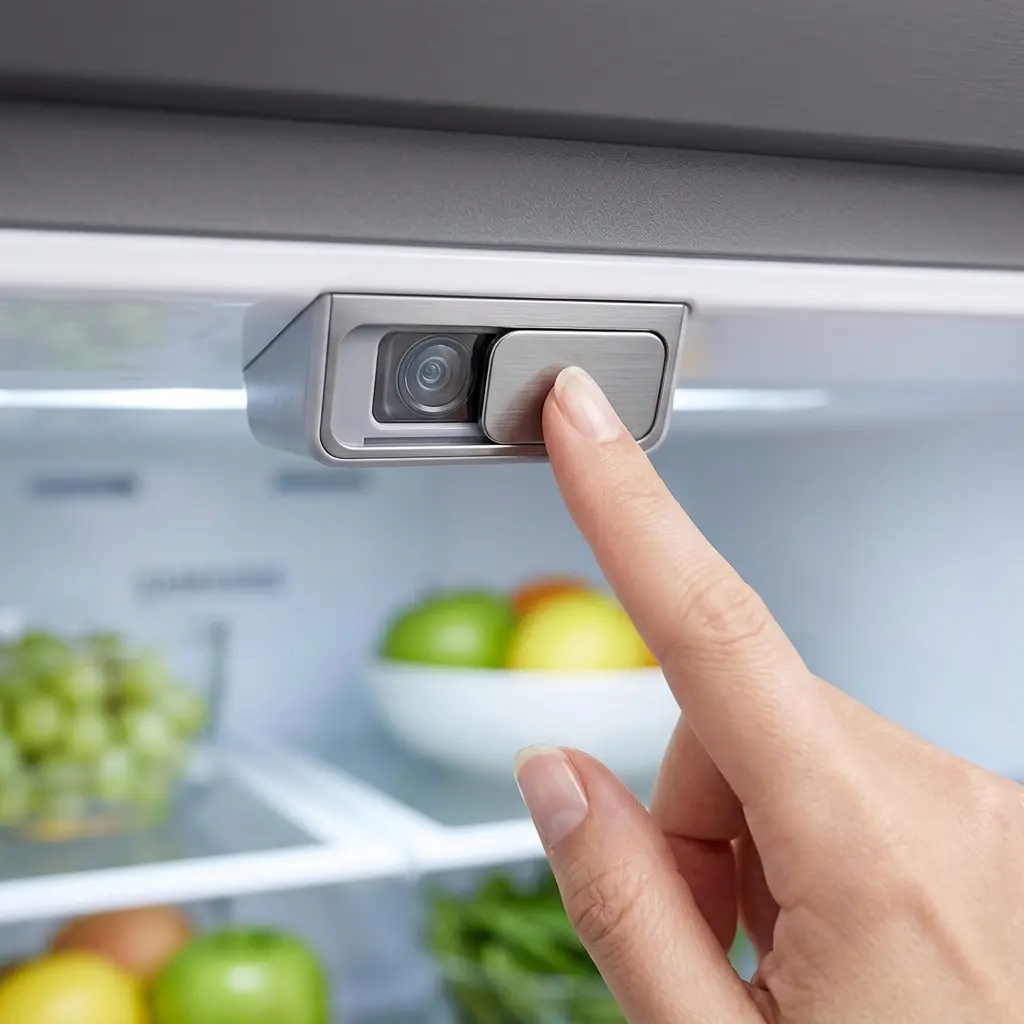
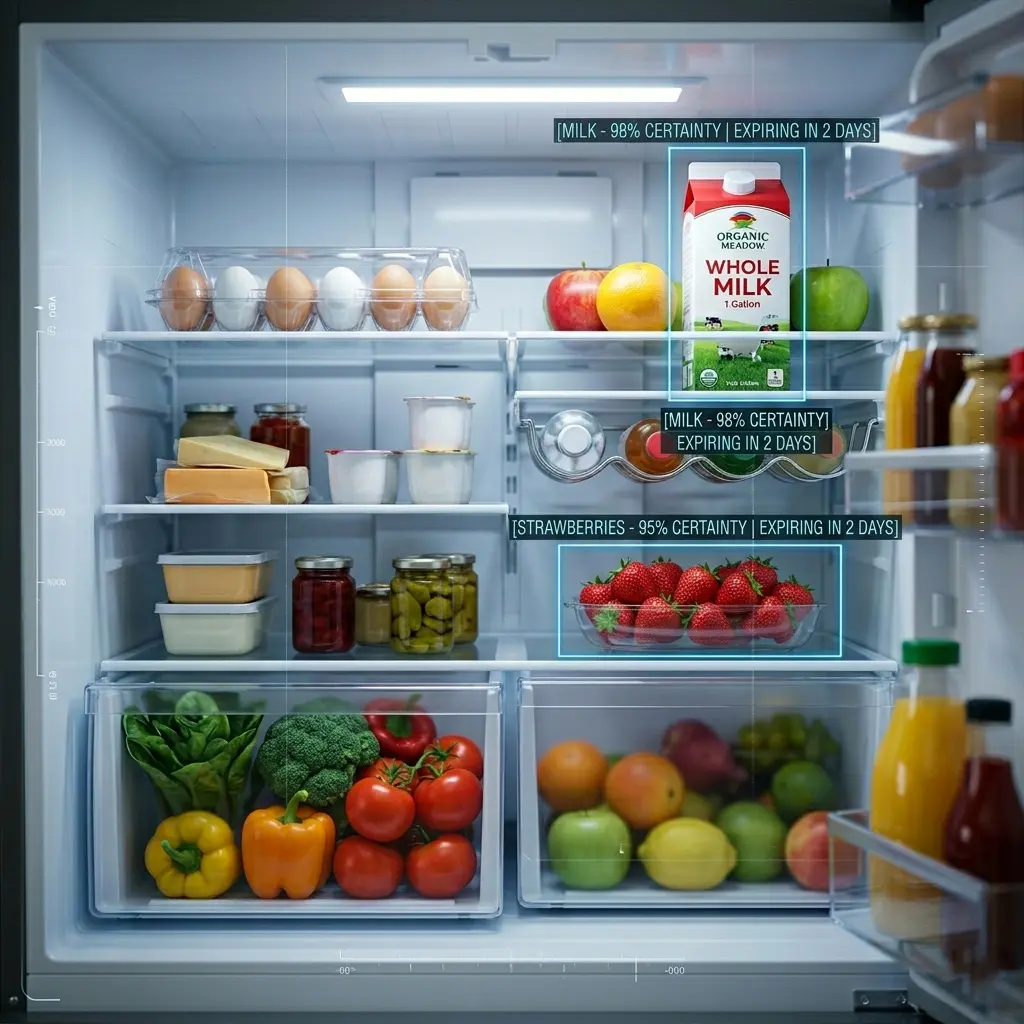
A refrigerator door that doubles as a touchscreen sounds like a gimmick until the grocery list, the family calendar, and the food inside start working together. The Samsung Family Hub refrigerator is built around that idea. A built-in camera tracks what goes in and out, Google Gemini supports food recognition, and Bixby handles voice commands, including opening and closing the doors.
The tradeoff is that a fridge lasts far longer than the software running on its screen. Samsung’s software policy covers up to seven years of updates for Wi-Fi appliances made since 2024, which is shorter than a typical refrigerator’s life. This guide compares the three current U.S. Family Hub models and explains which features justify the premium. It also covers cloud processing, update limits and what to measure before ordering.
Samsung Family Hub Refrigerator Quick-Pick Table
| Model | Type | Key spec | Best for | Main downside |
| RF29DB990012AA | 32-inch Family Hub | 29 cu ft class (from the model code) | Larger households | Largest footprint of the three |
| RF23DB990012AA | 32-inch Family Hub | 23 cu ft class (from the model code) | Smaller kitchens | Less storage than the 29 class |
| RF90F29AECRAA | 32-inch Family Hub | Capacity not listed for this model | Shoppers comparing current U.S. SKUs | Spec gaps make comparison harder |
| RF29DB9900QD | 32-inch Family Hub+ (Bespoke 4-Door Flex) | 29 cu ft, AI Vision Inside, Auto Open Door | Buyers who want a different panel finish than RF29DB990012AA | Same footprint as the other 29 class model |
Family Hub vs. Non-Hub Bespoke
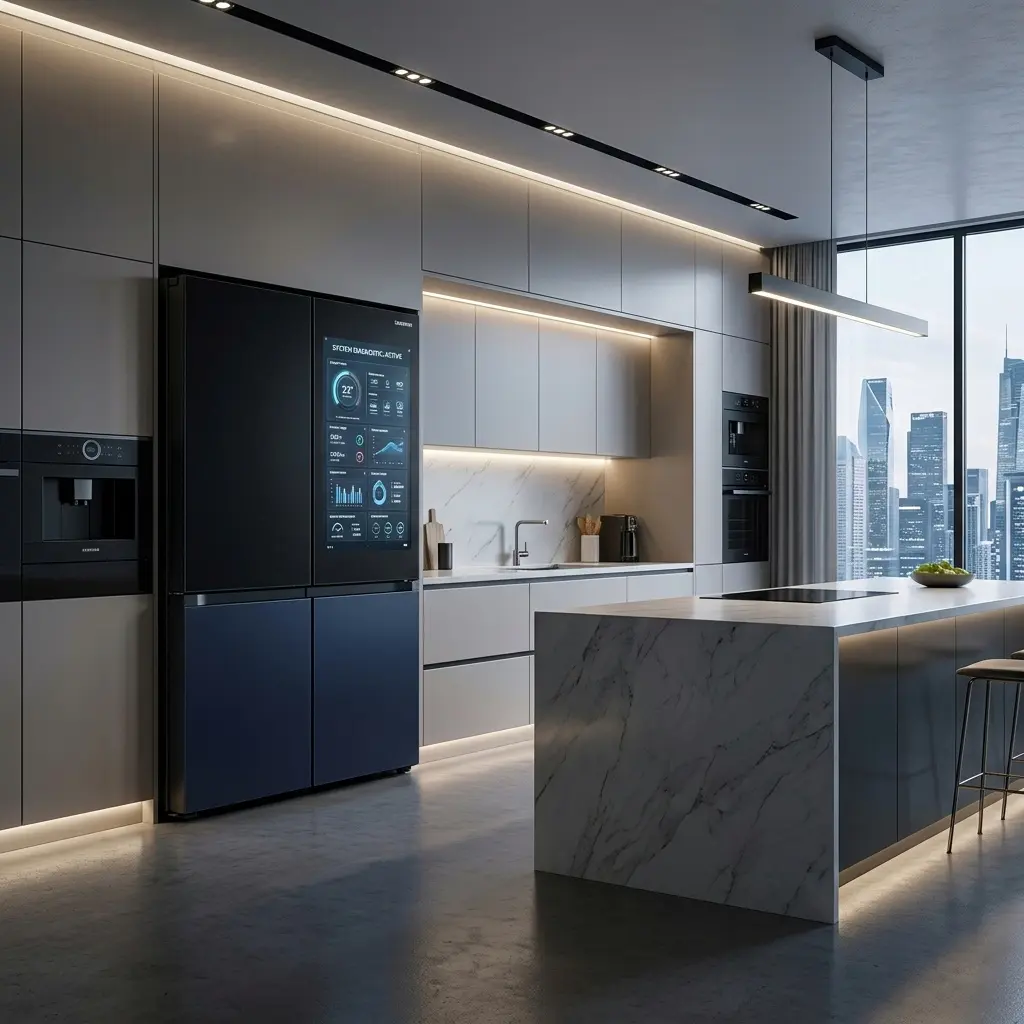
The Hub adds the 32-inch screen, AI Vision food recognition, and hands-free Auto Door. Triple cooling, with three evaporators, is a general bespoke cooling feature found on multiple current models. The cooling hardware therefore does not separate Hub from non-Hub models.
The screen runs a Tizen-based operating system. Recognition relies on cloud processing for its wider food coverage. A non-Hub Bespoke avoids that dependency and the software-lifespan question.
Quick Look: For a broader view of all tech specs, read our guide on Samsung Refrigerators: Pros, Cons, and Smart Features Explained.
Capacity Guide
Capacity classes are the main separator here. The RF29 and RF23 model codes indicate roughly 29 and 23 cubic feet. The RF90F29AECRAA’s capacity is not listed here, which makes it harder to compare against the other two models. A bigger fridge helps with bulk shopping and large platters. It matters less if groceries are bought several times a week.
Compare capacity against the actual opening, since a fridge that does not fit through the doorway or the cabinet cutout will not serve anyone.
Samsung Family Hub Refrigerator Models
RF29DB990012AA
This is the larger of the two coded models and suits households that shop in bulk or store plenty of fresh food. It carries the full Family Hub feature set: the 32-inch screen, AI Vision with Google Gemini, Bixby voice control, and Auto Door for hands-free opening. Cooling uses Triple Cooling, which is a general bespoke feature rather than a hub exclusive one.
AI Vision recognizes a defined list of fresh and processed foods, and the exact count varies by model and software version. Items outside that list, or hidden behind other food, will not be reliably identified. Energy-saving features such as AI Save Mode work through SmartThings and advertise savings of up to 25% on some models.
The structural downside is size. Larger capacity means a larger footprint, so measure the space, the doorway, and the door swing clearance first.
RF23DB990012AA
The smaller-coded model fits kitchens where space is the limit or households that prefer a tighter layout. It offers the same Family Hub platform: the 32-inch display, camera-based food tracking, Auto Door, and Triple Cooling as a general bespoke feature. Cloud-backed AI vision means recognition depends on a connection, and Knox Matrix, a blockchain-based device security platform, is expanding to Family Hub appliances.
Buyers who want the Hub experience without the largest cabinet will find this model easier to place. Energy-saving figures vary by model, so no single number applies here.
The structural downside is capacity. The 23-class holds less than the 29-class, which matters for large families, frequent entertaining, or bulk freezer storage.
RF90F29AECRAA
This U.S. SKU belongs to the current 32-inch Family Hub lineup and shares the platform features: AI Vision with Google Gemini, Auto Door with Bixby voice control, and the Tizen-based interface. It suits shoppers comparing every current U.S. option before choosing.
Capacity and door layout details are not listed for this model.
Like every Family Hub model, it has the software-lifespan caveat. Samsung’s policy covers up to seven years of updates for Wi-Fi appliances made since 2024, and memory or chip limits can restrict some updates. Refrigerator hardware generally outlasts that window, so the screen may age faster than the cooling system.
The structural downside here is the gap in confirmed specs. Comparing it against the other two models is harder without those two specs.
More Family Hub Models
Samsung sells Family Hub refrigerators with two different screen sizes, so the models below are grouped by screen.
Same 32-Inch Screen Tier
RF29DB9900QD (Bespoke 4-Door Flex, 29 cu ft). This is a direct alternative to the RF29DB990012AA. It sits in the same tier, with the 32-inch Family Hub+ screen, AI Vision Inside, and Auto Open Door, and differs mainly in panel finish: a Charcoal Family Hub Panel here versus the White Glass or Stainless options on the other model. It suits buyers who want the 29 cu ft Hub experience in a different look. The structural downside is the same large footprint as the other 29-class models.

- Bespoke 4-Door Flex with Family Hub+ in Charcoal Family Hub panel, Stainless Steel
Smaller Screen Tier
These two use the smaller 21.5-inch Family Hub screen, not the 32-inch screen covered above, and sit at a lower price point. They keep the Family Hub concept at a smaller display size, which suits shoppers who want the feature set without the larger panel.
RF32CG5900SR (30 cu ft, 3-Door French Door, Mega Capacity). The French door layout and large capacity suit big households that want the most interior space in this group. The structural downside is its size, so measure the space and doorway before ordering.

- Samsung 30 cu. ft. Mega Capacity 3-Door French Door Refrigerator with Family Hub in stainless steel RF32CG5900SR
RS27T5561SR/AA (26.7 cu ft, Side-by-Side). The side-by-side layout puts the freezer and fridge in two tall columns, a familiar format for narrower kitchens. The structural downside is that side-by-side compartments are narrower than French door shelves, which can limit wide items such as party platters.

- LARGE CAPACITY: Completely redesigned interior with 27.4 cu. ft. capacity that fits 10% more groceries than ever.
- MODERN DESIGN: Flat panel door design with easy-to-open recessed handles blends into your cabinetry to give you a modern…
- FINGERPRINT-RESISTANT FINISH: Finish that withstands everyday smudges so you spend less time cleaning.
Pre-Purchase Checklist
- Measure the space, the doorway, and the cabinet cutout, including the door swing.
- Confirm capacity, depth, and door layout for the exact model being ordered.
- Decide whether a screen and camera are wanted, or whether a non-Hub Bespoke covers the need.
- Confirm Wi-Fi coverage in the kitchen.
- Check which features depend on the SmartThings app or other Samsung devices.
- Read the privacy settings, since AI Vision uses cloud processing.
- Check the warranty terms for the exact model and retailer.
Samsung Family Hub Refrigerator FAQs
Is the Samsung Family Hub refrigerator worth the extra cost over a non-Hub Bespoke?
It depends on how much the screen, camera, and voice controls will be used. Triple Cooling is a general bespoke feature, so cooling alone does not justify the Hub premium. Households that manage groceries, calendars, and recipes in the fridge get the most from it. Next step: list out which screen, camera, and voice features would actually get used day to day.
Technical Tip: Worried about screen glitches or frozen panels? Bookmark our Samsung Refrigerator Control Panel Guide: Reset & Troubleshooting (2026) to stay prepared.
How many years of software updates does it get?
Samsung’s policy covers up to seven years of updates for Wi-Fi appliances made since 2024, confirmed through a September 2026 over-the-air rollout. Memory or chip limits may restrict some updates on certain hardware. Since refrigerators often last longer than that, the screen may age before the cooling system does. Next step: factor the seven-year window into how long the fridge is expected to stay in use.
Does AI Vision send images to the cloud?
Yes. AI Vision is cloud-backed, and Samsung’s 2026 event framing described offloading image processing to the cloud for broader recognition. This means the feature depends on a connection and on Samsung’s cloud handling. Next step: review the privacy settings during setup, and consider a non-Hub Bespoke if cloud processing is a dealbreaker.
Does the fridge cool without Wi-Fi?
Core cooling does not depend on Wi-Fi. Features that rely on the cloud, such as AI Vision’s wider recognition, need a connection to work as intended. Without one, the connected features pause while the cooling continues. Next step: confirm kitchen Wi-Fi coverage before installation.
What can’t AI Vision recognize?
AI Vision recognizes a defined list of fresh and processed foods, and the exact count varies by model and software version. Items outside that list, or hidden behind other food or in opaque containers, may not be identified reliably. Manual tagging or entry fills the gaps. Next step: test it with a typical week of groceries after setup.
Which features need a Samsung account, phone or other Samsung devices?
Energy features like AI Save Mode work through SmartThings. Hands-free Auto Door runs on Bixby voice control. Syncing recipes to a touchscreen Samsung oven requires that oven. Account requirements for each individual feature are not detailed here. Next step: set up the SmartThings app first, since most connected features route through it.
Want a more built-in look? Explore our top picks: 5 Best Samsung Counter-Depth Fridges 2026: Sleek & Flush
Bottom Line
The Samsung Family Hub refrigerator is worth its premium for households that will use the screen, the food tracking and voice-controlled doors. Those features are the real difference, since Triple Cooling is a general Bespoke feature and not exclusive to the Hub.
Two caveats should shape the decision. AI Vision relies on cloud processing, so privacy comfort matters. And the software is covered for up to seven years on a machine that may last longer, so the screen may age first. Buyers who mainly want cold storage and plenty of space will be well served by a non-Hub Bespoke.
Space Tip: Still unsure about the layout? Compare models here: Samsung French Door vs. Side-by-Side (2026): Which is Better?
For everyone else, the RF29 class suits larger households, the RF23 class suits tighter kitchens, and the RF90F29AECRAA needs its specs confirmed first. Next step: measure the space and doorway, then confirm capacity and door layout on the official page for the chosen model before ordering.