
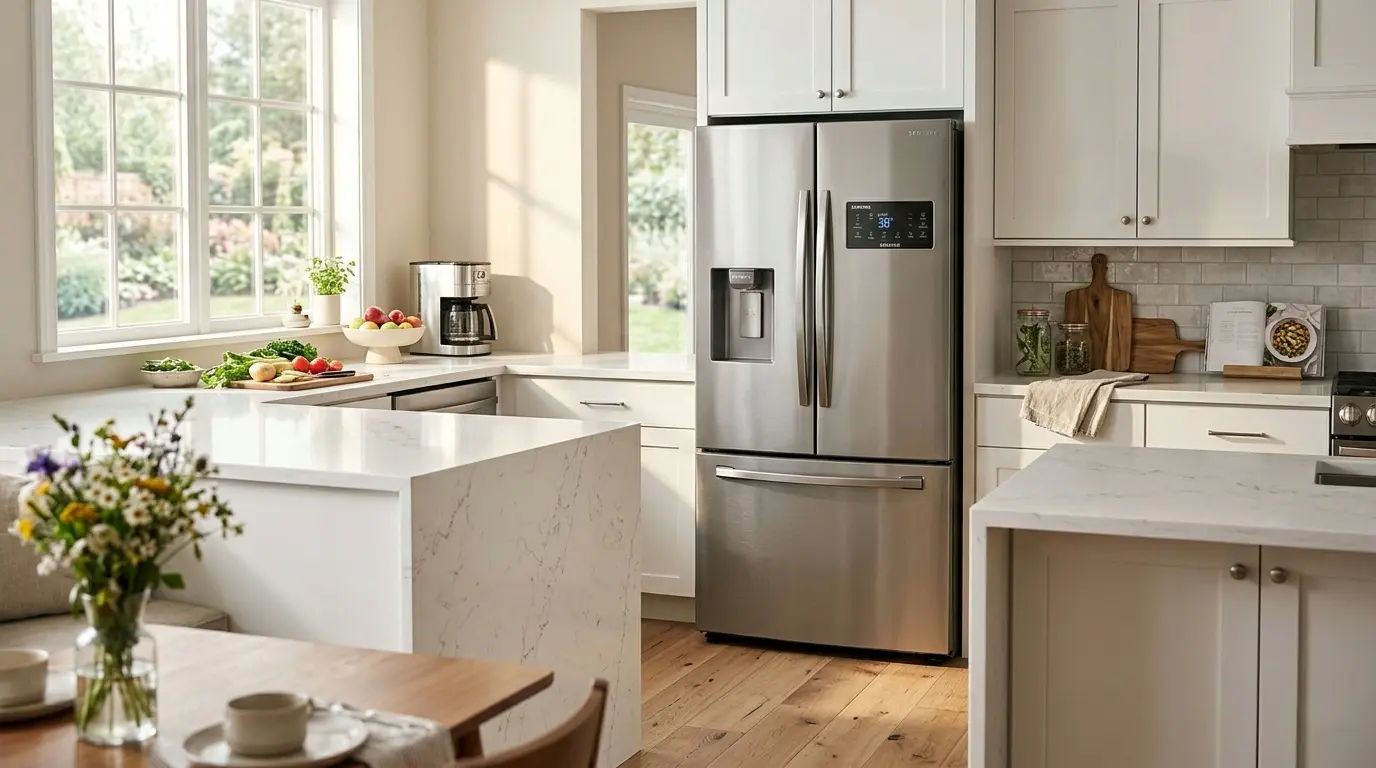
Your food is not staying cold enough. Or maybe the freezer feels like the Arctic, but the fridge section is barely cool. Whatever the situation, if things feel off with your Samsung fridge, doing a Samsung refrigerator temperature reset is the smartest first step, and it takes less than five minutes.
This guide covers every Samsung model type, walks you through the reset process step by step, and explains what to do if the temperature still will not cooperate after the reset. No fluff, no filler, just the information you actually need.
Table of Contents
Why Would You Need a Samsung Refrigerator Temperature Reset?
Before we get into the how, it is worth understanding the why. Temperature issues in Samsung refrigerators usually happen for one of these reasons:
- Someone accidentally changed the temperature setting.
- A power outage or surge caused the control panel to glitch.
- The fridge was in demo mode (also called shop mode), a display setting that turns off cooling entirely.
- The unit was moved or recently installed, and the temperature was never set correctly.
- A minor software issue in the control board needs clearing.
In most of these cases, a proper Samsung refrigerator temperature reset clears the problem without any professional help needed.
What Are the Ideal Temperature Settings for a Samsung Refrigerator?
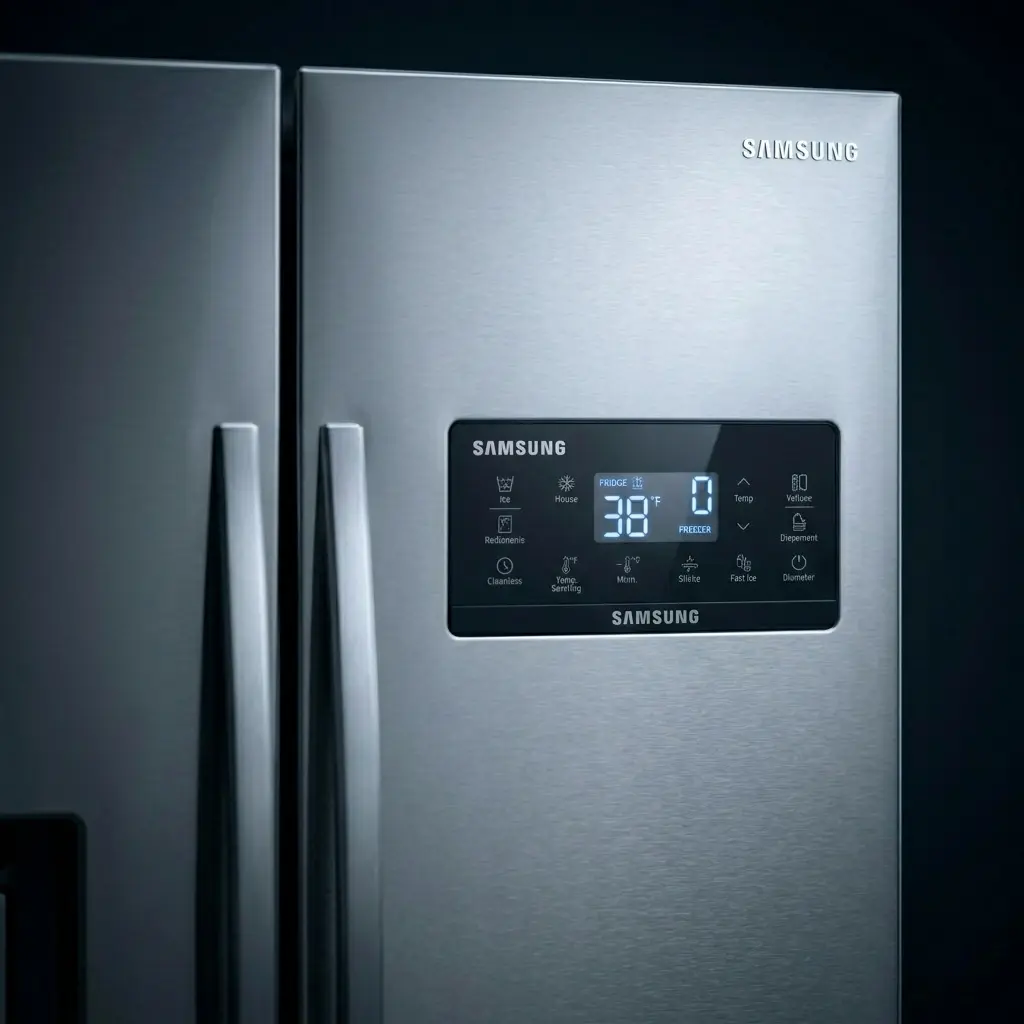
Before you start resetting anything, know your target. Samsung recommends these default temperature settings:
- Refrigerator section: 38°F (3°C)
- Freezer section: 0°F (-18°C)
These are the sweet spots for food safety and energy efficiency. If your current settings are far off from these numbers, that alone could explain why food is spoiling or freezing when it should not be.
Step-by-Step: Samsung Refrigerator Temperature Reset by Model Type
Samsung makes several refrigerator styles, and the reset process is slightly different for each. Find your model below.
1. French Door Samsung Refrigerators
French door models usually have a digital control panel either on the door or inside at the top of the fresh food section.
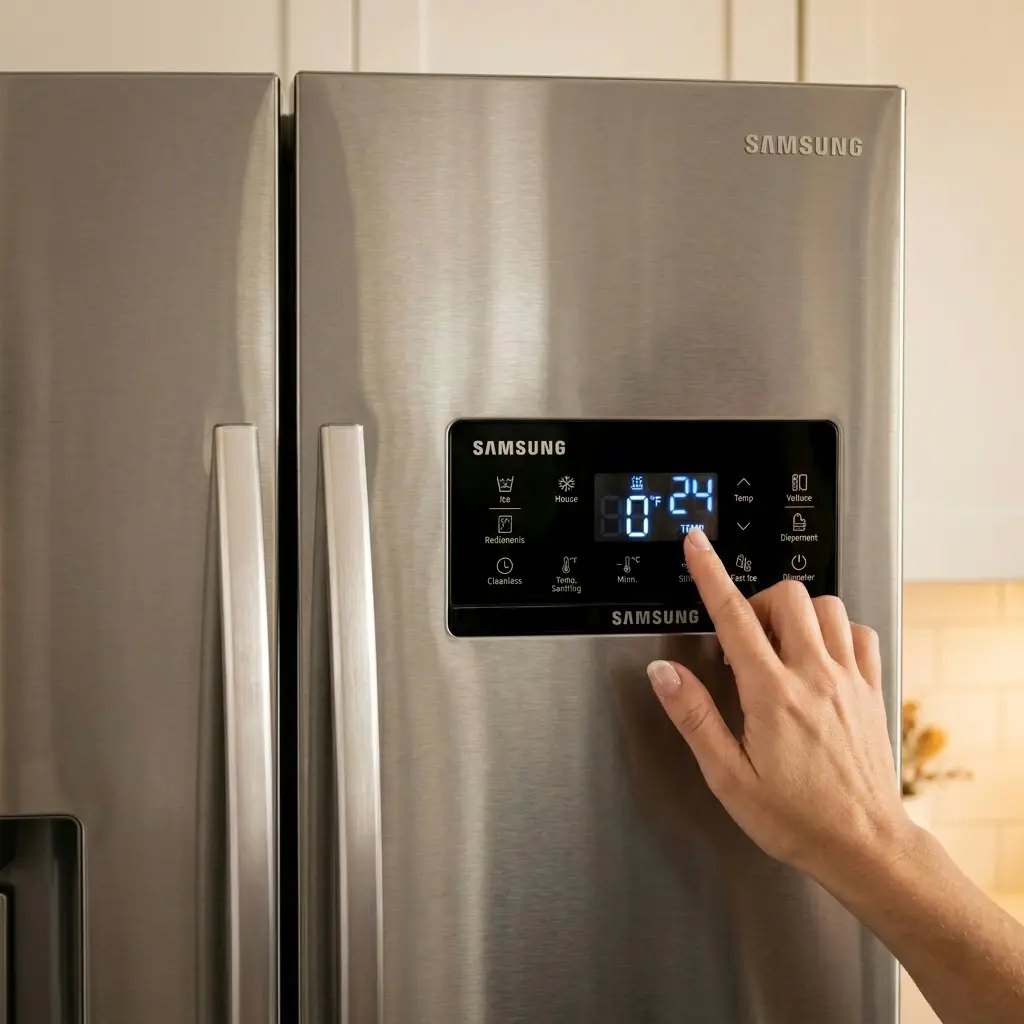
- Press the fridge button on the control panel repeatedly until you reach your desired temperature (38°F is the recommended default).
- Press the freezer button and cycle through until you reach 0°F.
- Wait 24 hours for the fridge to stabilize at the new temperature before deciding if further adjustments are needed.
- If the display is unresponsive, press and hold the Energy Saver and Power Freeze buttons simultaneously for 10–15 seconds to reset the control panel.
2. Side-by-Side Samsung Refrigerators
Side-by-side models have the control panel on the exterior door, usually on the freezer side.
- Press the Fridge Temp button to cycle through temperature options. Stop at 38°F.
- Press the freezer temp button and set it to 0°F.
- For a full panel reset, hold the Energy Saver and Lighting buttons at the same time for 10 seconds until you hear a chime.
- Allow 24 hours for temperatures to fully stabilize.
If you are confused between the French door and side-by-side Samsung refrigerators, and which one you should buy,
3. Top Freezer Samsung Refrigerators
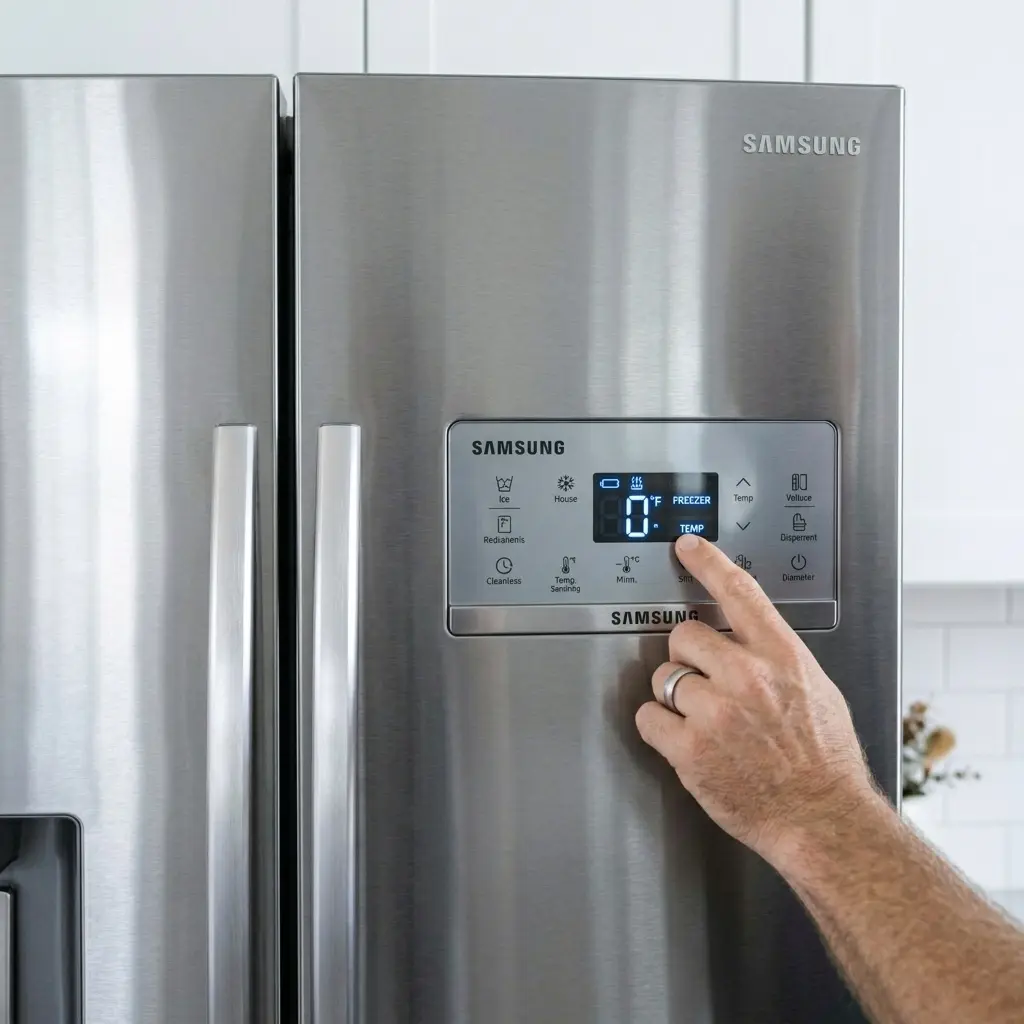
Older top freezer models often have a simple dial or basic digital controls inside the unit rather than a touchscreen panel.
- Locate the temperature dial inside the fresh food section, usually on the back wall or ceiling.
- Turn the dial to the middle setting (typically labeled 3 or 4 out of 5 or 7).
- If your model has a digital display, use the Temp button to set the fridge to 38°F and the freezer to 0°F.
- Give the unit a full 24 hours to adjust before rechecking.
4. Bottom Freezer Samsung Refrigerators
- Find the control panel; on most bottom-freezer models, it is located inside at the top of the refrigerator section.
- Use the refrigerator temperature button to set it to 38°F.
- Use the freezer temp button to set to 0°F.
- To reset the control board, unplug the unit for 5 minutes, then plug it back in.
How to Do a Full Power Reset on Any Samsung Refrigerator
If the control panel is frozen, unresponsive, or showing an error code alongside the temperature problem, a power reset is your best move. This works on every Samsung model and is the most thorough way to do a Samsung refrigerator temperature reset.
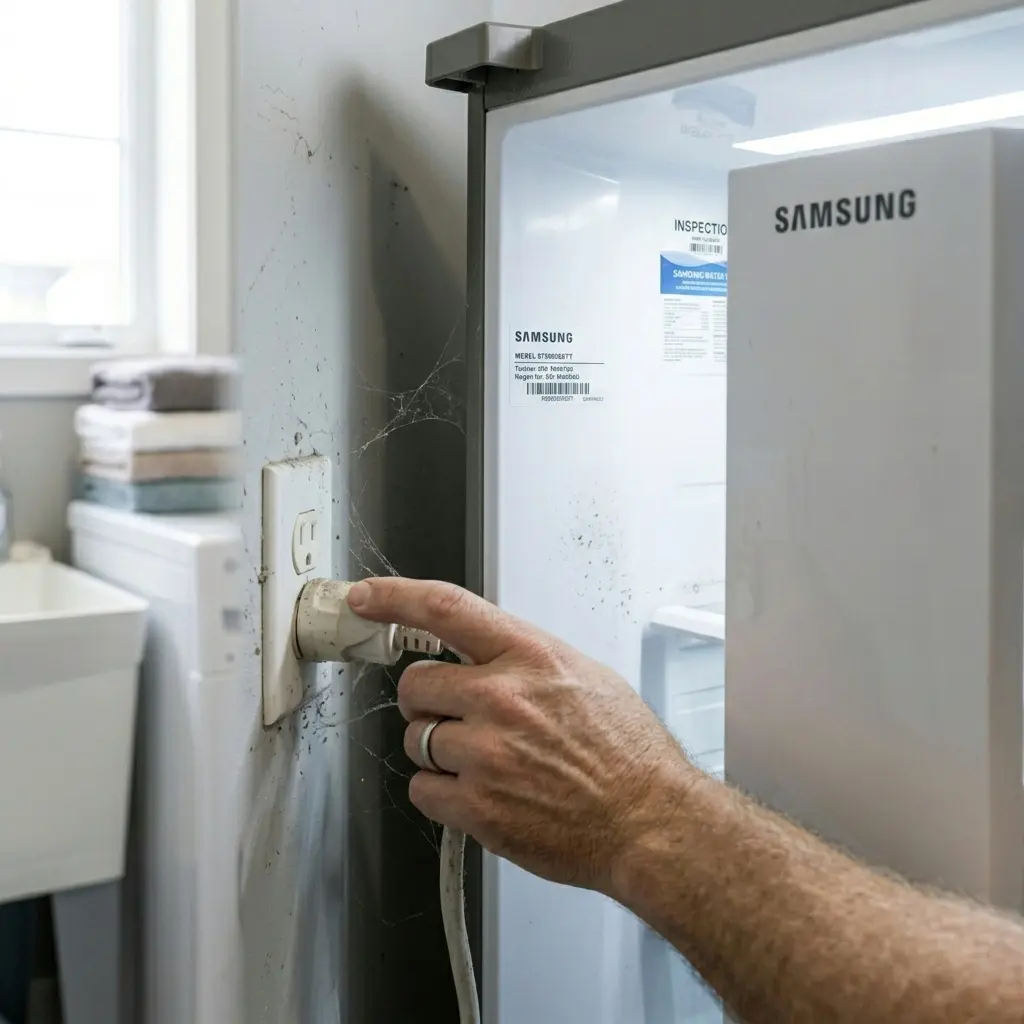
- Unplug the refrigerator from the wall outlet completely.
- Wait 5 full minutes. Do not rush this step: the control board needs time to fully discharge.
- Plug it back in. You should hear the compressor kick on within a minute or two.
- Reset your temperature settings using the steps above for your specific model.
- Do not open the doors for at least an hour to let the internal temperature stabilize.
- Check the temperature after 24 hours using a refrigerator thermometer placed in a glass of water in the center of the fridge.
This simple power cycle clears most software glitches and is often all it takes when a Samsung refrigerator temperature reset through the panel alone does not work.
Is Your Samsung in Demo Mode? Check This First
Demo Mode (sometimes called Shop Mode or Cooling Off Mode) is a feature Samsung builds into its refrigerators for showroom display. In Demo Mode, the lights and display work perfectly, but the compressor does not run, meaning there is zero cooling happening.
If your Samsung refrigerator temperature reset does not seem to change anything and the fridge is completely warm despite showing normal temperatures on the display, demo mode is likely the issue.
How to Turn Off Demo Mode:
- Most French door and side-by-side models: Press and hold the Energy Saver and Fridge buttons simultaneously for 5 seconds. You will hear a chime, and the display may briefly go blank before restarting in normal mode.
- Some models: Hold the freezer and fridge buttons together for 5–8 seconds.
- Check your user manual for the exact button combination for your specific model number; Samsung’s button combinations vary across product generations.
Once Demo Mode is off, the compressor will start, and cooling should begin within 30–60 minutes.
Samsung Refrigerator Error Codes Related to Temperature
Sometimes the display does not just show a temperature; it shows a code. Here are the most common ones tied to temperature problems and what they mean:
- 1E or SE: Sensor error. Often caused by a faulty temperature sensor, it may require professional service.
- 5E or 5C: Freezer defrost sensor error. The freezer sensor is not reading correctly.
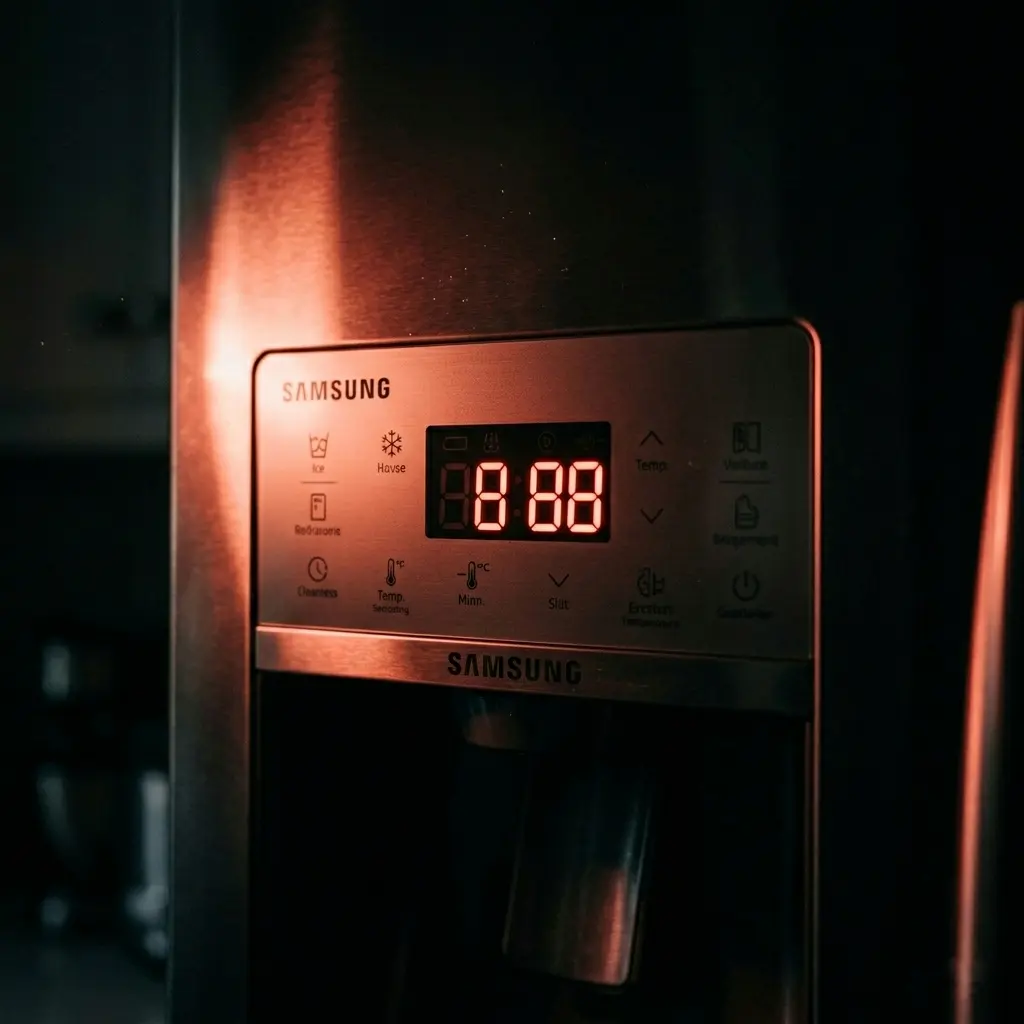
- 88 88 or all dashes: Control board communication issue. A power reset usually clears this.
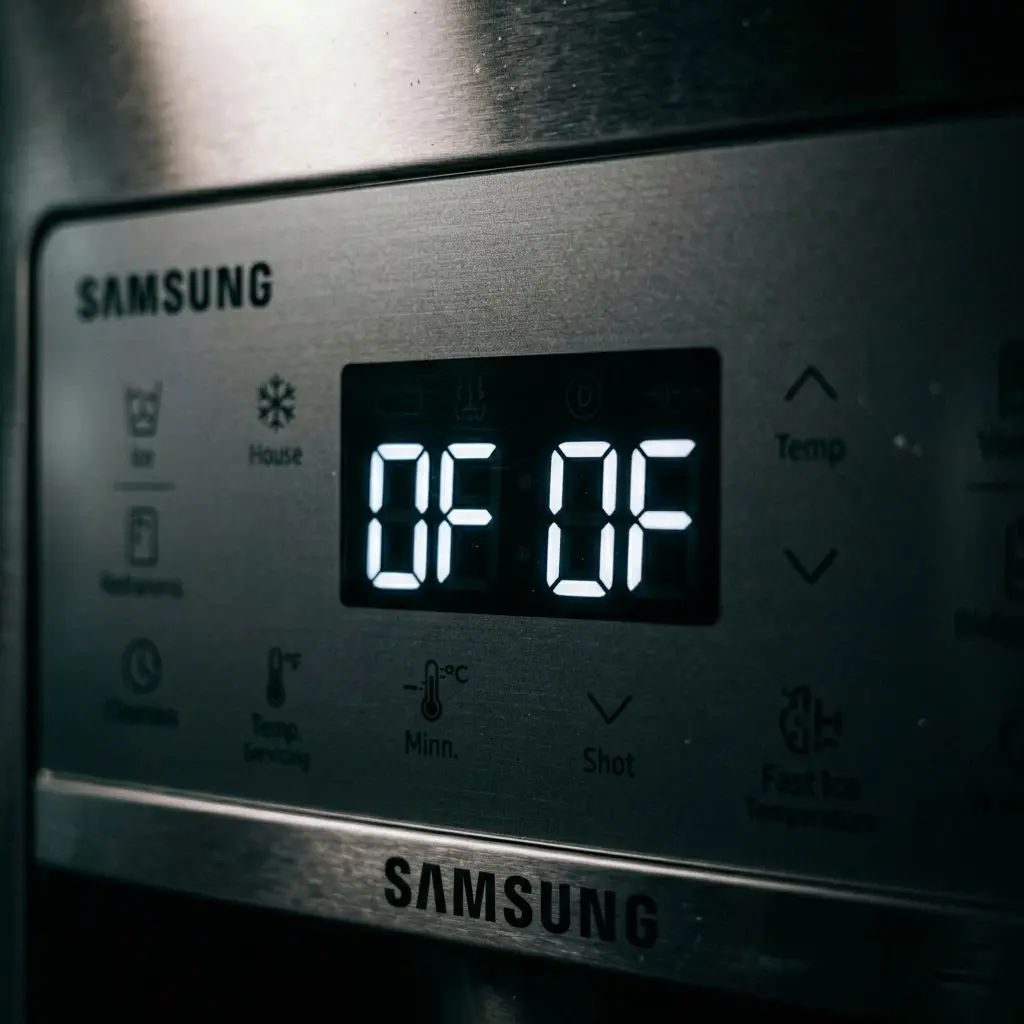
- OF, OF, or OFF: The refrigerator is in cooling-off / demo mode, not an actual fault.
- PC ER: A communication error between the main board and the display board. Usually needs a technician.
If you see “OF OF” on the display, that confirms Demo Mode is active. Your Samsung refrigerator temperature reset process should start by disabling Demo Mode using the steps above.
Read More: Samsung Refrigerator Error Codes 2026
After the Reset: What to Expect
A lot of people reset the temperature and then immediately open the fridge every 10 minutes to check if it is working. That actually slows things down. Here is what normal looks like after a Samsung refrigerator temperature reset:
- 0–2 hours: The compressor is running, but temperatures are still dropping. Do not expect it to be cold yet.
- 2–8 hours: The fridge should start feeling noticeably cooler. Freezer items may begin to firm up.
- 24 hours: Temperatures should be stable and at or near the set levels.
If after a full 24 hours the temperature is still not reaching the set point, the issue may be mechanical, a failing compressor, a bad thermostat, or a refrigerant leak, and it is time to call Samsung support.
Tips to Keep Your Samsung Refrigerator Temperature Stable Long-Term
Once you have completed the Samsung refrigerator temperature reset and things are running smoothly, these habits will help keep it that way:
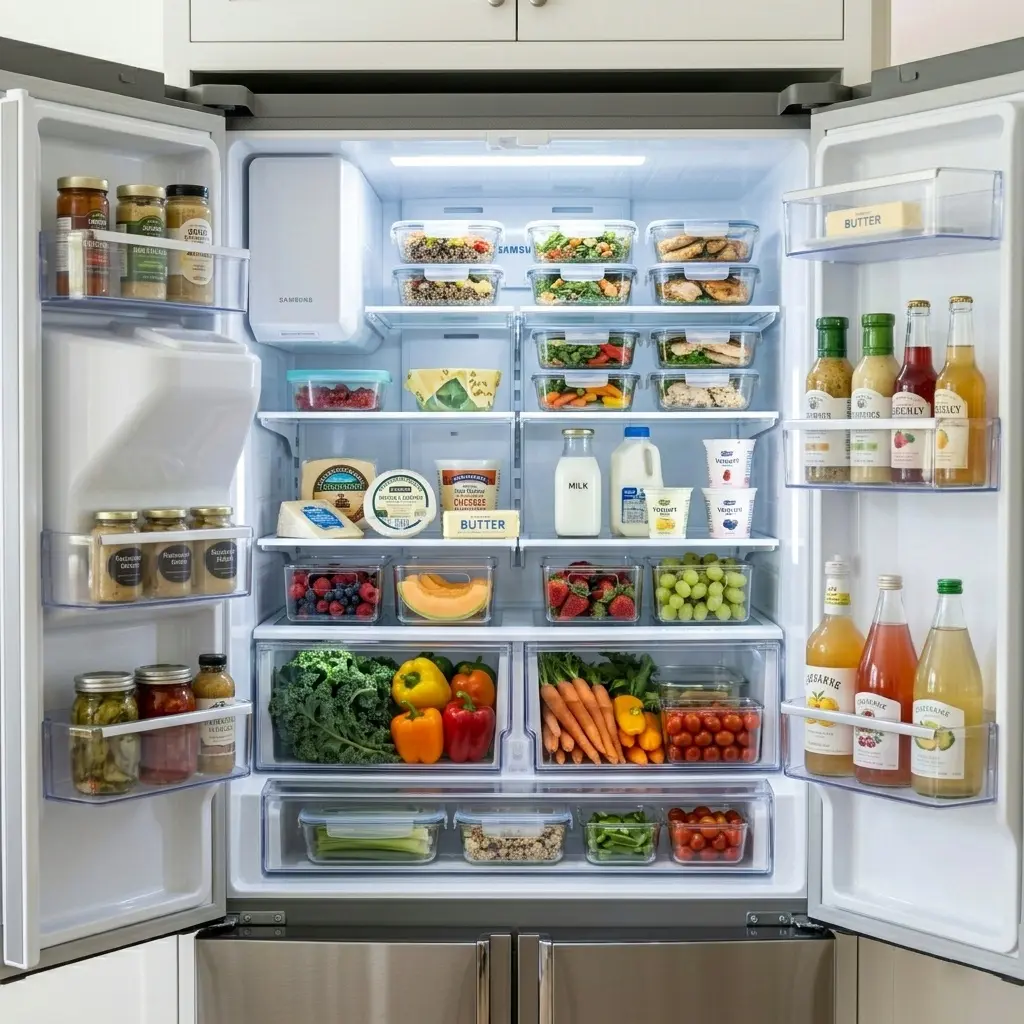
- Do not set the temperature too low. Colder is not always better; it wastes energy and can freeze fresh food. Stick to 38°F / 0°F unless you have a specific reason to adjust.
- Keep the door seals clean. Dirty or worn gaskets let warm air in, forcing the fridge to work harder and causing temperature swings.
- Do not overfill the fridge. Air needs to circulate for even cooling. A packed fridge has warm spots.
- Let hot food cool down before placing it inside; putting in hot dishes raises the internal temperature and strains the compressor.
- Clean the condenser coils once a year. Dusty coils reduce cooling efficiency and can make the fridge run warmer than its set temperature.
- Check the temperature monthly with an inexpensive fridge thermometer. Do not rely only on the display reading.
Frequently Asked Questions
Q: How do I reset the temperature on my Samsung refrigerator after a power outage?
After a power outage, your Samsung refrigerator may revert to its default settings or display a temperature warning. Simply press the fridge and freezer temp buttons to reset to 38°F and 0°F, respectively. If the panel is unresponsive, unplug the unit for 5 minutes and plug it back in before resetting.
Q: Why is my Samsung refrigerator not holding temperature after a reset?
If the temperature keeps drifting after a Samsung refrigerator temperature reset, check the door seals for gaps, make sure the condenser coils are clean, and verify the fridge is not overpacked. If none of those are the issue, a failing thermistor or compressor may be to blame and needs professional diagnosis.
Q: What does “OF OF” mean on my Samsung refrigerator display?
“OF OF” means your refrigerator is in demo mode (also called “cooling-off mode”). The fridge is not actually cooling. Disable Demo Mode by pressing and holding the Energy Saver and Fridge buttons for 5 seconds. This is not related to a hardware failure; it is just a setting that needs to be toggled off.
Q: How long does it take for a Samsung refrigerator to reach the correct temperature after a reset?
It typically takes 24 hours for a Samsung refrigerator to fully stabilize at the newly set temperature. Avoid opening the door frequently during this period, as every opening lets warm air in and delays the process.
Q: Can I do a Samsung refrigerator temperature reset without unplugging it?
Yes. For most models, you can reset the temperature directly from the control panel using the fridge and freezer temp buttons. An unplugged power reset is only necessary when the control panel is unresponsive, showing error codes, or when a software glitch is suspected.
Q: What is the best temperature setting for a Samsung refrigerator?
Samsung recommends 38°F (3°C) for the refrigerator section and 0°F (-18°C) for the freezer. These settings balance food safety with energy efficiency. If you store a lot of dairy or have an infant in the house, you might lower the fridge to 35°F, but going much lower risks freezing your fresh produce.
Q: Why does my Samsung refrigerator temperature keep changing on its own?
This is usually caused by the Power Freeze or Power Cool modes activating temporarily (they run a rapid cooling cycle and then return to normal). It can also happen if the control panel buttons are being accidentally pressed. If the temperature changes without any user input and power 88 modes are not active, a faulty control board or temperature sensor may need inspection.
Final Thoughts
A Samsung refrigerator temperature setting reset is one of those fixes that sounds more complicated than it actually is. In most cases, it is a few button presses or a five-minute unplug, and the problem is solved. The key is knowing which steps apply to your specific model and giving the unit a full 24 hours to stabilize before drawing any conclusions.
If you have gone through every step in this guide and your Samsung refrigerator temperature is still not behaving, that is a clear signal that something mechanical needs attention. At that point, reaching out to Samsung support or a certified appliance technician is the right call.
But for the vast majority of Samsung owners reading this, the reset will work. Give it a try before spending money on a service call.