
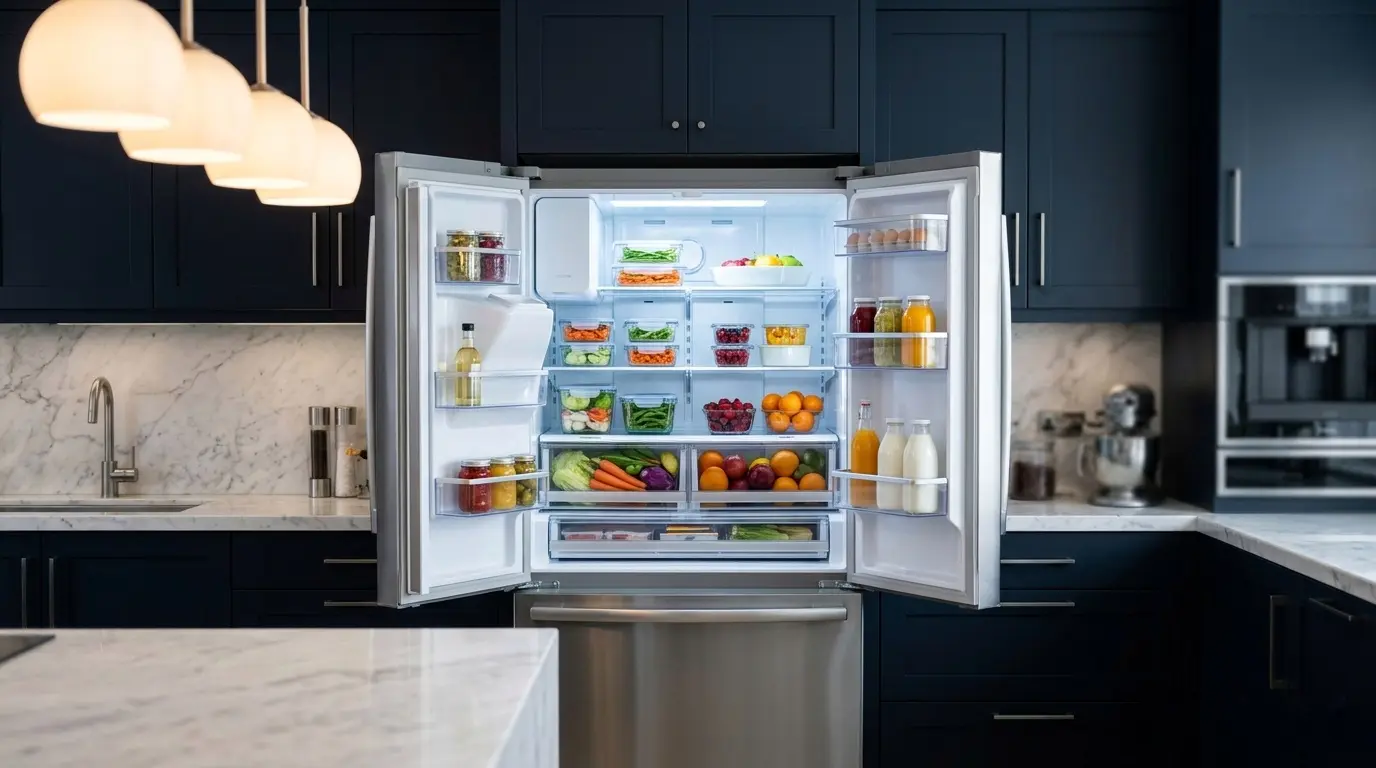
Short answer: Consumer Reports lists ice makers and dispensers among the most commonly reported refrigerator problem areas, but that survey covers refrigerators in general, not Samsung alone. For any Samsung refrigerator troubleshooting problem, start at the display: an error code comes first, then cooling-off mode, a 2-minute power-off, 2 inches of clearance, and a door-seal paper test. Anything involving heaters, sensors, boards, the compressor, or refrigerant belongs with a technician.
When a Samsung refrigerator acts up, the cause is often simpler than it looks. Samsung’s own support guidance puts settings, airflow, door seals, and a short power-off ahead of any repair. This guide follows that order for the seven common issues from a fridge that isn’t cooling to one that seems to have stopped working altogether. Each section covers what you’ll notice, the owner checks in order, the result to expect, and what to do if it doesn’t help. Steps differ by model, including French door, side-by-side, 4-Door Flex, and Family Hub designs, so your owner’s manual wins wherever it differs from this guide. Start with the checklist below, then jump to the section that matches what you see.
| As an Amazon Associate I earn from qualifying purchases. |
Table of Contents
Samsung refrigerator troubleshooting problems at a glance
| Problem | Check first. | If it persists |
| Not cooling | Error code, cooling-off mode, 2-minute power-off | Samsung service |
| Frost, ice buildup, frozen food | Door closure, power cool, vent clearance | Service for heavy frost |
| The ice maker is not working. | Freezer temperature, Ice Off icon, Test button | Service for a frozen ice maker |
| Water leaks | Locate the source, and level the fridge. | Service if the leak returns |
| Noise | Is it a normal sound? | Service if very loud |
| Blank or unresponsive panel | Locks, Sabbath mode, power-off | Service |
| Error codes | Look up the code. | Samsung service |
Safety first
- Don’t unplug the fridge while an error code is showing unless Samsung’s guidance for that code says to.
- Unplug the fridge before cleaning anything at the back or touching wiring.
- Keep the doors shut as much as possible while you troubleshoot.
- Never use a hair dryer on frost or ice. Samsung warns that it damages the refrigerator.
- Don’t force a stuck ice bucket or ice maker.
Tools and parts
- Owner’s manual (for model-specific steps)
- Soft cloth and mild dish soap
- Plastic scraper
- Flashlight
- A sheet of paper or a dollar bill
- Measuring cup
- Brush or vacuum with a brush attachment (only for accessible coils)
- Genuine Samsung water filter, if yours is overdue


Start here with the checklist.
- Read the display. An error code may mean the fridge needs service and no other troubleshooting. If one shows, jump to the error-code table.
- Check for cooling-off mode. OF OF, O FF or scrolling bars mean the fridge won’t cool. The way out varies by model, so follow your manual.
- Power off for 2 minutes. Samsung says to unplug the fridge or switch it off at the breaker for 2 minutes, then restore power.
- Check the gaps. Samsung calls for 2 inches of clearance at the back, top, and sides and 2 inches between food and the interior vents.
- Test the door seals. Shut a sheet of paper or dollar bill in the door, halfway in, and pull it out. Slight resistance means the seal works. If it slips out easily, clean the seal and test again.
- Wait. The panel can take as long as 4 hours to show a new setting, and the fridge as long as 28 hours to reach it if the doors stay closed.

- The output of the green beam is ≤5mW, the class is 3R
- [4 Lights,7 Configurations] As an upgraded version of Arkfeld Pro, the ArkPro flashlight is equipped with a 1,500-lumen …
- [Perfectly Pocket-Sized] The flat design fits so comfortably in your pocket that you’ll barely notice it. ArkPro EDC fla…
1. Samsung refrigerator not cooling
A Samsung refrigerator that isn’t cooling is usually a settings, airflow, or seal issue.
What you’ll notice: warm shelves, soft ice cream, and food spoiling early.
Owner checks:
- Work the start-here checklist above.
- Wait out the 4-hour and 28-hour windows before deciding anything is wrong.
- Keep the fridge away from direct sun and heat sources, and let hot food cool before storing it.
- Clean the seals with a damp cloth and dish soap, then repeat the paper test.
Expected result: temperatures settle within the 28-hour window.
Next step: If the display is still blinking 28 hours after a setting change or food spoils despite these checks, request Samsung service. A fridge that has stopped cooling entirely, with no cooling-off mode and no seal problem, also needs service.
2. Frost, ice buildup, and frozen food
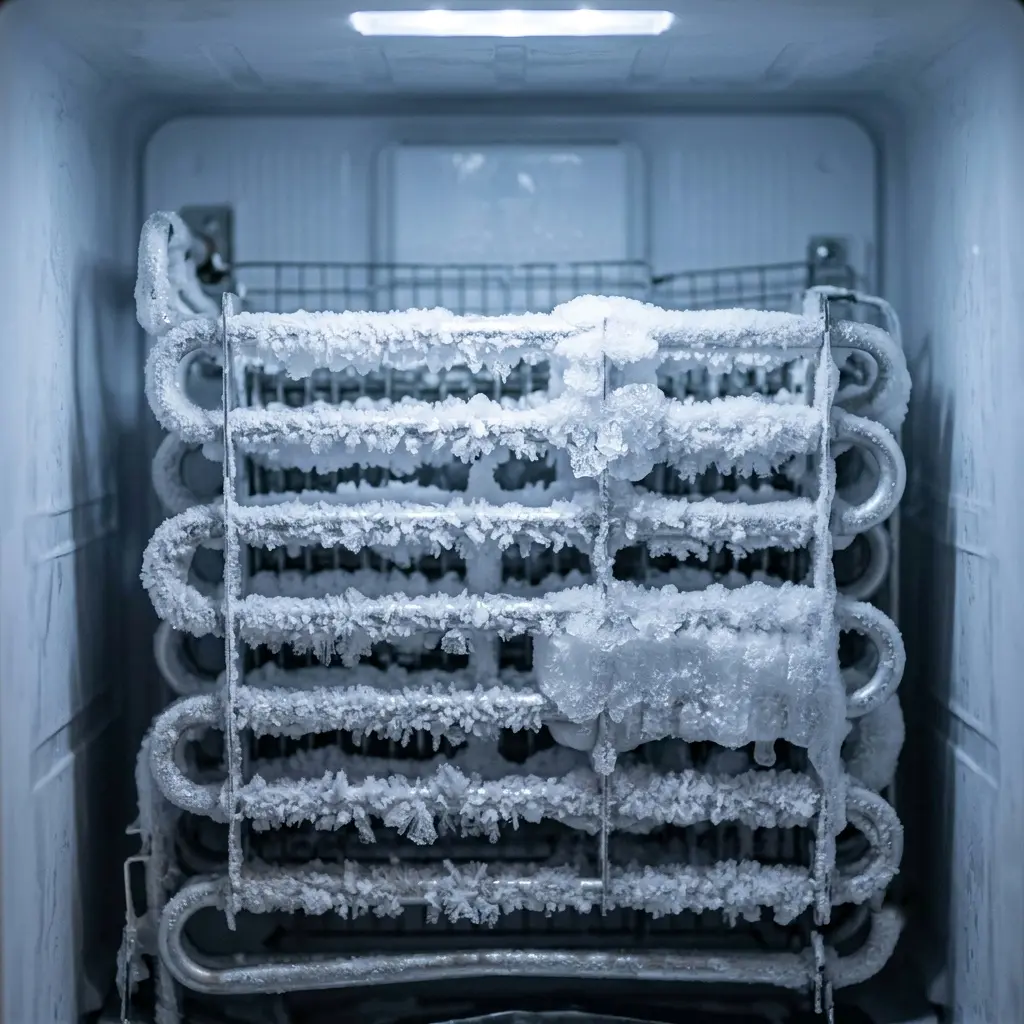
Frost forms when warm, moist air gets in. It appears most often in the freezer, but it can also form on the fridge’s back wall near the vents. Food freezing in the fridge is a related overcooling problem.
What you’ll notice: frost on walls or vents, ice on the ice bucket, and produce or drinks turning icy.
The owner checks
- Confirm the doors fully close. Put a flashlight inside and shut the door: light leaking out shows the gap.
- Clear light frost with a damp cloth, then dry the surface. Use a plastic scraper for thicker patches. Never use a hair dryer.
- Clean the door seal. A torn or split seal needs service.
- If food freezes, turn the power cool off. It drives the fridge to maximum cooling. Check your manual for how to turn on your panel.
- Move food off the vents
- Check the room. Samsung says a room above 110°F or below 50°F stops the fridge from cooling properly.

- ❤️【6 Pcs Includes】This Harniruco Putty Knife Set of 6 with variety of size from 1.5″ 2″ 3″ 4″ 6″ 8″inches,The putty knif…
- ❤️【Tamale Spreader Tool】These Harniruco putty knives can also be used to make Tamales, ordered them to put the dough on …
- ❤️【Plastic Scraper Tool】Highly utilized by carpenters, construction workers and handymen, the plastic putty knife set is…
Expected result: no new frost after the air leak is fixed.
Next step: heavy frost, frost that returns, or a frozen ice maker or bucket needs Samsung service.
3. Ice maker not working
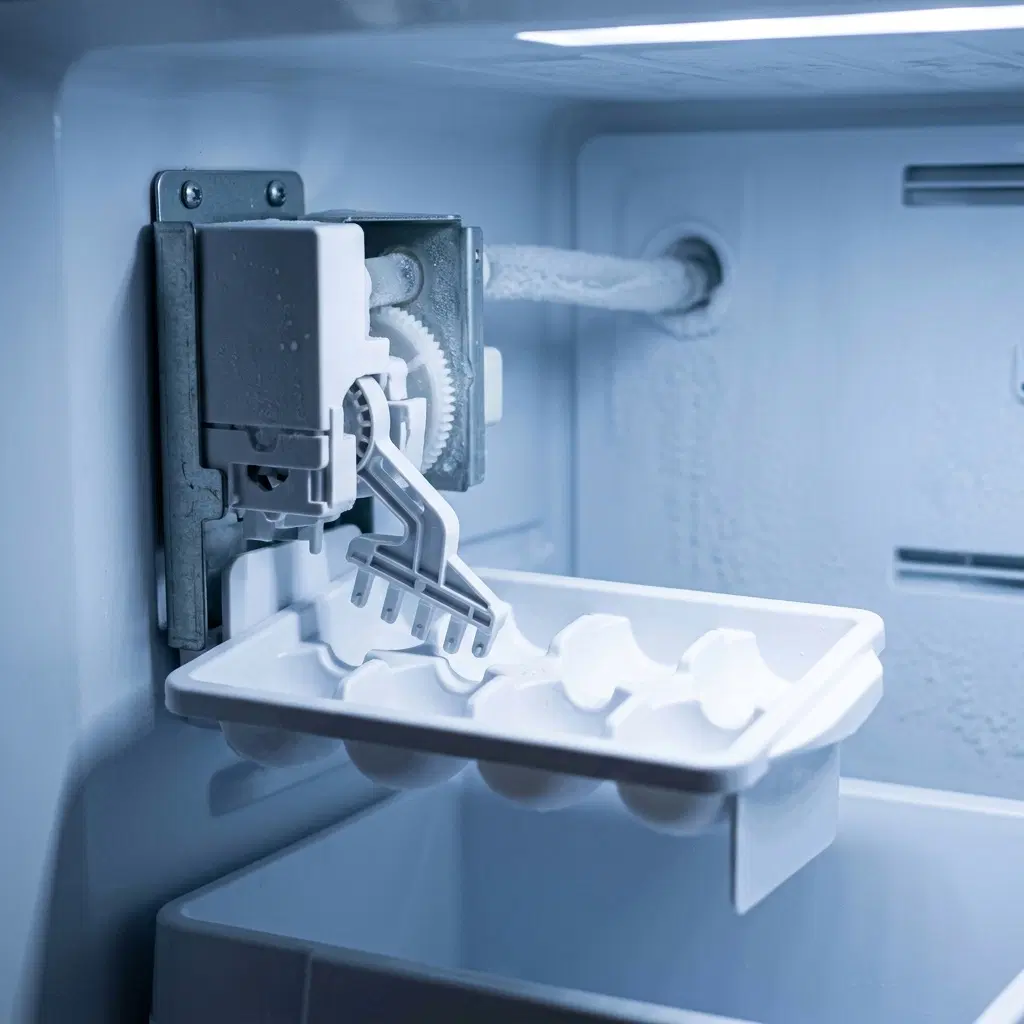
A Samsung ice maker that stops is often due to a temperature, lock, or water-supply issue.
What you’ll notice: no ice, small or shattered cubes, slow production.
The owner checks
- Check the freezer temperature. Samsung says the freezer must be at 0°F or colder to make ice, even when the ice maker sits in the fridge compartment. If it can’t get that cold, fix cooling first.
- Check the seal. The ice bucket must be seated and locked, and the freezer door must close properly. Deal with frost first if present.
- Confirm the ice maker is on. The Ice Off icon should be unlit. Models differ, so use your manual.
- Empty the bucket of anything but ice, such as a scoop or food items.
- Press and hold the test button until it chimes, which can take as long as 10 seconds.
- Check the water side. Samsung says the supply needs at least 20 psi. Open the home supply valve fully. If the filter is old, try the ice maker without it. If that helps, replace it with a Samsung filter, due about every six months. A plumber can check pressure.
Next step: Never defrost the ice maker or use a hair dryer. A stuck or frozen bucket, a frozen-over ice maker, or no ice after these checks means service.
Read More: [Samsung Ice Maker Not Working]
4. Water leaks
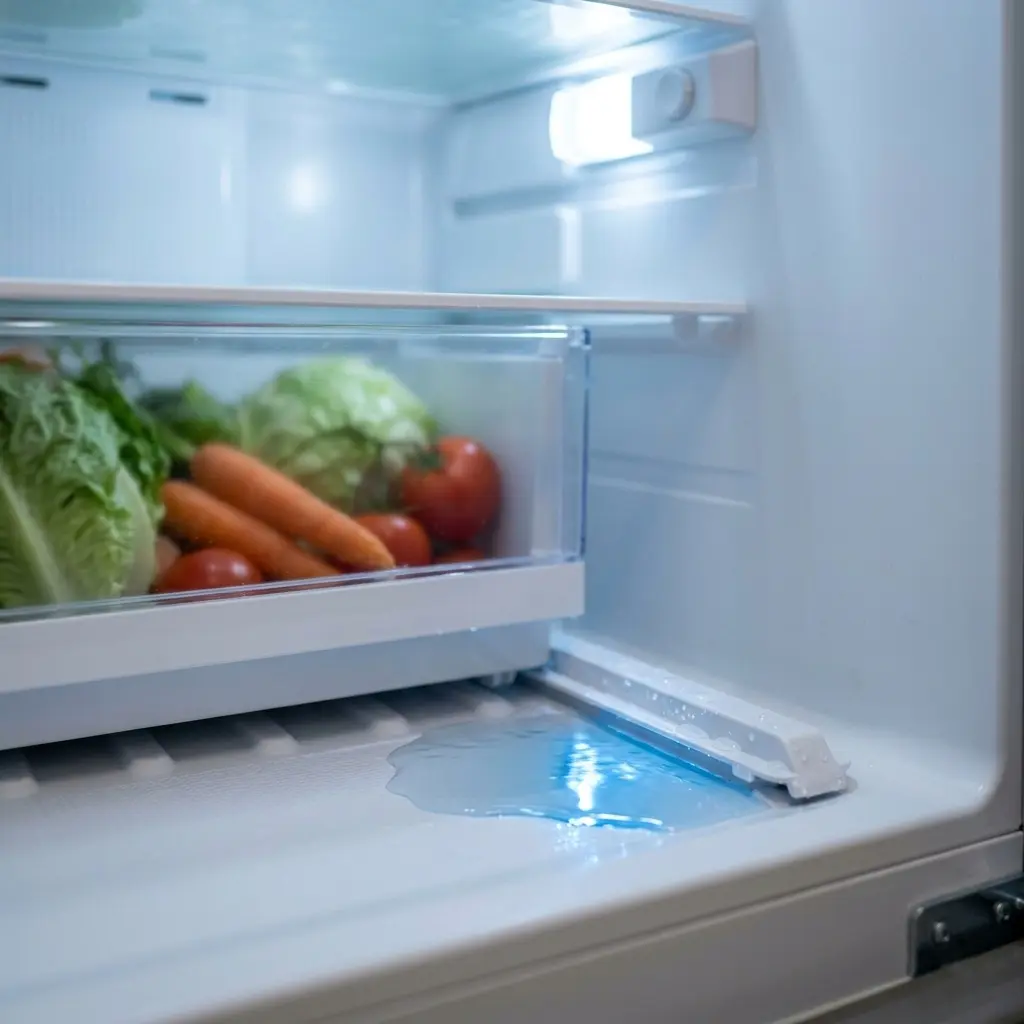
Samsung splits leaks by source. First confirm it’s a real leak, since condensation or a food spill can look like one.
Autofill pitcher: Remove the pitcher, dry it, and look for cracks. Don’t wash it in a dishwasher. Make sure the lid is assembled correctly and the spring-loaded button behind it isn’t stuck. A pitcher that leaks outside the fridge needs replacing. Otherwise request service.
Water filter: Remove the filter and inspect it and its housing. A damaged or non-genuine filter should be replaced with a Samsung filter. A damaged housing, or a leak that continues with the filter out, needs service.
Under the drawers: The fridge should tilt slightly back, with the front wheels lifted off the floor. Wipe the water away and watch it. Request service if it returns.
Dispenser: A few drips right after dispensing are normal. For ongoing drips:
- Clean and dry the ice chute and check its seal.
- Test pressure by dispensing 6 ounces. It should take under 10 seconds. If it fails, retry without the filter.
- Fully open the home supply valve. A supply outside the 30 to 130 psi range is a plumber’s job.
Next step: a leak that continues after these checks needs Samsung service.

- Patented angled surface lets you read measurements from above
- Eliminates the need to fill, check and adjust
- Soft, non slip handle
5. Noise
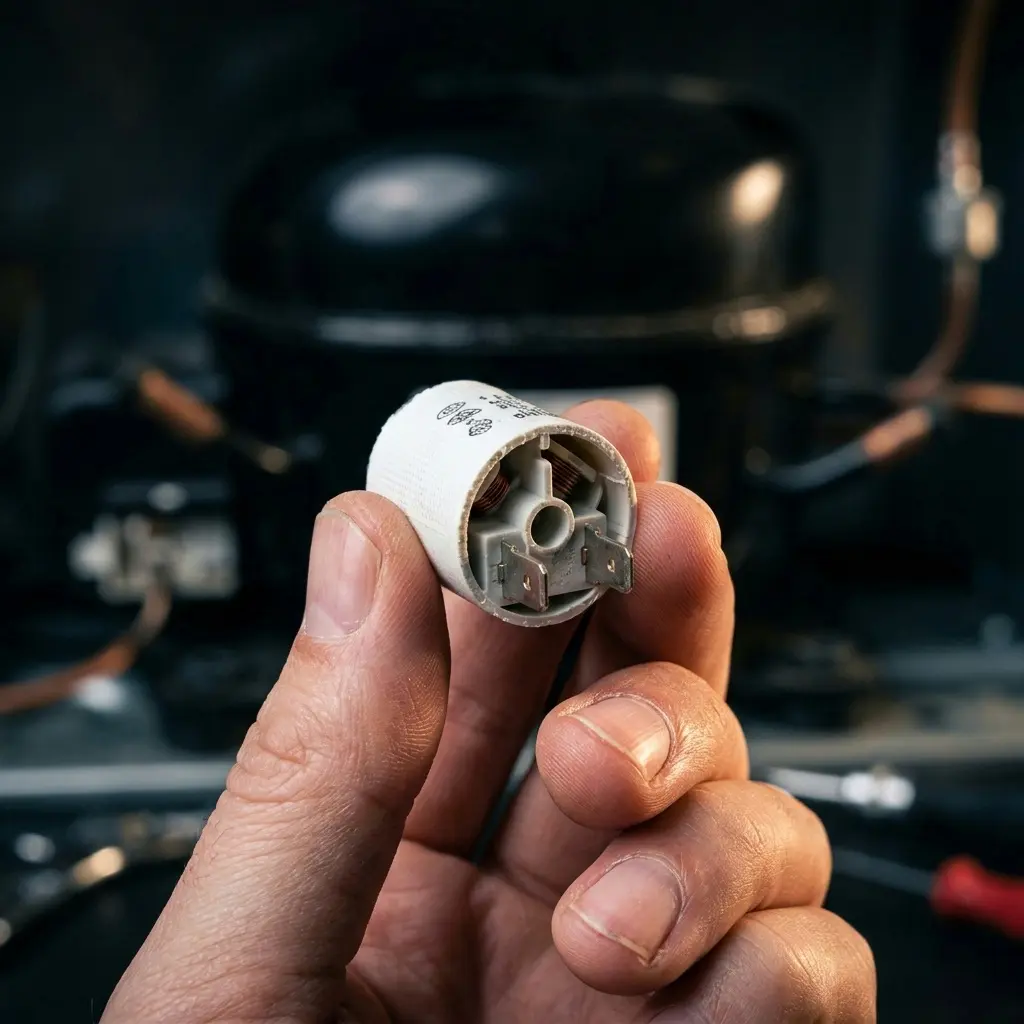
Many Samsung refrigerator sounds are normal. Buzzing and humming resemble a quiet engine and are the compressor starting, speeding up or slowing down.
What to check:
- No water line connected? Turn the ice maker off, since it can buzz while trying to fill with nothing coming in.
- Level the fridge and confirm the 2-inch clearances from the checklist.
- Note which sound it is. Samsung advises service for sounds that are very loud.
Next step: request service for any very loud sound. Loud compressor noise is a technician matter.
6. Blank or unresponsive control panel
A dark Samsung panel isn’t always a fault. The panel goes blank when idle, so tap it or open a door to see if it wakes.
The owner checks
- Check for Child Lock, Control Lock, or Dispenser Lock first.
- Check Sabbath mode, on models that have it.
- Power cycle.
- Family Hub or 4-Door Flex models: use your model’s panel switch (the manual shows where it is). Switch it off, then on.
- All other models: disconnect power at the plug or breaker for 60 seconds, then restore it.
- If a code such as 88 88 appears, use the error-code table.
Expected result: the display wakes and responds.
Next step: If the panel still won’t respond, service may be required. A failed display module is a technician’s repair.
Read More: Samsung Refrigerator Control Panel Reset
7. Error codes on the display
Check the code before any other fix. A code can mean service is needed and nothing else is worth trying, so note the exact code before you act.
Error-code table
| Code | What Samsung says | What to do |
| 22E, 22C | Fridge fan fault | Unplug and leave the doors open a few hours, then plug in and close them. Service if it returns. |
| 40E, 40C | Ice-room fan fault | Samsung service |
| 83E, 85E, 86E, 88 88 | Voltage or power faults | Power off for 60 seconds first. Service if it returns. |
| PC ER | Samsung points to a wiring harness above the door | Technician |
| 5E, 8E, 14E, 33E, 39E, 84C | Samsung lists these codes for service | Call Samsung service |
When to call a technician
Stop and call Samsung service or a qualified technician for:
- A defrost sensor, heater or thermal fuse problem
- A temperature sensor fault
- A failed display module
- A main or inverter board fault
- A compressor problem, including loud compressor noise
- Any sealed-system or refrigerant issue
- A frozen ice maker or frozen ice bucket
- Heavy frost
- Any error code the table marks for service
Prevention
- Clean the door seals.
- Let hot food cool before storing it.
- Keep door openings short and keep the 2-inch gaps clear.
- Keep the fridge level and reasonably full.
- Replace the water filter about every six months with a genuine Samsung filter.
- Unplug first, then brush or vacuum condenser coils gently, but only if your model has accessible coils (check the manual).

- Ac Coil Brushes: 4 packs hvac brushes in package, you can take these hvac tools to clean different items in your home, t…
- Small Size: each ac coil brush measures about 18 x 7.5 cm/ 7.09 x 2.95 inch (L W), small size that provide convenience t…
- Design: the coil cleaning brush is stiff and smooth enough to get all the dirt and leave the condenser fins or coils cle…
Related Samsung issues
Cooling Off (demo) mode, doors that won’t close fully, a blinking temperature display, power interruptions, and Sabbath mode.
FAQs
What is the most common problem with Samsung refrigerators?
Consumer Reports lists ice makers and dispensers among the most commonly reported refrigerator problem areas, but its survey covers refrigerators in general, not Samsung specifically. For any Samsung problem, begin with the display for an error code, then check for Cooling Off mode, power off for 2 minutes, confirm 2 inches of clearance and run the paper test on the door seals. If a code returns or food spoils despite these checks, request Samsung service.
How do I troubleshoot a Samsung refrigerator?
Follow Samsung’s order. Read the display for an error code first, then check for Cooling Off mode, power off for 2 minutes, confirm 2 inches of clearance, run the paper test on the seals, and allow as long as 28 hours for temperatures to settle. If food spoils anyway, the display keeps blinking, or a code returns, request Samsung service.
Why is my Samsung fridge not cooling but the freezer works?
Samsung’s checks apply. Look for an error code, rule out Cooling Off mode, and keep food 2 inches from the interior vents, since blocked vents disrupt airflow. Clean the door seals and run the paper test, then wait as long as 28 hours after any change. Frost covering the vents calls for the frost steps above. Heavy frost needs service.
How do I reset a Samsung refrigerator?
For cooling problems, Samsung says to unplug the fridge or switch it off at the breaker for 2 minutes, then restore power. For a blank panel or voltage-type codes, the wait is 60 seconds. Family Hub and 4-Door Flex panels also have an inside switch. Don’t unplug while a code is showing unless Samsung says to for that code.
What does 22E mean on a Samsung refrigerator?
Samsung lists 22E, and its 22C variant, as a fridge fan error. Samsung’s step is to unplug the fridge and leave the doors open for a few hours, then plug it back in and close them. This is the only owner step for this code. If 22E returns after that, request Samsung service, and note the exact code and your model number before you call.
Why is there water under the crisper drawers?
First confirm it’s a real leak, since a spill or condensation can look the same. Then level the fridge so it tilts slightly back. Wipe up the water and watch the spot. If the water returns, request Samsung service, since a persistent pool under the drawers shouldn’t be ignored.
Bottom line
Most Samsung refrigerator problems start with the same short list: read the display, rule out Cooling Off mode, power off for 2 minutes, keep 2 inches of clearance, test the door seals, and give the fridge up to 28 hours to settle. Each of the seven sections above adds a short owner check for its symptom, and most end the same way: if the problem returns, request service.
Know where owner repairs stop. Heaters, sensors, boards, the compressor, refrigerant, heavy frost and frozen ice makers are technician work, and so is any error code the table marks for service. Never use a hair dryer on frost or ice.
Your next step: match your symptom to the table at the top, run its first check, and write down the exact error code and your model number before you call Samsung.