
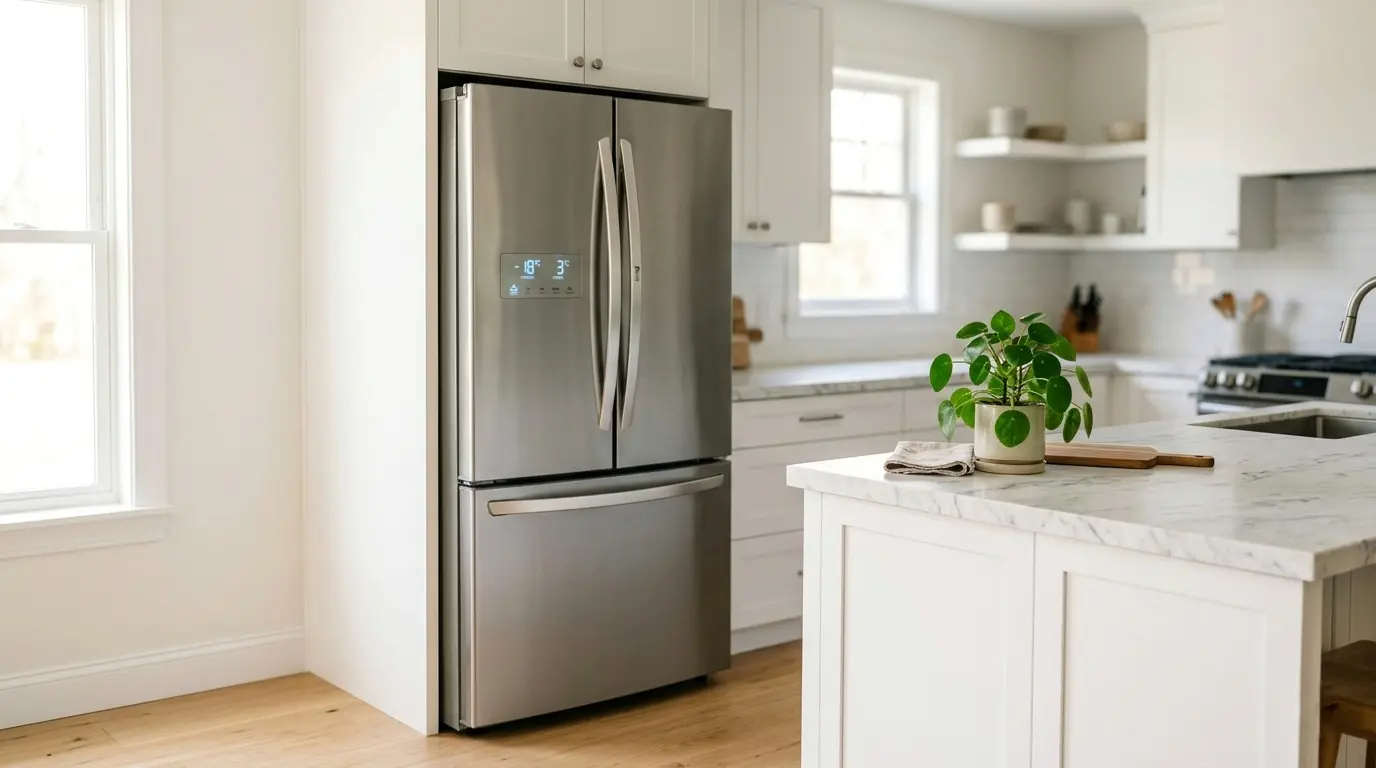
Energy-Saving Secrets: Hidden Setting in Your LG Fridge
Your LG refrigerator is running 24 hours a day, seven days a week, and if the settings are wrong, it’s costing you money every single hour. The surprising truth is that most LG fridge owners are paying more on their electricity bills than they need to, simply because a few built-in energy-saving features are sitting there unused.
This isn’t about making your fridge less effective. It’s about making it smarter. LG has built some genuinely impressive energy-management tools into their 2026 models, from intelligent compressor algorithms to vacation modes that cut power draw by up to 30%. The problem is, most people never touch these settings after the fridge is plugged in.
This guide walks you through every key energy-saving setting on your LG refrigerator, explains exactly how each one works, and tells you when to use it. By the time you finish reading, you’ll have everything you need to lower your electricity bill without giving up a single degree of cooling performance.
👉 Read more: LG Refrigerator Cooling Issues: Step-by-Step Fixes for 2026 Homes
Table of Contents
Why Energy-Saving Secrets: Hidden Settings in Your LG Fridge Matter More Than You Think
A refrigerator is the only appliance in your home that never gets a day off. While your washing machine runs a few cycles a week and your oven switches on for an hour, your fridge is working constantly, cooling, sensing, adjusting, and defrosting every minute of every day.
That constant operation adds up fast. Depending on the model and your usage habits, a refrigerator can account for 10 to 15% of your entire household electricity bill. LG’s Linear Inverter Compressor technology is designed to minimize that consumption significantly, but the compressor alone isn’t enough. The settings you choose and the habits you build around your fridge determine whether that technology actually delivers on its promise.
The good news: most of the optimizations in this guide take less than two minutes to activate. Let’s go through them one by one.

- Choose from the Kill-a-Watt’s four settings to monitor your electrical usage
- Monitor your electrical usage by day, week, month, or year
- Features easy-to-read screen
Setting 1: Enable Energy Saver Mode
Energy Saver Mode is one of the most effective and most underused features on LG refrigerators. When activated, it adjusts the cooling cycle to reduce unnecessary compressor activity, which directly lowers power consumption without compromising food safety.
How It Works
The setting slightly raises the operating temperature of the fridge compartment within safe food storage limits and reduces how frequently the compressor kicks in. It also adjusts the anti-condensation heaters on the door, which are surprisingly significant energy consumers that most owners don’t even know exist.
In mild to moderate climates, Energy Saver Mode can reduce electricity consumption by up to 15% with no noticeable impact on food freshness or temperature consistency.
How to Activate
Step 1: Press the Settings button on your control panel
Step 2: Navigate to Energy Saver
Step 3: Toggle it to on.
💡 Pro Tip: If you notice condensation forming on the outside of your fridge door after enabling this mode, it means the anti-condensation heater has reduced too much for your local humidity. Simply switch Energy Saver off; it’s not suitable for very humid climates.
Setting 2: Optimize Your Temperature Settings
This is the single easiest change you can make, and it’s often the one with the most immediate impact. Many LG fridges come from the factory set colder than necessary, and every unnecessary degree of cooling costs you money.
The Ideal Temperatures for 2026
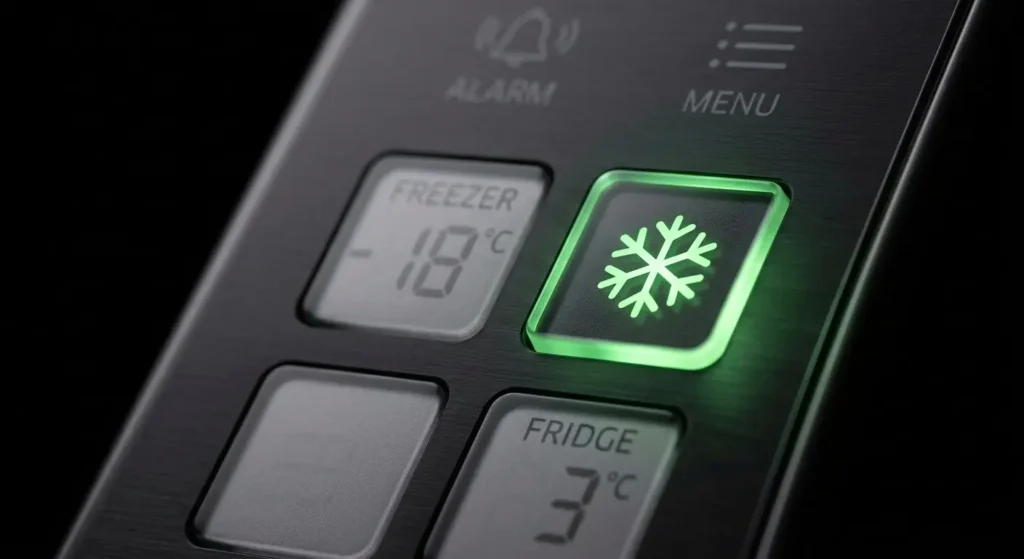
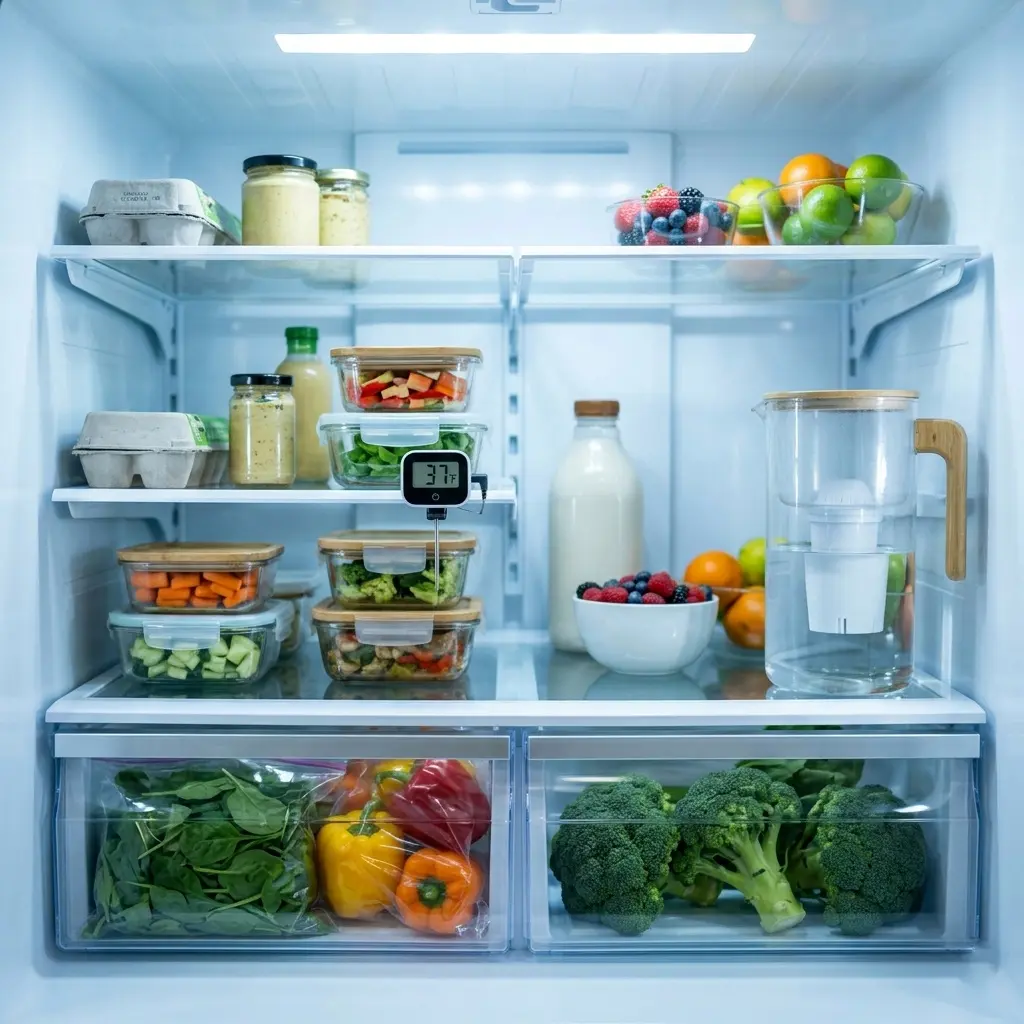
- Fridge compartment: 37°F (3°C), cold enough to keep food safe, without overcooling
- Freezer compartment: 0°F (-18°C), the standard safe freezing point
Research consistently shows that every degree below these targets increases energy consumption by roughly 1 to 2%. If your fridge is set to 34°F and your freezer to -4°F, which is common out of the box, you could be using 6 to 10% more electricity than you need to.
How to Adjust
Step 1: Press the Fridge Temp button to raise the fridge to 37°F (3°C)
Step 2: Press the Freezer Temp button to set the freezer to 0°F (-18°C)
Step 3: Wait 24 hours before rechecking; the temperature needs time to stabilize
🌡️ Important: Don’t adjust the temperature right after loading groceries. Wait until the fridge has been running normally for a full day before making changes, so you’re measuring the true operating temperature.

- Wellness Indicator: This humidity meter with humidity level icon indicates air conditions – DRY/COMFORT/WET, allowing th…
- High Accuracy & Quick Refresh Rate: This inside thermometer features a high accuracy of +/-2 to 3%RH and +/-1°F, making …
- High & Low Records: This hygrometer digital thermometer displays high/low temperature and humidity levels to allow you t…
Setting 3: Use Vacation Mode When You Travel
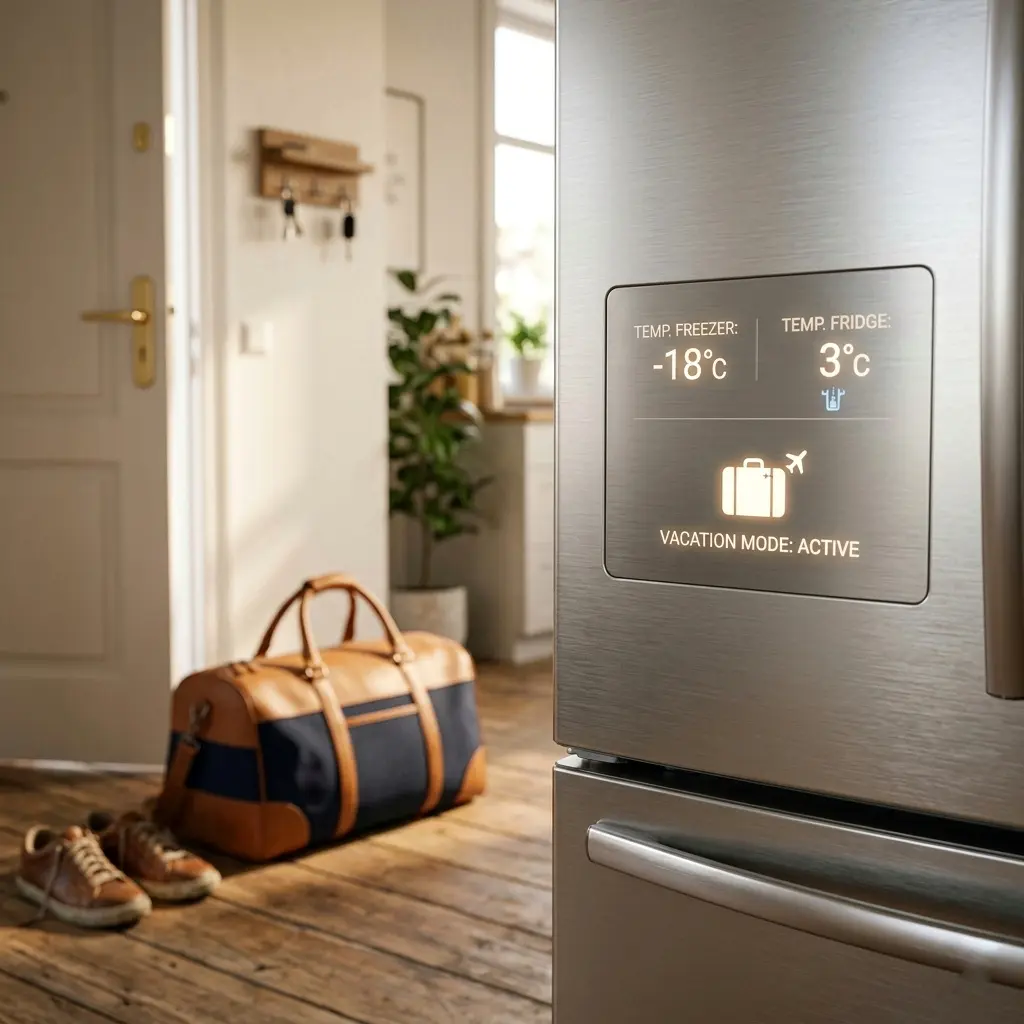
If you’re leaving home for three days or more, vacation mode is one of the most impactful settings you can use. It’s designed specifically for periods when the fridge won’t be regularly opened, and it adjusts power usage accordingly.
How It Works
When Vacation Mode is active, the fridge compartment rises to a higher holding temperature, reducing compressor workload significantly, while the freezer continues to run normally to protect frozen food. The fridge door stays closed and sealed, so odors don’t develop.

- 🚫 Remove Bad Odors – Freshen up your car, home or even shoes with our charcoal odor absorber. This bamboo charcoal air p…
- 🌿 6x Nature Fresh Charcoal Bags Odor Absorber – A professionally designed, bamboo charcoal air purifying bag can transfo…
- 🏆 10x More Porous – Air purifying bags with natural bamboo charcoal are 10x more porous than regular charcoal. That mean…
- Estimated energy saving: 15 to 30% reduction during the vacation period
- The freezer remains fully active; frozen items are not affected
- The fridge compartment stays clean and odor-free with the door sealed
How to Activate
Step 1: Go to Settings on the control panel.
Step 2: Select Vacation Mode
Step 3: Enable and confirm
✈️ Travel Tip: Before activating Vacation Mode, remove any perishable items from the fridge compartment and wipe down the interior. Place a box of baking soda inside to absorb any residual odors while you’re away.
Setting 4: Turn Off Express Cool and Express Freeze After Use
Express Cool and Express Freeze are genuinely useful features, but only for short bursts. Leaving them running after they’ve done their job is one of the most common sources of unnecessary energy waste in LG fridges.
What Each Mode Does
- Express Cool: Rapidly lowers the fridge temperature after a large grocery shop or when adding warm food. Useful for 30 to 60 minutes, then it should be switched off.
- Express Freeze: Quickly freezes fresh items. Ideal for meal prep or when adding large quantities to the freezer. Again, switch off once items are frozen.
Why Leaving Them On Is Wasteful
Both modes push the compressor to work harder than its normal operating range. Running them continuously, which many owners do without realizing, can increase electricity consumption by 5 to 10% and adds unnecessary stress to the compressor over time.
⚡ Best Practice: Use Express Cool right after a big grocery run and set a phone reminder for one hour later to switch it off. For Express Freeze, check items after two to three hours and disable the mode once they’re fully frozen.
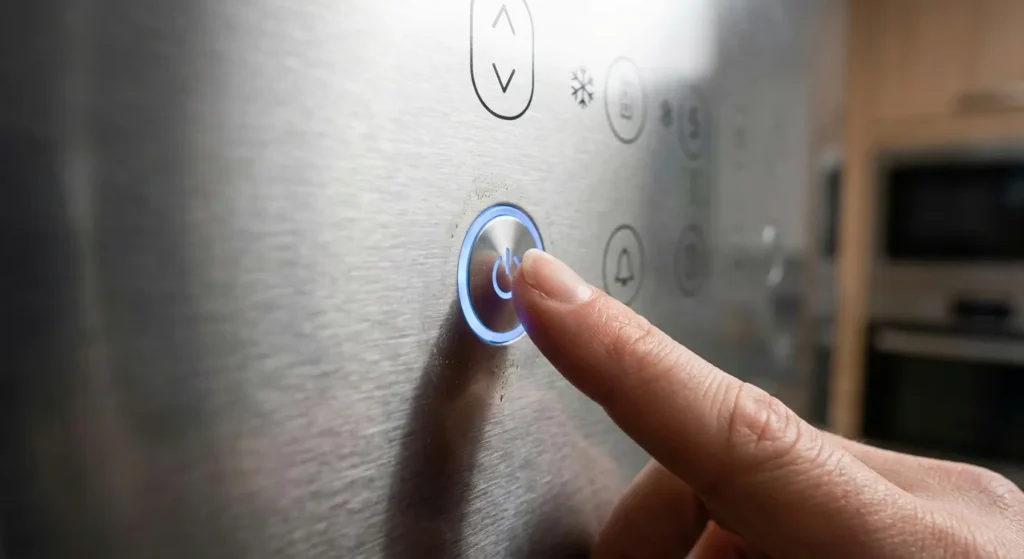
Setting 5: Keep Smart Cooling Active
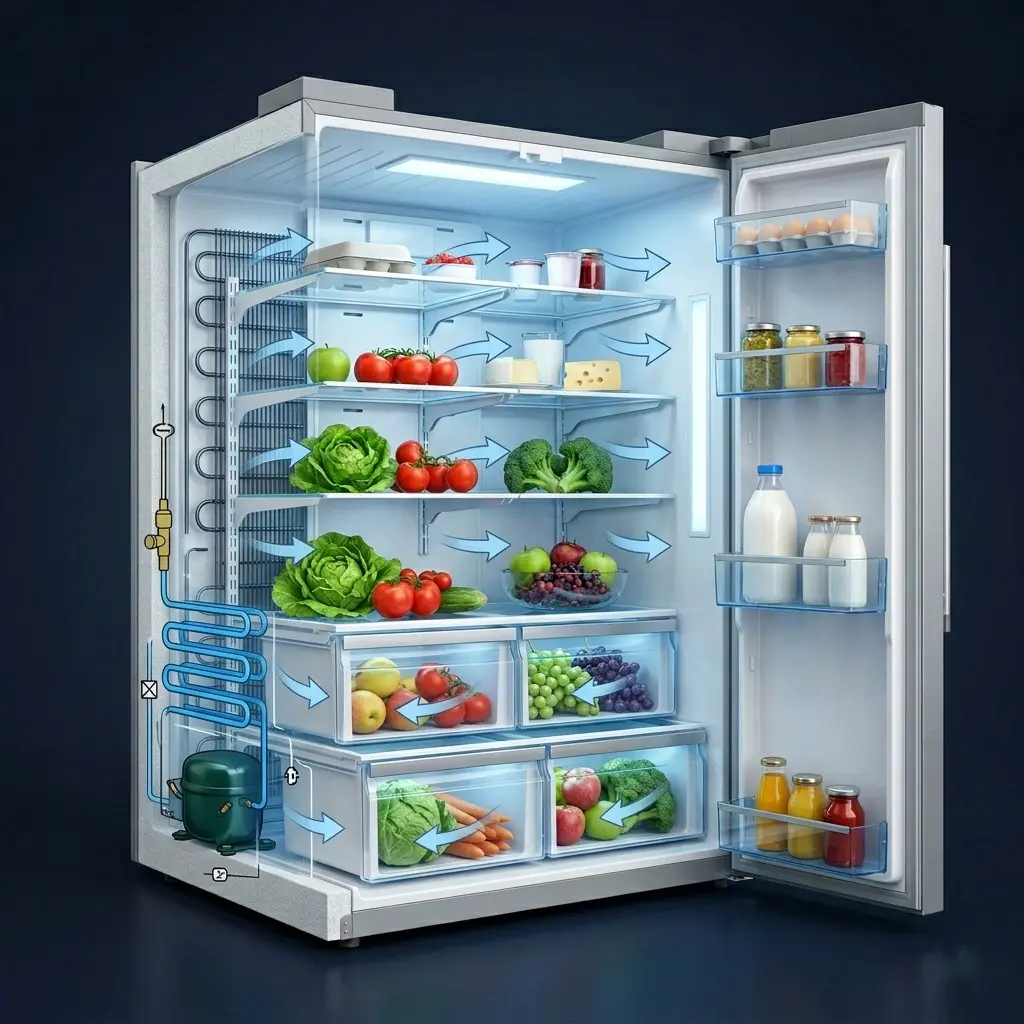
Smart Cooling is LG’s sensor-based airflow management system. It uses internal sensors to monitor temperature conditions throughout the fridge and adjusts airflow distribution automatically to maintain consistent cooling across every shelf and compartment.
Why It Saves Energy
Without Smart Cooling, a traditional fridge has to run the compressor harder to compensate for uneven temperature distribution: warm spots near the door and colder spots at the back. Smart Cooling eliminates those inefficiencies by directing air precisely where it’s needed.
- Reduces temperature fluctuations that trigger unnecessary compressor cycles
- Prevents the compressor from overworking to compensate for hot spots
- Extends the life of stored food by maintaining consistent conditions
How to Check It’s Active
Step 1: Go to Settings on the control panel
Step 2: Select Cooling
Step 3: Confirm Smart Cooling is set to on.
Setting 6: Enable the Door Alarm
This one sounds simple, but it has a real impact. Every time the fridge door is left open for more than 60 seconds, warm air floods in, and the compressor has to work to bring the temperature back down. In a busy household, this can happen multiple times a day, adding up to significant wasted energy over a week.
The door alarm emits an audible alert when the door has been left open beyond a set time threshold. It’s a simple reminder that prevents a very common source of energy waste, especially in households with children.
How to Enable
Step 1: Go to Settings on the control panel
Step 2: Select Door Alarm
Step 3: Toggle to On
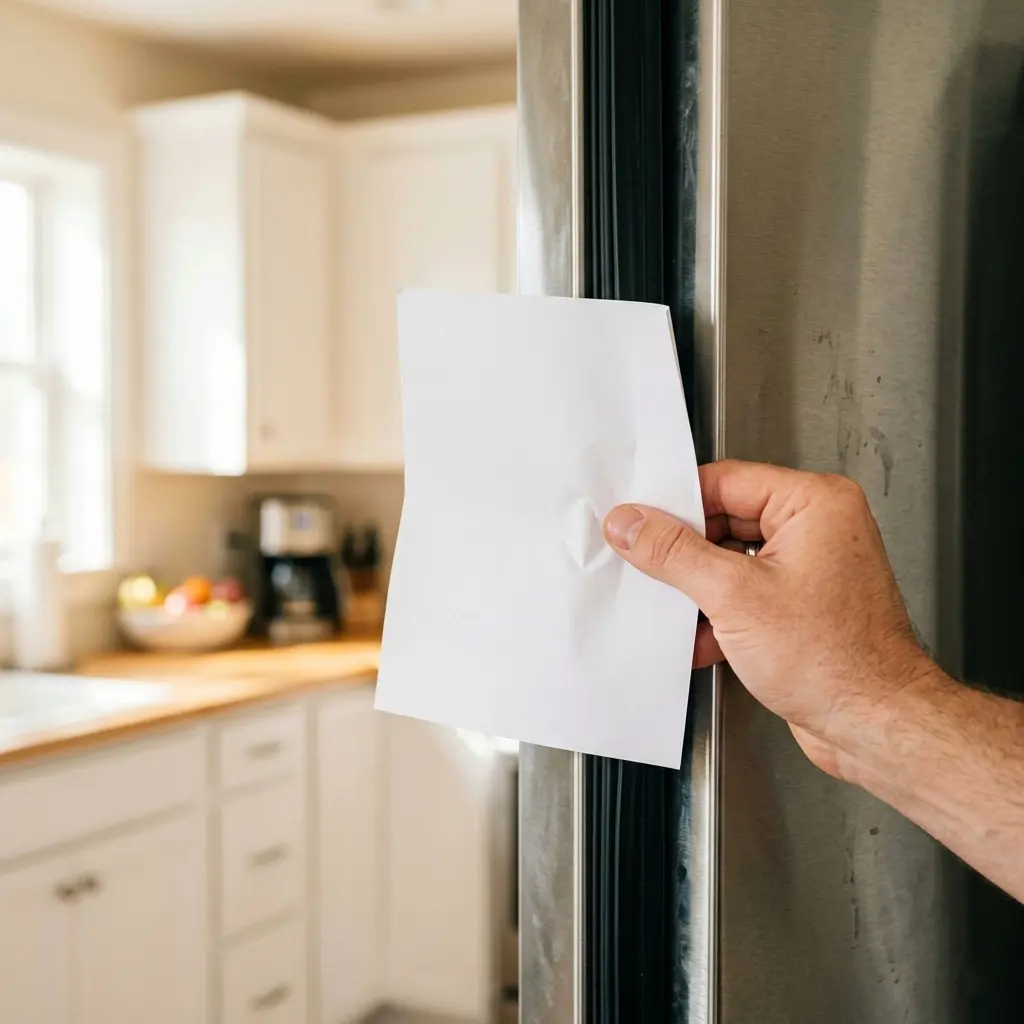
🔍 Also Check: While you’re here, physically inspect your door seals. Close the door on a thin piece of paper; if you can pull it out easily, the seal is worn,smart coolingworn, and cold air is escaping every day. A new door gasket is an inexpensive fix that pays for itself quickly in energy savings.
👉 [Read More: Refrigerator Door Seal Replacement Step-by-Step Guide 2026]
LG Fridge Energy Settings Quick Comparison Table
Use this table to see all six settings at a glance and decide which ones to activate based on your situation.
| Setting / Feature | Energy Saving | Best For | How to Activate |
| Energy Saver Mode | Up to 15% | Mild climates, low-traffic households | Settings → Energy Saver → On |
| Optimized Temperature (37°F / 0°F) | 1–2% per degree | All households | Fridge temperature and freezer temperature buttons |
| Vacation Mode | 15–30% | Extended travel (3+ days) | Settings → Vacation Mode → Enable |
| Express Cool / Express Freeze OFF | 5–10% | Daily use (not post-shopping) | Toggle off after items are chilled |
| Smart Cooling Active | Ongoing | All LG inverter models | Settings → Cooling → Smart Cooling → On |
| Door Alarm Enabled | Ongoing | Households with children or high traffic | Settings → Door Alarm → On |
Beyond Settings: Daily Habits That Cut Your Electricity Bill
The right settings lay the foundation, but daily habits determine the real-world result. Here are the most impactful things you can do beyond the control panel.
Never Put Hot Food Directly in the Fridge
Placing warm or hot food in the fridge forces the compressor to work much harder to bring the temperature back down. Let leftovers cool to room temperature first, ideally within two hours of cooking, for food safety, then refrigerate. A simple habit that makes a measurable difference.

Don’t Overfill the Fridge
A packed fridge blocks the internal airflow vents, preventing Smart Cooling from doing its job. Air needs to circulate freely around food to maintain even temperatures. Leave a little space between items, keep the back vents clear, and avoid stacking things too high on shelves.
Clean the Condenser Coils Every Six Months
The condenser coils located at the back or underneath your fridge, depending on the model, release heat from the cooling process. When they’re coated in dust and debris, the fridge has to work significantly harder to cool effectively. A quick vacuum or wipe-down every six months can improve efficiency by 5 to 10%.

- 【Durable & Flexible Construction】 Crafted with a bendable stainless steel shaft and dense spiral bristles, this pipe cle…
- 【Multi-Surface Lint Brush】 Ideal as a dryer cleaning brush, long brush, appliance brush, drain cleaning brush, or coil c…
- 【Effective Clog Removal】 Works as a powerful drain cleaner brush to clear hair, soap scum, and debris from kitchen sinks…
Keep the Fridge Away from Heat Sources
Placement matters. A fridge positioned next to an oven, in direct sunlight, or against a wall with no clearance has to work much harder to maintain its temperature. Leave at least 5 cm of clearance on all sides and keep it away from heat-generating appliances wherever possible.
Defrost the freezer if ice builds up.
Modern LG fridges with Frost Free technology manage defrost cycles automatically, but older models or those with faulty defrost sensors can build up ice over time. More than 6mm of ice on the freezer walls reduces efficiency noticeably. If you see significant buildup, a manual defrost cycle is worth doing.
Pros and Cons of LG Fridge Energy-Saving Features
Pros
- Energy Saver Mode is easy to activate and delivers real, measurable electricity savings in suitable climates
- Vacation Mode is one of the most thoughtful travel features available on any fridge brand in 2026
- Smart Cooling provides genuinely intelligent temperature management that reduces compressor wear over time
- The linear inverter compressor adjusts speed continuously, using only as much energy as the current conditions demand
- Door Alarm is a simple but highly effective tool for high-traffic households and families with children
- All settings are accessible through a single control panel; no app or Wi-Fi required for basic adjustments
Cons
- Energy Saver Mode is not suitable for humid climates; it can cause door condensation that requires the mode to be switched off
- Express Cool and Express Freeze are easy to forget to turn off, and leaving them running defeats their energy-saving purpose
- Vacation Mode only saves energy meaningfully during absences of three days or longer; shorter trips see minimal benefit
- Smart Cooling requires regular coil cleaning to work at full efficiency; it can’t compensate for clogged condenser coils
- Temperature optimization requires a 24-hour wait period before the results are stable and not immediately visible
FAQ: 5 Common Questions Answered
1. Does Energy Saver Mode actually make a noticeable difference to my electricity bill?
Yes, but the size of the impact depends on your climate and usage patterns. In moderate climates where the fridge isn’t working hard against ambient heat, energy saver mode can reduce consumption by up to 15%. In very hot or humid environments, the mode may not be suitable. Watch for door condensation as the signal to switch it off. For most households in temperate climates, it’s one of the easiest and most effective changes you can make.
2. What is the best temperature setting for an LG fridge in 2026?
The universally recommended settings remain 37°F (3°C) for the fridge compartment and 0°F (-18°C) for the freezer. These are the temperatures at which food stays safely preserved while the compressor operates at its most efficient range. Going colder wastes energy without improving food preservation. Going warmer risks food safety. Stick to these targets and you’ll be in the optimal zone.
3. Is it safe to use Vacation Mode for two weeks?
Absolutely. Vacation Mode is designed for exactly this scenario. The fridge compartment rises to a higher holding temperature that reduces compressor activity while keeping the interior dry and odor-free. The freezer runs at full capacity throughout. Just make sure you remove perishable items from the fridge before you leave, and consider placing a box of baking soda inside to keep things fresh while you’re away.
4. How much money can I realistically save by optimizing my LG fridge settings?
This depends on your electricity tariff, climate, and current settings. However, combining all six optimizations in this guide, Energy Saver Mode, correct temperatures, Vacation Mode during trips, disabling express modes after use, Smart Cooling active, and door alarm enabled can realistically reduce your fridge’s energy consumption by 15 to 25% compared to factory default settings. For most households, that translates to a meaningful saving on annual electricity costs without any reduction in performance.
5. My LG fridge has Wi-Fi. Should I manage energy settings through the ThinQ app?
The LG ThinQ app gives you convenient remote access to most of these settings, which is genuinely useful. You can enable Vacation Mode from the airport, check if a door has been left open, and monitor energy usage data over time. However, all the settings in this guide are also fully accessible through the physical control panel; you don’t need the app to benefit from any of them. The app is a nice-to-have addition, not a requirement.
👉 [INTERNAL LINK: LG ThinQ App Setup Guide for Refrigerators 2026 Walkthrough]
Conclusion: Small Changes, Real Savings
Your LG fridge already has everything it needs to run efficiently. The features are built in, and the technology is there; it’s just a matter of turning the right things on and building a few smart habits around how you use it.
Start with the two quickest wins: set your temperatures to 37°F and 0°F and enable the energy saver mode. Those two changes alone will make a measurable difference within the first month. Then work through the rest of the settings at your own pace.
A well-optimized LG refrigerator doesn’t just save money; it runs quieter, maintains more consistent temperatures, and puts less stress on the compressor, which means it lasts longer too. That’s a win on every level.
Ready to go further? Explore our related guides below for LG fridge troubleshooting, model comparisons, and the latest energy efficiency tips for your home.