
How to Reset Counter-Depth Refrigerator After Power Failure or Cooling Error
Safe, step-by-step 2026 reset guide for LG, Samsung, and Whirlpool counter-depth refrigerators.
Table of Contents
Your kitchen lights flicker back on, but the fridge stays silent, or worse, starts flashing an error code. Before you call a technician or start unloading food, there’s a good chance a simple reset is all your counter-depth refrigerator needs. Counter-depth models pack their compressor, fans, and control board into a tighter cabinet than standard-depth units, which means a power surge or outage can throw off the electronics faster, but it also means a proper reset usually clears the fault just as fast. This guide walks you through exactly how to do it safely, model by model.
Why Power Failures Cause Cooling Errors
Modern refrigerators run on electronic control boards and sensors rather than simple mechanical thermostats. When power cuts out or comes back with a surge or brownout, that control board can lose sync with the compressor, evaporator fan, or defrost timer. The result is usually one of two things: the unit sits idle even though power has returned, or the display locks into an error code because a sensor reading came back outside its expected range during the power event.
This is a known, common failure mode. Consumer Reports finds over 20% of home appliance service calls relate to power fluctuation problems, and a large share of those never needed a technician at all, because a full power-cycle reset resolved the fault.
The reset works because it forces the control board to reboot and re-read every sensor from a clean state, rather than trying to recover mid-fault. Two components are usually involved: the defrost timer, which schedules brief heating cycles to prevent frost buildup on the evaporator coils, and the temperature sensors, which tell the compressor when to cycle on and off. If either loses its place mid-cycle during a power event, the board can get stuck waiting for a signal that never comes, which is exactly what a full unplug clears. It doesn’t just cut power; it lets the board’s capacitors fully discharge so the next boot starts from zero instead of from wherever it left off.
Signs You Should Reset Counter-Depth Refrigerator
Check your refrigerator for these symptoms before resetting:
- The fridge is warm while lights remain on.
- The digital display shows error codes or blinking lights.
- The compressor does not hum after power returns.
- The ice maker or water dispenser stopped functioning.
- Strange beeps or repeated error messages after a surge.

| Symptom | Likely Cause | Quick Action |
| Warm fridge, lights on | The compressor didn’t restart after the outage. | Unplug 5 to 10 min, replug |
| Blinking display / error code | Control board glitch from power surge | Panel reset combo (below) |
| No compressor hum after power returns | The board is still in fault state | Wait 1 to 2 min, then check again |
| The ice maker/dispenser dead | Sensor reset needed | Reset temperature settings after rebooting. |
Before You Start: Safety Checks
Always follow safety first.
- Unplug the unit before touching any electrical parts or accessing the back panel.
- Use a non-slip step stool if you need to reach behind or above the fridge; never stand on a chair.
- Check that the outlet is not on a GFCI circuit that may have tripped separately; if it has, reset the GFCI first before assuming the fridge itself is at fault.
- If the floor near the outlet is wet from a leak or condensation, dry it before plugging or unplugging anything.
- Note the time you unplug the unit; if you end up needing a service call, technicians often ask how long the unit was without power.
- If you smell burning, see smoke, or notice scorch marks near the outlet or cord, turn off power at the breaker and call a technician immediately. Do not attempt a reset in this case.
- Avoid resetting a fridge that’s plugged into an extension cord or a shared power strip; appliance-grade current draw needs a dedicated outlet, and doing otherwise can mask the real cause of repeated resets.
Step-by-Step Reset: General Method (Works for Most Models)
These steps work for many counter-depth refrigerators, including LG, Samsung, and Whirlpool units.
1. Unplug the Refrigerator
- Turn off the power at the wall outlet.
- Unplug the refrigerator and leave it unplugged for 5 to 10 minutes.
- This pause allows the control board to fully discharge and clear temporary errors, rather than just cycling power too fast for the board to reset.
2. Plug It Back In
- Reconnect the power and wait 1 to 2 minutes before checking the display.
- Listen for the compressor to start with a soft hum or click. Some models delay compressor start by several minutes as a built-in protection feature, so don’t assume failure too quickly.
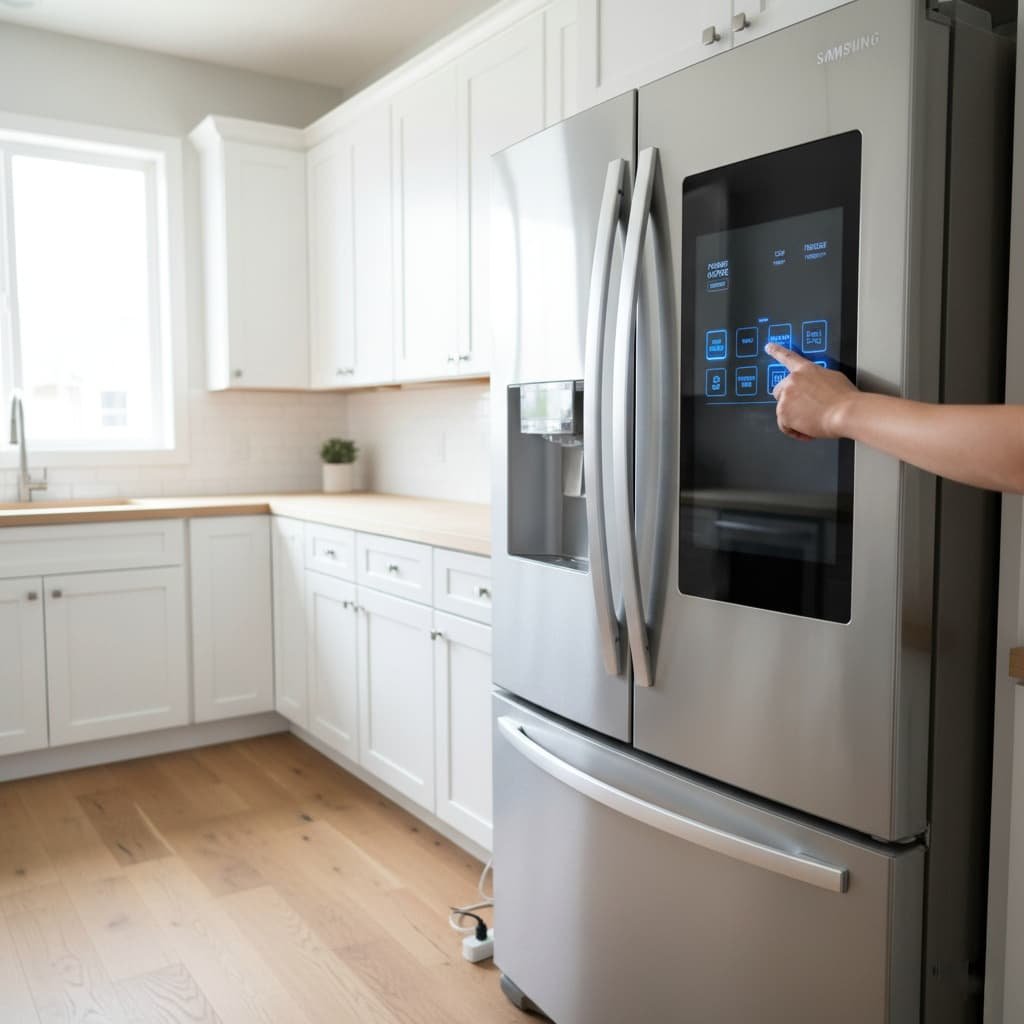
3. Use Panel Reset Commands
Many brands provide button combos to force a reset. Try the commands below if the display still shows errors after the basic unplug/replug.
LG Models
- Press and hold “Refrigerator” and “Ice Plus” for 5 seconds.
- Use the LG app (ThinQ) to reinitialize Wi-Fi models if needed.

Samsung Models
- Press and hold Power Cool and Power Freeze for 5 seconds.
- If you see “OF OF” (demo mode), hold the same buttons to exit.
| 2026 Update, Samsung Guidance Samsung’s current guidance advises against unplugging the unit or pressing panel buttons unless specifically instructed to, since doing so can make it harder for a technician to diagnose the issue if service later becomes necessary. If your model displays an “85C” code, that specifically flags a low-voltage warning tied to a brief power outage, a standard reset is the appropriate first step before anything else. |
👉 See our Samsung troubleshooting notes for extra tips.

Whirlpool Models
- Unplug for 10 minutes, then plug back in.
- Press Lock + Filter Reset for 3 seconds to clear some errors.
- Refer to the user manual for diagnostics mode.
4. Reset Temperature Settings
After the display clears, set temperatures to recommended levels: the fridge at 37°F (3°C) and the freezer at 0°F (-18°C). Allow the appliance to stabilize for 24 hours before judging performance; cooling can take several hours to return to normal even after a successful reset, especially if the door was opened repeatedly while troubleshooting.
Troubleshooting If Reset Does Not Fix the Issue
If you still see problems, the cause is usually one of these:
- Tripped breaker: check if the kitchen circuit is live.
- Blown fuse or surge damage from the outage itself.
- Dirty condenser coils restricting airflow.
- Blocked vents or overpacked shelves.
Each of these needs a different fix depending on your exact symptoms.
When to Call a Technician
Contact a certified technician if any of these occur:
- The compressor never starts after 30 minutes post-reset; this usually points to a failed start relay or capacitor, not a software fault a reset can fix.
- Repeated error codes appear despite multiple resets; the board is likely flagging a genuine hardware fault rather than a temporary glitch.
- There is an unusual noise or a burning smell; stop troubleshooting immediately and treat this as an electrical safety issue.
- Rapid frost buildup occurs after a reset, often a sign the defrost heater or door seal needs attention, not the control board.
Preventive Steps to Avoid Future Reset Needs
- Use a surge protector rated for major appliances to guard against future spikes; a basic power strip is not sufficient for a refrigerator’s compressor load.
- Keep the condenser coils clean every 6 months; Energy Star notes that clean coils can improve cooling efficiency by up to 15%.
- Avoid blocking internal vents, and do not overload shelves; airflow around the evaporator is what keeps temperatures even.
- Document your model and serial numbers now, before you need them, so a future service call goes faster.
- If outages are frequent in your area, consider a whole-house surge protector installed at the breaker panel; it protects every appliance, not just the fridge.
- Keep the refrigerator on its own dedicated circuit where possible, rather than sharing a breaker with high-draw appliances like a microwave or space heater; shared circuits are more prone to the voltage dips that trigger cooling errors in the first place.
| Tip: Renters and students may prefer a small inline surge protector or an affordable UPS to protect compact counter-depth units without any electrical work. |
Frequently Asked Questions
How long should I leave my fridge unplugged before resetting?
5 to 10 minutes is enough for most control boards to fully discharge and clear a temporary fault. Unplugging for only a few seconds often isn’t long enough.
Will resetting my fridge delete my settings?
Usually just temperature settings, which you’ll want to re-check afterward. Wi-Fi and app pairings on smart models (ThinQ and SmartThings) may also need to be reconnected.
Is it safe to reset a fridge repeatedly?
Occasionally, yes, resets are a normal troubleshooting step. But if you’re resetting the same unit multiple times in a single week, that pattern points to an underlying electrical or hardware issue, not just a fluke outage, and it’s worth having it checked.
Why does my fridge keep tripping the breaker after a power outage?
This usually means the compressor is drawing a startup surge the circuit can’t handle, often because of a wiring issue or a breaker that’s already weakened. This is an electrical problem, not something a reset can fix; it needs an electrician or technician.
Does a reset fix a fridge that isn’t cooling at all, even without an error code?
Sometimes, the cause is a control board that silently locked up rather than displaying a fault. If a full reset doesn’t bring the compressor back within 30 minutes, treat it as a hardware issue rather than repeating the reset.
Do I need to empty the fridge before resetting it?
No, a reset only takes a few minutes, so food stays cold enough inside a closed fridge and freezer. Just avoid opening the doors unnecessarily while you wait, since that lets in warm air right when the unit is trying to stabilize.
Can a power reset damage my refrigerator?
No. Unplugging and replugging is the same action the appliance goes through during any normal power interruption, and it’s the manufacturer-recommended first step in most user manuals; it carries no risk to the compressor or electronics.
| Still Seeing Errors? Don’t keep guessing; check our brand-specific error code guides below for the exact fix for your model. |
Final Thoughts
Knowing how to reset a counter-depth refrigerator after a power failure or cooling error helps you act quickly and avoid unnecessary food loss. A simple unplug-and-replug or a panel reset fixes most glitches within minutes. However, persistent issues after a full reset point to something a reset can’t solve, a breaker, a part, or a wiring problem, and those need professional diagnostics rather than repeated attempts. With stable power, routine maintenance, and basic surge protection, you can cut down on both service calls and the risk of losing a fridge full of food the next time the power blinks.